Home Assistant AC Defender Wiki
Home Assistant AC Defender is a Docker-hosted ASP.NET Core Blazor website and background worker that watches a real Home Assistant climate entity and defends the dining room AC target — my temp — against the AC app’s own schedule, phone changes, and wall touches, while staying polite, safe, and cheap to run.
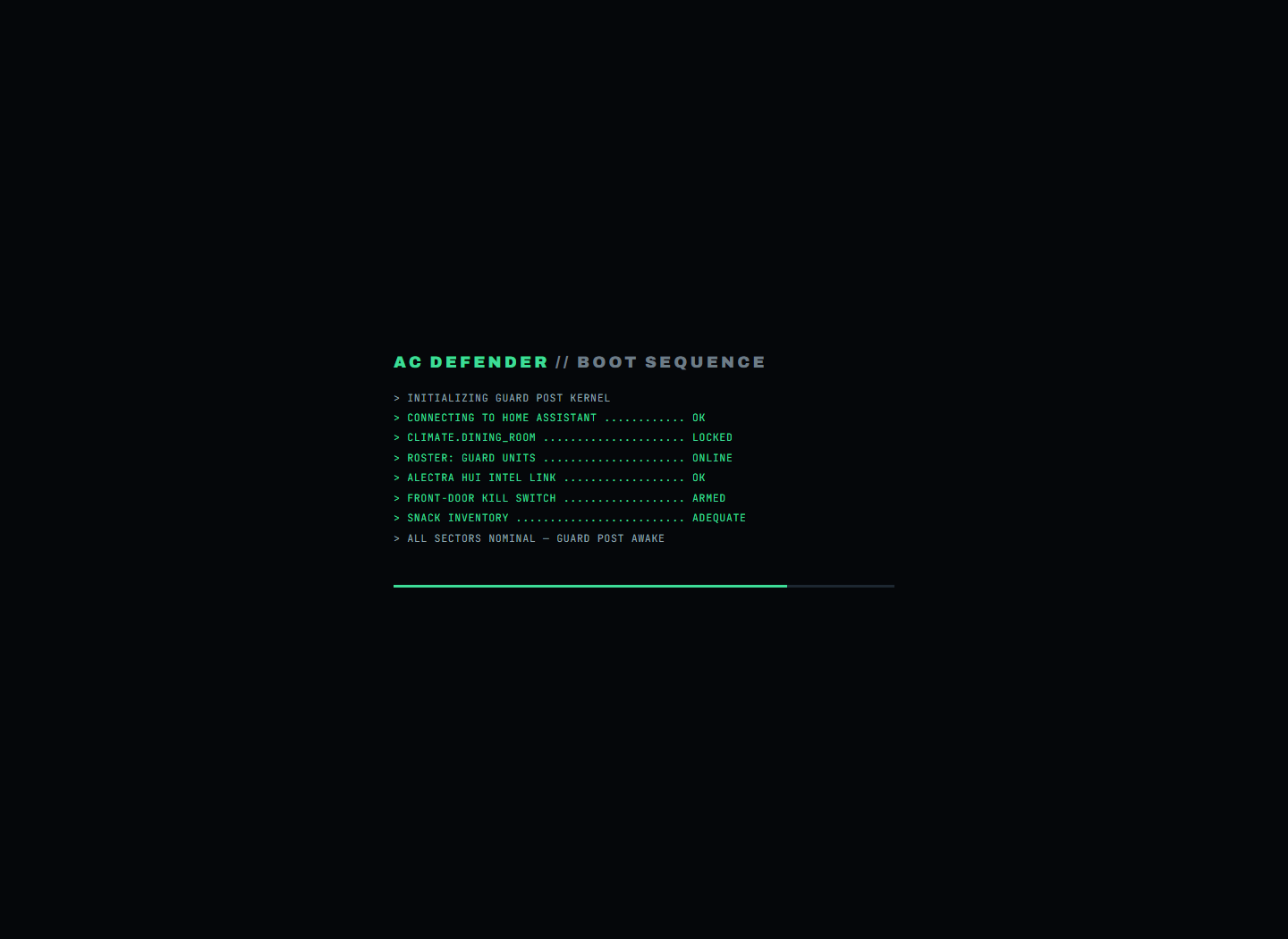
No simulator or dummy thermostat is used. Every control acts on the configured Home Assistant climate entity or returns a real error.
Start here
| Page | What it answers |
|---|---|
| Website Tour | “What am I looking at?” — every page, with screenshots, in plain words |
| Algorithms | Search every AC Defender algorithm and open the full article for any guard |
| Every Guard, Explained Simply | Every single algorithm, described so a five-year-old could follow |
| Energy & Costs | How hours become dollars: TOU rates, the AC-only estimate, the usage calendar, the monthly budget |
| Yelling Survival Guide | Thirty before, during, and after steps for the playful bill forecast, with immediate-safety boundaries |
| Yelling Predictions | All ten Yell-O-Meter bands, more than forty possible scenarios, and exactly what the app does not know |
| Heat, Pain & Survival Facts | Sourced hearing, heat-illness, and personal-safety facts that end the joke when safety matters |
| Defender Logic | The full decision cycle and every guard’s exact rules |
| Settings | Every knob on the Settings page |
| Changelog | Every published release, date filter, regex search, export, and commit traceability |
| Notification history | Reviewable activity notices that survive the live log tail |
| Command palette | Keyboard-first navigation from every signed-in page |
| Regex search builder | Bounded plain-text and .NET regex search on the palette, Defense roster, and Field Manual |
| App tabs | Persisted browser-style route tabs with keyboard navigation and overflow-safe scrolling |
| Context menus | Right-click, keyboard, and mobile press-and-hold editing on every signed-in surface |
| Dim-sum startup surprise | A bounded, 10% post-boot delight using public catalog metadata and immutable release photos |
| Thermostat OFF super-confirmation | Native two-key, full-slider safety gate for the real destructive OFF command |
| Windows Electron controller | Separate Windows client for the hosted service |
| API | The JSON endpoints and SSE stream |
| Architecture | How the code is put together |
| Deployment | Docker hosting |
| Release operations | CI verification, Docker release archives, checksums, and line-count reports |
The big ideas
- My temp is law. The user’s target is a hard floor — no guard, schedule, budget, or learned offset may ever cool below it, and warm-room defense always walks back toward it.
- A team of guards, not one rule. Dozens of small, focused guards (cooldown, comfort grace, stealth timing, peak-power saving, rival-schedule watch…) each get a live card on the Defense page and a section in the in-app Guide, generated from one source of truth.
- People get courtesy; machines don’t. Human wall touches earn quiet waits, peace offerings, and natural-looking corrections. The AC app’s own schedule (Rival Schedule Watch) is answered promptly — nobody is watching at 2 a.m.
- Money awareness built in. Real compressor hours are priced at Alectra time-of-use rates (sensor-free), shown under the runtime counters, on an airline-style usage calendar, and steered by an optional monthly budget with a safety-first fallback.
- Safety always wins. Hot rooms bypass every stealth wait; the budget yields to a maximum room temperature; emergencies stop everything.
- Automatic thermostat-interaction risk cues. A deterministic large-raise/touch-burst rule may respond with a peace gesture and a two-hour stand-down. Separately, the local learning model can extend later manual-change grace during previously labelled sensitive hours. Neither path has a microphone or claims that somebody is yelling with certainty.
- A persistent human always wins. The truce family — Repeated-Raise Surrender (insist three times and your number stands for four hours), the ULTRA OMEGA Tamper Truce (a vanished thermostat after an argument means stand down, not alarms), and the Wake-Up Truce (a bedroom door opening at dawn warms the target before the person reaches the hallway). Nobody should ever have to detach a thermostat again.
Failure modes
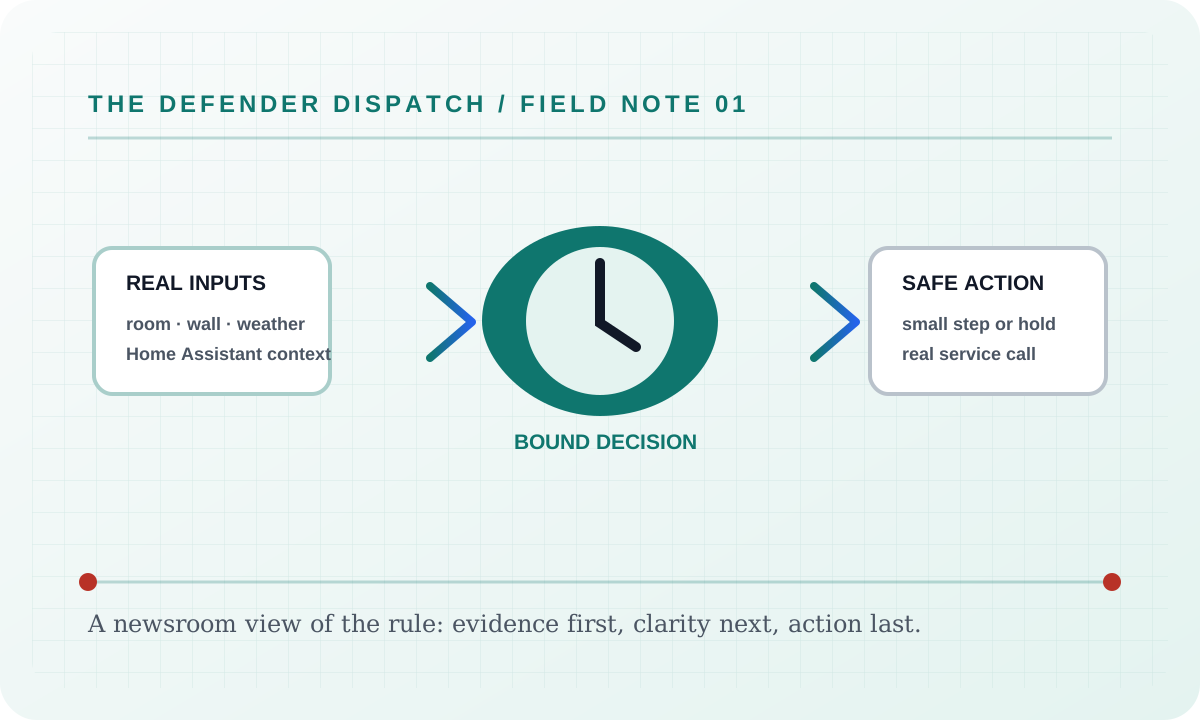
If Home cannot obtain one of its required real inputs, it reports a blocked, held, or unavailable result and leaves the background worker’s Home Assistant refresh running. It never fills a missing room reading, audit event, weather sample, usage value, or device state with a simulator value. If a real Home Assistant command is rejected, the user sees the service’s actual error and the article’s surface remains available for recovery.
Security considerations
This feature consumes only the configured Home Assistant entity data, local settings, and the audit context named above. Tokens and credentials stay in the server environment; the static documentation site does not collect analytics, transmit search text, or embed third-party assets. Logs and exports should be reviewed before sharing because real entity names and timestamps can identify a household.
Verification
Verify the shipped behavior at the feature’s live page or endpoint, then run the repository’s documented build and test commands. Confirm the real-input and real-error paths, keyboard access, reduced-motion behavior, and a 390 px viewport without horizontal overflow. Record the exact commit and workflow result when publishing a release; a static screenshot alone is not proof of a live Home Assistant command.
Suggested articles
- Feature briefs — find every documented surface and guard.
- Defender Logic — follow the complete decision cycle and its bypass rules.
- Settings — inspect persisted configuration, language modes, and safety limits.