Safety, Energy, and System algorithm
Alectra Peak Power Saver
Makes the defender more chill and resource-saving when Alectra Hui reports on-peak, high price, or high power use.
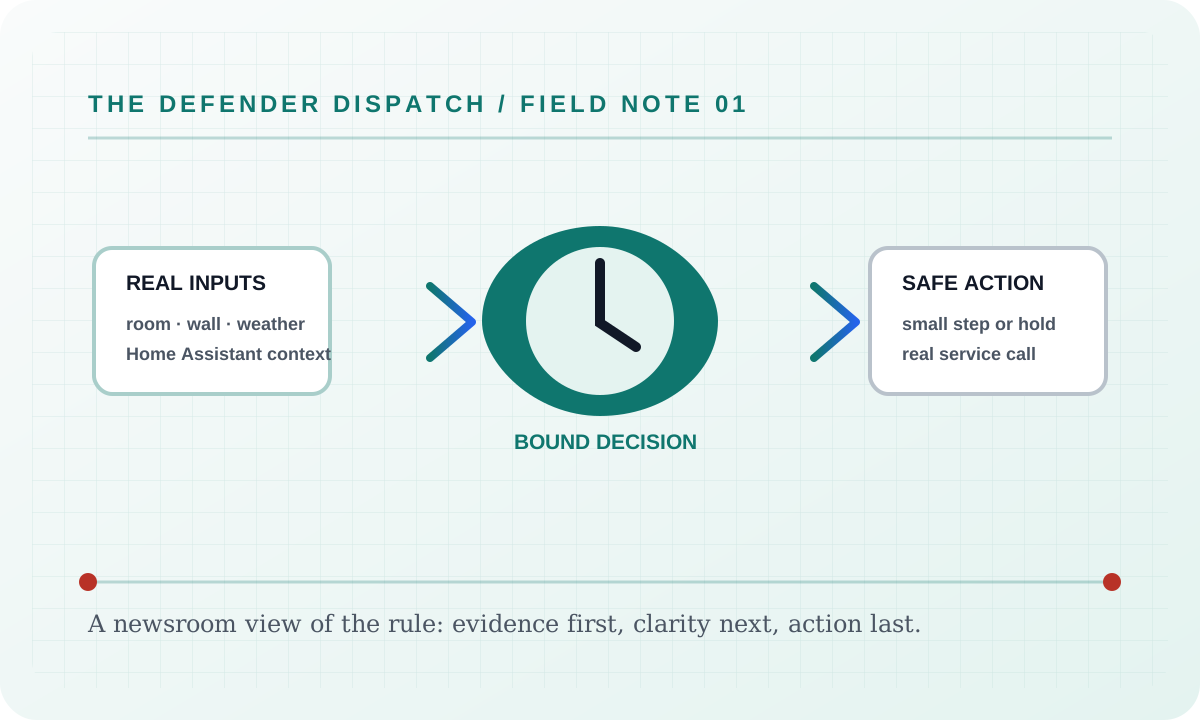
These algorithms keep the product honest: real Home Assistant commands, real errors, real weather or usage data, and safety-first fallbacks whenever comfort or equipment protection matters.
The short version
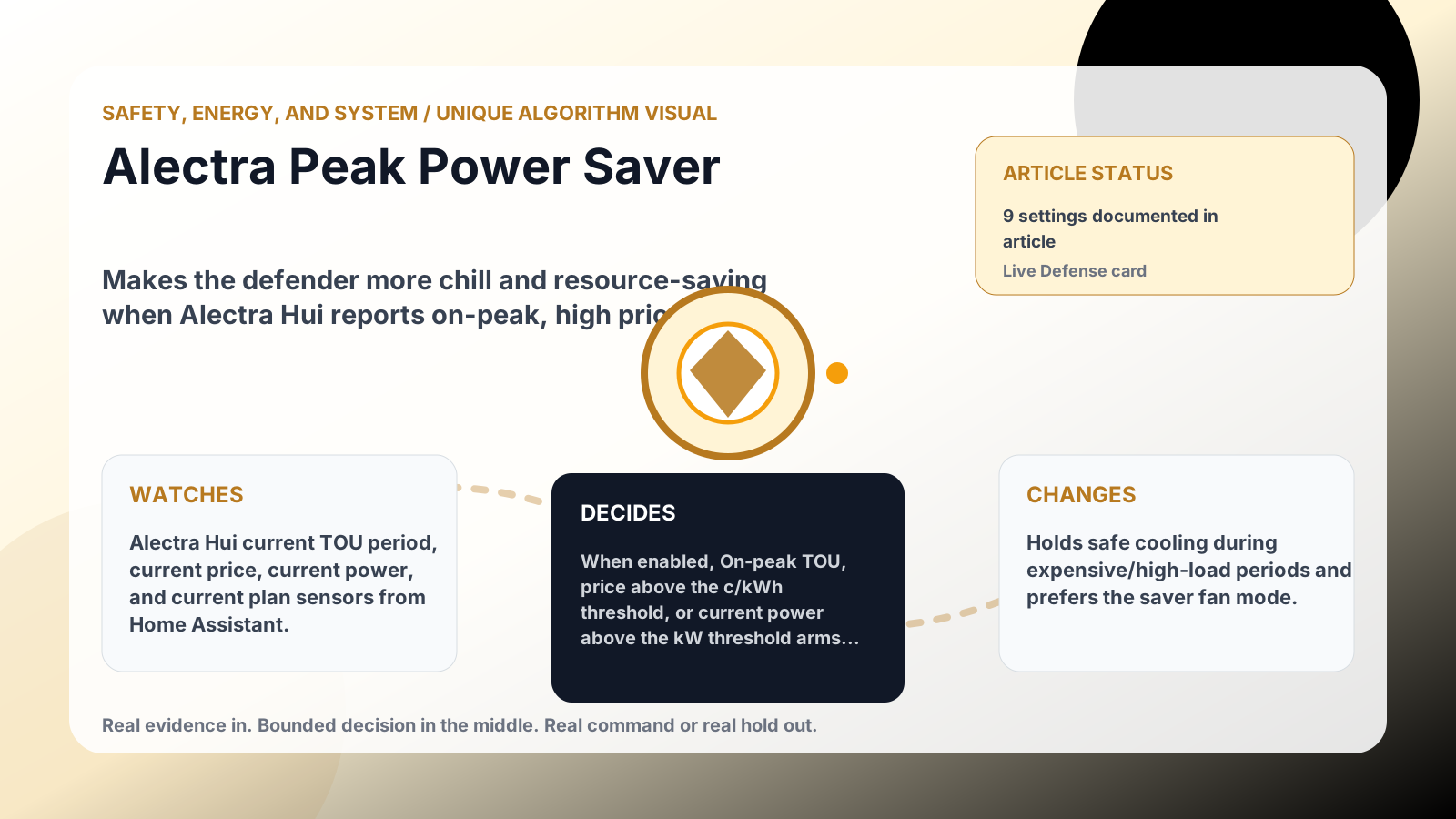
Makes the defender more chill and resource-saving when Alectra Hui reports on-peak, high price, or high power use.
What it watches
Alectra Hui current TOU period, current price, current power, and current plan sensors from Home Assistant.
How it decides
When enabled, On-peak TOU, price above the c/kWh threshold, or current power above the kW threshold arms a short saver window. During that window it holds only safe cooling commands that would demand more cooling, and it can set the configured fan saver mode if the room is still inside the safety band. If the room or upstairs gets too hot, or the command would save energy by warming the setpoint, it steps aside.
What it changes
Holds safe cooling during expensive/high-load periods and prefers the saver fan mode.
Safety boundaries
- Uses the real inputs listed above. It does not invent thermostat, weather, usage, or sensor state.
- Changes only the output listed above. Thermostat-affecting work goes through Home Assistant or returns a real error.
- The global AC Defender rules still apply: the website target remains the floor for cooling commands, the worker keeps refreshing real Home Assistant state 24/7, and comfort/safety rules are not bypassed by decorative timing.
Settings
PeakPowerSaverEnabledPeakPowerSaverOnPeakEnabledPeakPowerSaverHighPowerEnabledPeakPowerSaverPowerThresholdKilowattsPeakPowerSaverPriceThresholdCentsPerKwhPeakPowerSaverHoldMinutesPeakPowerSaverSafetyBandCelsiusPeakPowerSaverFanSaverEnabledPeakPowerSaverFanMode
Where to see it
- Defense page: live card with state, verdict, evidence, and metrics.
- Guide page: generated from the same guard catalog entry.
- Source:
Guards/GuardCatalog.csdescribes this page; the implementation is coordinated byServices/DefenderStateStore.csandServices/AcDefenderService.cs.
Failure modes
If Alectra Peak Power Saver cannot obtain one of its required real inputs, it reports a blocked, held, or unavailable result and leaves the background worker’s Home Assistant refresh running. It never fills a missing room reading, audit event, weather sample, usage value, or device state with a simulator value. If a real Home Assistant command is rejected, the user sees the service’s actual error and the article’s surface remains available for recovery.
Security considerations
This feature consumes only the configured Home Assistant entity data, local settings, and the audit context named above. Tokens and credentials stay in the server environment; the static documentation site does not collect analytics, transmit search text, or embed third-party assets. Logs and exports should be reviewed before sharing because real entity names and timestamps can identify a household.
Verification
Verify the shipped behavior at the feature’s live page or endpoint, then run the repository’s documented build and test commands. Confirm the real-input and real-error paths, keyboard access, reduced-motion behavior, and a 390 px viewport without horizontal overflow. Record the exact commit and workflow result when publishing a release; a static screenshot alone is not proof of a live Home Assistant command.
Suggested articles
- Feature briefs — find every documented surface and guard.
- Defender Logic — follow the complete decision cycle and its bypass rules.
- Settings — inspect persisted configuration, language modes, and safety limits.