API
State
GET /api/status
GET /api/settings
GET /api/usage/live
GET /api/usage/alectra-hui
GET /api/usage/history
GET /api/status/stream
GET /api/notifications?limit=100&includeDismissed=false&level=warning&from=2026-08-04&to=2026-08-04&actions=created,dismissed
POST /api/notifications/{id}/read
POST /api/notifications/{id}/dismiss
POST /api/notifications/{id}/restore
/api/status/stream is a Server-Sent Events endpoint that emits the full defender snapshot every second.
The status snapshot includes:
cooldownSeconds: remaining dynamic/manual-touch cooldown.websiteCommandDebounce: two-minute website command gate, remaining seconds, last accepted command, status, and expiry time.emergency: active emergency quiet protocol, remaining seconds, status, and expiry time.frontDoorKillSwitch: real front-door person detector guard status, active/person flags, detector count, configured entity IDs, last detector, recent thermostat-off command flag, hold seconds, and detector readings.coolModeRestore: cool-mode restore delay status, remaining seconds, and due time.naturalRecovery: quiet recovery status, quiet level, wait seconds, recent touch count, base/effective nudge size, base/effective hold chance, and effective command gap.naturalWalkback: safe-band walkback status, active flag, touch score, and current walkback step.touchSignature: safe nudge signature status, active flag, sample count, learned step, and effective step.humanNudge: safe command shaper status, active flag, normal step size, recent touch count, and last shaped setpoint.visibilityGuard: safe correction visibility status, active flag, noticed signal count, pressure score, remaining seconds, and hold expiry.routineTiming: safe correction rhythm status, wait seconds, interval, jitter, and due time.comfortBudget: safe correction budget status, wait seconds, recent command count, max commands, and due time.commandCamouflage: helper-command spacing status, hold seconds, pressure, recent command count, and expiry time.stealthGovernor: overall low-profile pressure status, score, trigger score, recent touch/command counts, hold seconds, and expiry time.naturalCadence: variable safe-correction slot status, wait seconds, touch pressure, recent command count, and due time.naturalChangePlanner: Comfort Pace status, wait seconds, touch pressure, recent touches, recent command count, selected reason, and due time.comfortEnvelope: safe wall-preference range status, active flag, wait seconds, recent touch count, preferred wall setpoint, accepted min/max setpoints, and expiry time.comfortCompromise: temporary blended target status, preferred wall setpoint, effective target, remaining seconds, and expiry time.comfortMemory: learned time-window status, active flag, sample count, learned offset, and effective target.conflictQuiet: repeated-touch stand-down status, remaining seconds, trigger touch count, comfort band, and expiry time.tugOfWarTruce: up/down thermostat fight status, hold seconds, flip count, trigger flips, direction pattern, and expiry time.manualComfortGrace: wall-change grace status, remaining seconds, comfort band, and expiry time.touchIntent: wall-choice intent status, active flag, direction, recent touch count, net change, and extra grace minutes.setpointEcho: pending setpoint confirmation status, wait seconds, pending target, and expiry time.repeatCommand: identical-command hold status, wait seconds, pressure, last defender setpoint, and expiry time.setpointStillness: stable wall-setpoint reading status, hold seconds, stable sample count, required samples, current reported setpoint, and expiry time.sensorRhythm: Home Assistant reading cadence status, wait seconds, learned median interval, sample count, and due time.hvacActionAlibi: real HVAC action transition timing status, wait seconds, current action, recent touch count, last transition time, and expiry time.telemetryAlibi: real Home Assistant/weather/Alectra telemetry timing status, wait seconds, latest signal, recent touch count, and expiry time.coolingRunway: fresh-cooling hold status, wait seconds, pressure, cooling start time, and expiry time.roomTrend: real room trend direction, delta, sample count, hold status, and remaining hold seconds.thermalMomentum: real cooling rate, estimated minutes to target, hold status, and remaining hold seconds.peakPowerSaver: Alectra Hui peak/high-price/high-power status, hold seconds, current kW, current c/kWh, TOU period, plan, thresholds, fan-saver flag, and latest usage timestamp.superDefender: repeated Home Assistant user/phone or automation change status, active flag, strict wait bypass flag, recent remote-change count, last source, remaining seconds, and manual-only network-lockdown warning.remoteSettling: quiet hold status after repeated Home Assistant-side changes, recent remote-change count, trigger count, last source, remaining seconds, and expiry time.coolingFailure: mega-alert status, active seconds, alert count, suspected time, next repeat alert time, and status message.thermostatChanges: external thermostat touch audit log, including previous/new setpoint, room/outdoor/weather context, source label, Home Assistant context ID, parent ID, user ID, and the raw JSON details shown by the Logs page.defenderCommands: the defender’s own thermostat commands (newest-first), each with timestamp, source guard label, commanded setpoint/mode/fan, and detail. Distinct fromthermostatChanges(which is external touches); the dashboard’s “last moves” panel shows the top 3.comfort: upstairs comfort and presence status.
Notification centre
GET /api/notifications reads the durable notification journal. Results are newest-first and include
items, unreadCount, activeCount, and actionCounts. Dismissed records are hidden by default; pass
includeDismissed=true to review them. level accepts info, success, warning, or error. Optional
from and to accept ISO-8601 timestamps; date-only values use UTC day boundaries, with a date-only to
value inclusive. actions accepts comma-separated journal actions (created, read, dismissed, and
restored). Each item carries the ordered actions that were actually appended to the JSONL journal.
The read, dismiss, and restore endpoints append a review action to the same JSONL journal. All four routes
are authenticated with the rest of /api and never issue a Home Assistant command.
Usage
GET /api/usage/live
GET /api/usage/alectra-hui
GET /api/usage/history?hours=24
GET /api/usage/history?entityId=sensor.alectra_hui_energy_today&from=2026-06-05T00:00:00Z&to=2026-06-05T23:59:59Z
/api/usage/live returns the configured Home Assistant usage sensors for current power, daily energy, hourly cost, daily cost, current bill, bill due date, bill fetch status, and an alectraHuiEntities list containing every Home Assistant entity whose entity ID contains alectra_hui. The Energy page uses this payload for the Alectra Hui overview, search, desk filters, grouped cards, and table.
/api/usage/alectra-hui returns only the full Alectra Hui entity list used by the Energy dashboard.
/api/usage/history reads Home Assistant recorder history for the configured energy entity by default. Pass entityId to inspect another sensor, hours for a window ending now, or explicit from and to timestamps. The Energy page chart uses this endpoint and labels samples in Toronto 24-hour time.
Target And Defender
POST /api/target/generate
POST /api/target
POST /api/defender
POST /api/settings
POST /api/settings accepts the automation, Comfort Sync, Human Nudge, Command Camouflage, Stealth Governor, Comfort Pace, Tug-of-War Truce, Comfort Envelope, Setpoint Stillness, HVAC Alibi, Telemetry Alibi, Alectra Peak Power Saver, Front-door Guard Post, Super Defender, Remote Settling, fan saver, upstairs comfort, presence, and schedule settings used by the MudBlazor settings page.
Real Thermostat Commands
POST /api/thermostat/refresh
POST /api/thermostat/force-target
POST /api/thermostat/force-boost
POST /api/thermostat/fan
POST /api/thermostat/off
POST /api/emergency
All thermostat command endpoints act on the real configured Home Assistant climate entity.
POST /api/emergency accepts:
{ "protocol": "too-cold" }
Supported protocols are too-cold, someone-upset, and suspicion. Thermostat-affecting website actions, including target generation, target changes, exact target, boost, fan mode, thermostat off, and the too-cold emergency, are protected by a two-minute debounce and return 429 with the current snapshot when another thermostat-affecting command is attempted too quickly. Defender activation, settings saves, refresh-only actions, and non-thermostat emergency quiet actions bypass the thermostat debounce.
CLI Usage
dotnet run -- usage-live [--json]
dotnet run -- usage-history [--entity sensor.name] [--hours 24] [--from timestamp] [--to timestamp] [--json]
CLI commands use the same Home Assistant base URL, token, and usage sensor configuration as the web app. The base URL and usage sensor selectors can be overridden with --base-url, --power, --energy, --hourly-cost, --cost, and --entity; tokens are read only from host configuration and are never accepted as command-line arguments.
Failure modes
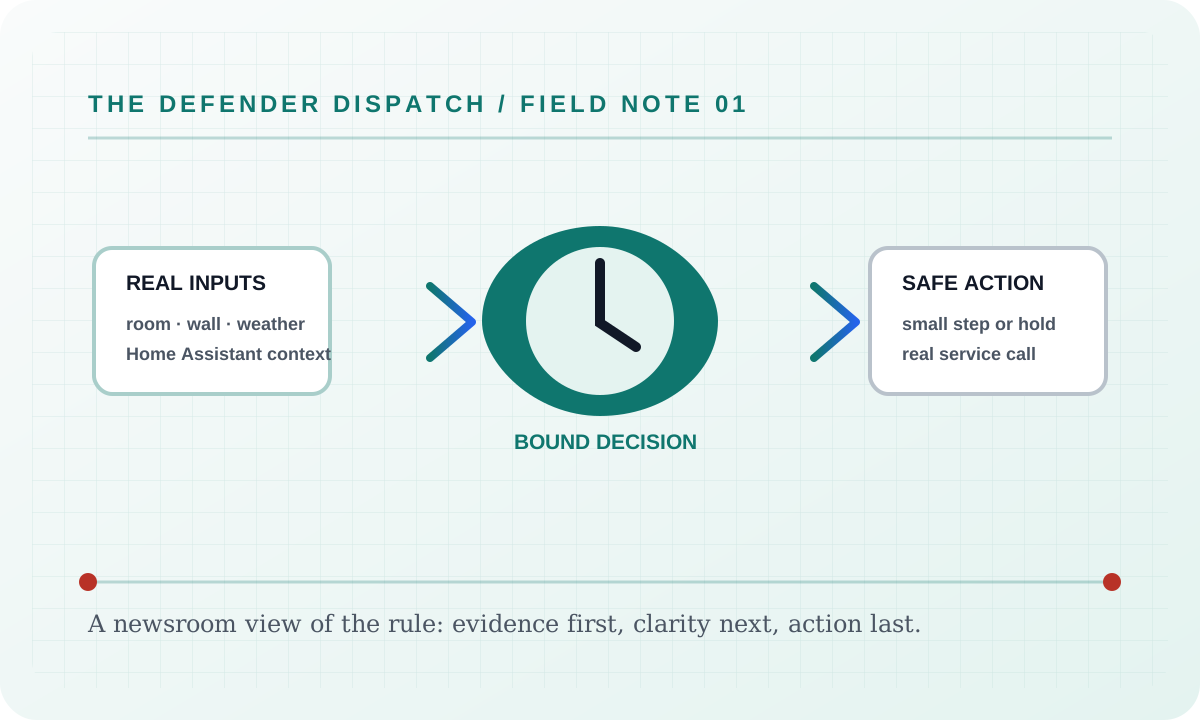
If API cannot obtain one of its required real inputs, it reports a blocked, held, or unavailable result and leaves the background worker’s Home Assistant refresh running. It never fills a missing room reading, audit event, weather sample, usage value, or device state with a simulator value. If a real Home Assistant command is rejected, the user sees the service’s actual error and the article’s surface remains available for recovery.
Security considerations
This feature consumes only the configured Home Assistant entity data, local settings, and the audit context named above. Tokens and credentials stay in the server environment; the static documentation site does not collect analytics, transmit search text, or embed third-party assets. Logs and exports should be reviewed before sharing because real entity names and timestamps can identify a household.
Verification
Verify the shipped behavior at the feature’s live page or endpoint, then run the repository’s documented build and test commands. Confirm the real-input and real-error paths, keyboard access, reduced-motion behavior, and a 390 px viewport without horizontal overflow. Record the exact commit and workflow result when publishing a release; a static screenshot alone is not proof of a live Home Assistant command.
Suggested articles
- Feature briefs — find every documented surface and guard.
- Defender Logic — follow the complete decision cycle and its bypass rules.
- Settings — inspect persisted configuration, language modes, and safety limits.