Deployment
The app is designed to run in Docker Compose.
Compose
docker compose up -d --build
For a published release, load the archive matching the host architecture and use the exact
image reference recorded in its .metadata.json companion. The release publishes independent
linux/amd64 and linux/arm64 docker save archives because a single-platform archive is what
docker load can consume:
gunzip ac-defender-docker-<version>-arm64.tar.gz
docker load --input ac-defender-docker-<version>-arm64.tar
export AC_DEFENDER_IMAGE=ac-defender:<version>-arm64
export AC_DEFENDER_VERSION=<version>
export AC_DEFENDER_REVISION=<commit>
docker compose up -d --no-build
The image carries OCI org.opencontainers.image.version and .revision labels. The Compose
service has a 768 MiB memory limit, a 1.50 CPU limit, a 64 MiB no-execute temporary filesystem,
and a read-only application root. /data and /app/App_Data are the only write mounts, so
defender state, settings history, authentication state, and data-protection keys survive an
image replacement without putting credentials in the image.
GET /healthz is anonymous and returns only status, release version, source revision, and
the effective request scheme. It is the Compose healthcheck target and never returns Home
Assistant URLs, access tokens, accounts, thermostat readings, or settings. A reverse proxy may
forward HTTPS only after the operator configures all three bounded settings below; an empty
trusted-proxy/network list ignores forwarded headers rather than trusting every caller:
FORWARDED_HEADERS_KNOWN_PROXIES=10.0.0.5
FORWARDED_HEADERS_KNOWN_IP_NETWORKS=10.0.0.0/24
FORWARDED_HEADERS_ALLOWED_HOSTS=ac-defender.example
scripts/deploy-host.sh is a non-publishing host-side path for a previously built archive. It
requires Docker Compose v2, a mode-600 .env containing the three required Home Assistant keys,
one exact allowed-host list, one or more exact trusted proxy IP/CIDR entries, an image checksum
sidecar, a matching exact-schema metadata sidecar, an exact image/version/revision selection, a
matching host architecture, and an immutable public release tag whose GitHub asset digest matches
the archive independently of the adjacent checksum file. Set AC_DEFENDER_RELEASE_TAG to the
published v0.1.* tag for the fixed public project identity
Ding-Ding-Projects/HomeAssistantAcDefender. The project identity cannot be overridden by
deployment environment variables. The script verifies image labels and /healthz,
and independently verifies a rollback’s image, prior metadata, health status, and /healthz
response. Run it with /s (or --silent) for unattended operation; no .env values or tokens
are printed. The host must provide curl and python3 for public release lookup and strict
duplicate-key/schema parsing. A missing release digest, unavailable strict parser, or unavailable
previous image is a failed/unavailable deployment state, never a guessed success.
The compose file publishes:
8888:8080
The website is reachable at:
http://<host>:8888
Runtime State
Runtime state is bind-mounted from the deployment host so a no-cache rebuild, a Compose project-name change, or a fresh image cannot hide the existing settings behind a new empty named volume.
Inside the container:
/data/defender-state.json
/data/thermostat-history.jsonl
/data/settings-repo
/app/App_Data
On the host, those paths come from:
./App_Data/defender -> /data
./App_Data/auth     -> /app/App_Data
/data/settings-repo is a local git repository managed by the app. It stores
the website target, defender switch, Settings page values, and schedule history
only. It does not store Home Assistant tokens, accounts, DataProtection keys,
.env, raw runtime telemetry, or thermostat history.
Secrets
Home Assistant credentials and tokens belong in .env on the deployment host. They must not be committed to Git.
Configuration reference (environment variables)
Required:
# Development-only loopback placeholder; use the real HTTPS API URL in production.
HomeAssistant__BaseUrl=http://127.0.0.1:8123
HomeAssistant__AllowInsecurePrivateNetworkHttp=false
HomeAssistant__EntityId=climate.dining_room
HomeAssistant__AccessToken=replace-with-token
Non-loopback Home Assistant traffic requires HTTPS. The only HTTP compatibility exception is an
explicit HomeAssistant__AllowInsecurePrivateNetworkHttp=true setting for an RFC1918, link-local,
or .local private target. This sends the bearer token over cleartext on that private network and
must not be used for public hosts. Public HTTP remains rejected even when the compatibility switch
is enabled. The deployment script validates this contract before loading an image.
The host .env also needs an exact reverse-proxy trust boundary:
FORWARDED_HEADERS_KNOWN_PROXIES=127.0.0.1
FORWARDED_HEADERS_KNOWN_IP_NETWORKS=
FORWARDED_HEADERS_ALLOWED_HOSTS=localhost
Optional Home Assistant entities:
HomeAssistant__WeatherEntityId=weather.home
HomeAssistant__OutdoorTemperatureEntityId=sensor.outdoor_temperature
HomeAssistant__OpenMeteoBackupEnabled=true
HomeAssistant__OpenMeteoLatitude=
HomeAssistant__OpenMeteoLongitude=
HomeAssistant__OpenMeteoRefreshMinutes=30
HomeAssistant__UsagePowerEntityId=sensor.alectra_hui_current_power
HomeAssistant__UsageEnergyEntityId=sensor.alectra_hui_energy_today
HomeAssistant__UsageCostEntityId=sensor.alectra_hui_cost_today
HomeAssistant__UsageHourlyCostEntityId=sensor.alectra_hui_hourly_cost
HomeAssistant__UsageCurrentBillEntityId=sensor.alectra_hui_current_bill
HomeAssistant__UsageCurrentBillDueEntityId=sensor.alectra_hui_current_bill_due
HomeAssistant__UsageCurrentBillStatusEntityId=sensor.alectra_hui_current_bill_status
HomeAssistant__Username=optional-bookkeeping-only
HomeAssistant__Password=optional-bookkeeping-only
If WeatherEntityId is blank the app discovers the first weather.* entity; with no weather
entity, OutdoorTemperatureEntityId can still provide outdoor temperature. The usage entities
come from the Alectra Hui integration; AC Defender only reads them once Home Assistant has
created them, and historical usage needs the entity recorded by the recorder
(api/history/period).
The Open-Meteo backup is enabled by default and is used only when Home Assistant cannot supply
the corresponding real outdoor condition or forecast. If latitude and longitude are blank, AC
Defender reads the installation coordinates from Home Assistant’s authenticated /api/config
endpoint and caches them. Set both coordinate values to override that location, or set
OpenMeteoBackupEnabled=false to disable external weather calls. An incomplete one-coordinate
override is ignored as a pair so two different locations can never be combined. Before the public
request, the location is rounded to two decimal places (roughly kilometre-scale) so exact household
coordinates never leave the Home Assistant client. The refresh
interval is clamped to at least 10 minutes; one request returns the current temperature_2m /
weather_code and 48
hourly forecast points, so the default cadence stays far below the free non-commercial API limit.
The Open-Meteo client is separate from the Home Assistant client and never receives the Home
Assistant access token. Weather data is provided by Open-Meteo under
CC BY 4.0; AC Defender maps WMO weather codes to
display labels but does not otherwise alter the temperature forecast.
The key-free endpoint is intended for non-commercial use and has no uptime guarantee; commercial deployments should review Open-Meteo’s current plan and terms before enabling it. A failed backup request never creates synthetic weather, and AC Defender continues retrying on its throttled cadence.
Existing deployments with a non-loopback HTTP Home Assistant URL or a broadly permissioned .env
will intentionally fail the new deployment preflight. The operator must either move the Home
Assistant endpoint to HTTPS or explicitly choose the bounded private-LAN compatibility setting and
repair the file ownership/mode; this project does not silently add a bypass or rewrite live host
values.
Any Defender option from appsettings.json can be overridden the same way, e.g.
Defender__RivalScheduleWatchEnabled=false or Defender__AcEstimatedAmps=20. See
Energy & Costs for the electricity/TOU keys and
Defender Logic for the guard keys.
When a Home Assistant climate state includes context, the defender stores it with the
reading and the audit log: a user_id means a Home Assistant user/phone change, a
parent_id means an automation/script/service chain, and a context ID without either is a
thermostat/device-origin change. This attribution powers Super Defender, Remote Settling,
the Desired-State Enforcer, and Rival Schedule Watch.
Failure modes
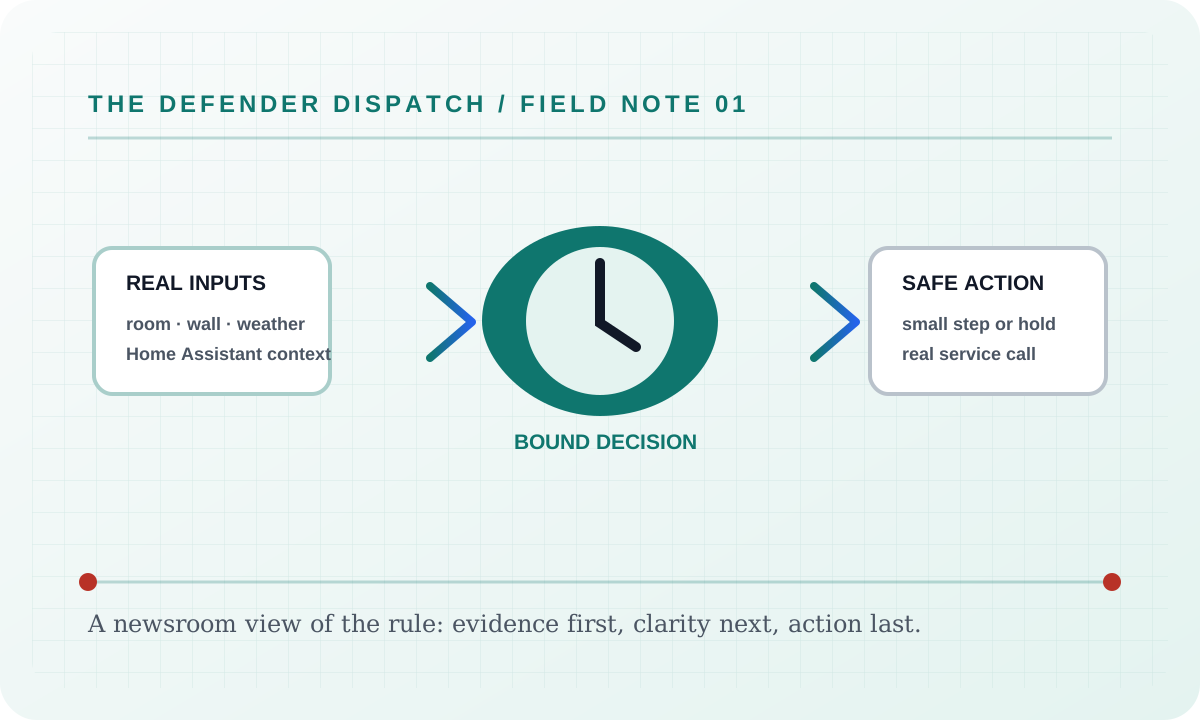
If Deployment cannot obtain one of its required real inputs, it reports a blocked, held, or unavailable result and leaves the background worker’s Home Assistant refresh running. It never fills a missing room reading, audit event, weather sample, usage value, or device state with a simulator value. If a real Home Assistant climate command is rejected, AC Defender records only the bounded operation identity and HTTP status. It does not retain request headers, payloads, upstream response bodies, or tokens. Direct controls show one persistent, bottom-corner outcome and keep identical-command backoff in place rather than stacking a retry notification or re-sending the command.
Security considerations
This feature consumes only the configured Home Assistant entity data, local settings, and the audit context named above. Tokens and credentials stay in the server environment; the static documentation site does not collect analytics, transmit search text, or embed third-party assets. Logs and exports should be reviewed before sharing because real entity names and timestamps can identify a household.
Verification
Verify the shipped behavior at the feature’s live page or endpoint, then run the repository’s documented build and test commands. Confirm the real-input and real-error paths, keyboard access, reduced-motion behavior, and a 390 px viewport without horizontal overflow. Record the exact commit and workflow result when publishing a release; a static screenshot alone is not proof of a live Home Assistant command.
Suggested articles
- Feature briefs — find every documented surface and guard.
- Defender Logic — follow the complete decision cycle and its bypass rules.
- Settings — inspect persisted configuration, language modes, and safety limits.