Minecraft servers
Command builder
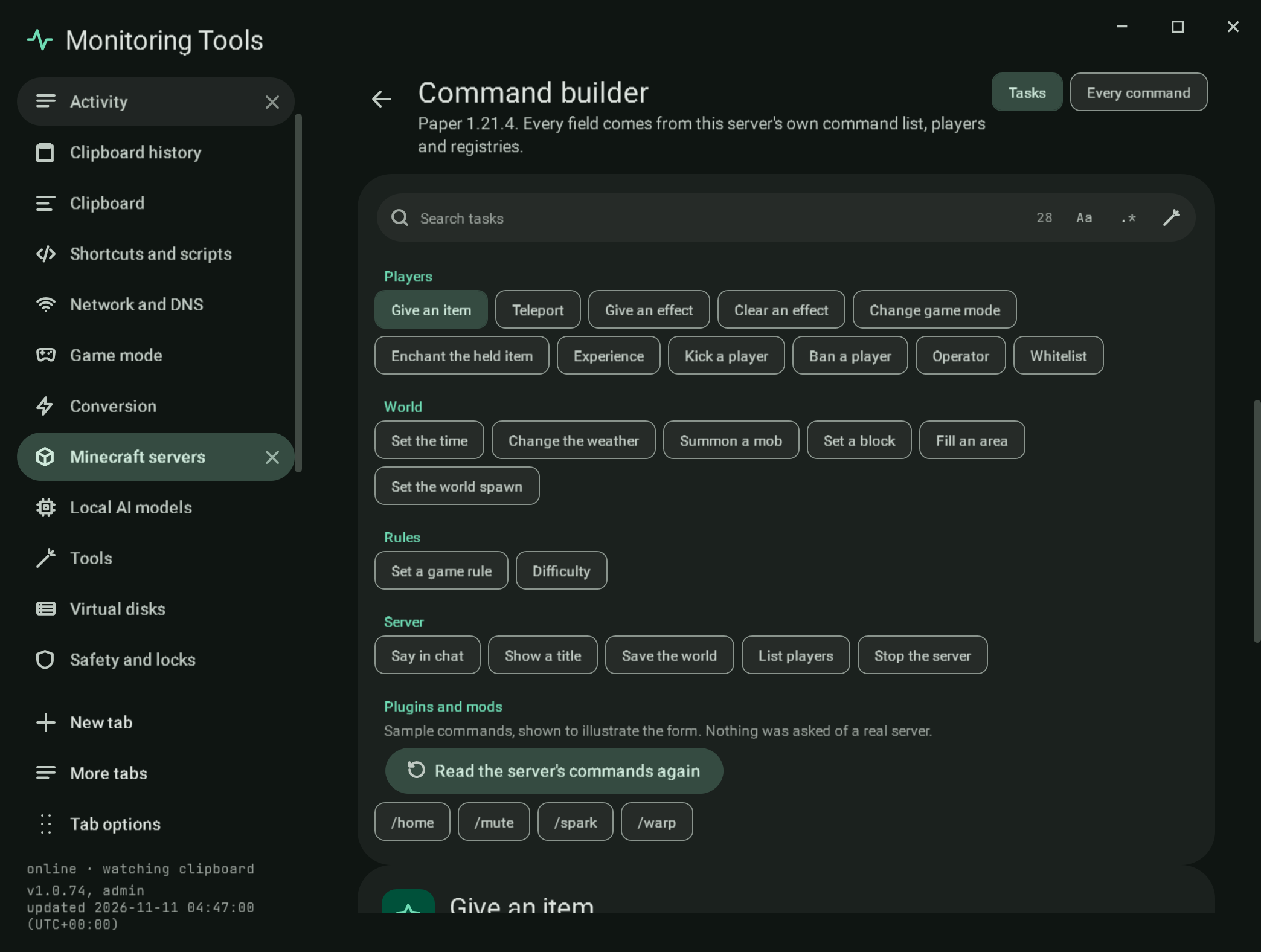
The command builder makes console commands with proper controls instead of a free text field. Open it from the Commands button in the server header, from Open the command builder in the Console section, or from the Commands tab. Everything it offers comes from the server's own version: the command tree in the jar's reports/commands.json, the id lists in reports/registries.json, and the data-driven lists (enchantments, damage types and others) read from the data/minecraft/ folder inside the server jar. If the version's reports have not been read yet, Read this version's command list downloads the official jar once and runs its data generator, the same step the world generator uses.
Bedrock servers do not report a command list, so their console keeps a typed command line.
#Tasks
A searchable gallery (the shared search field with the regex builder) of what people most often want to do:
| Group | Tasks |
|---|---|
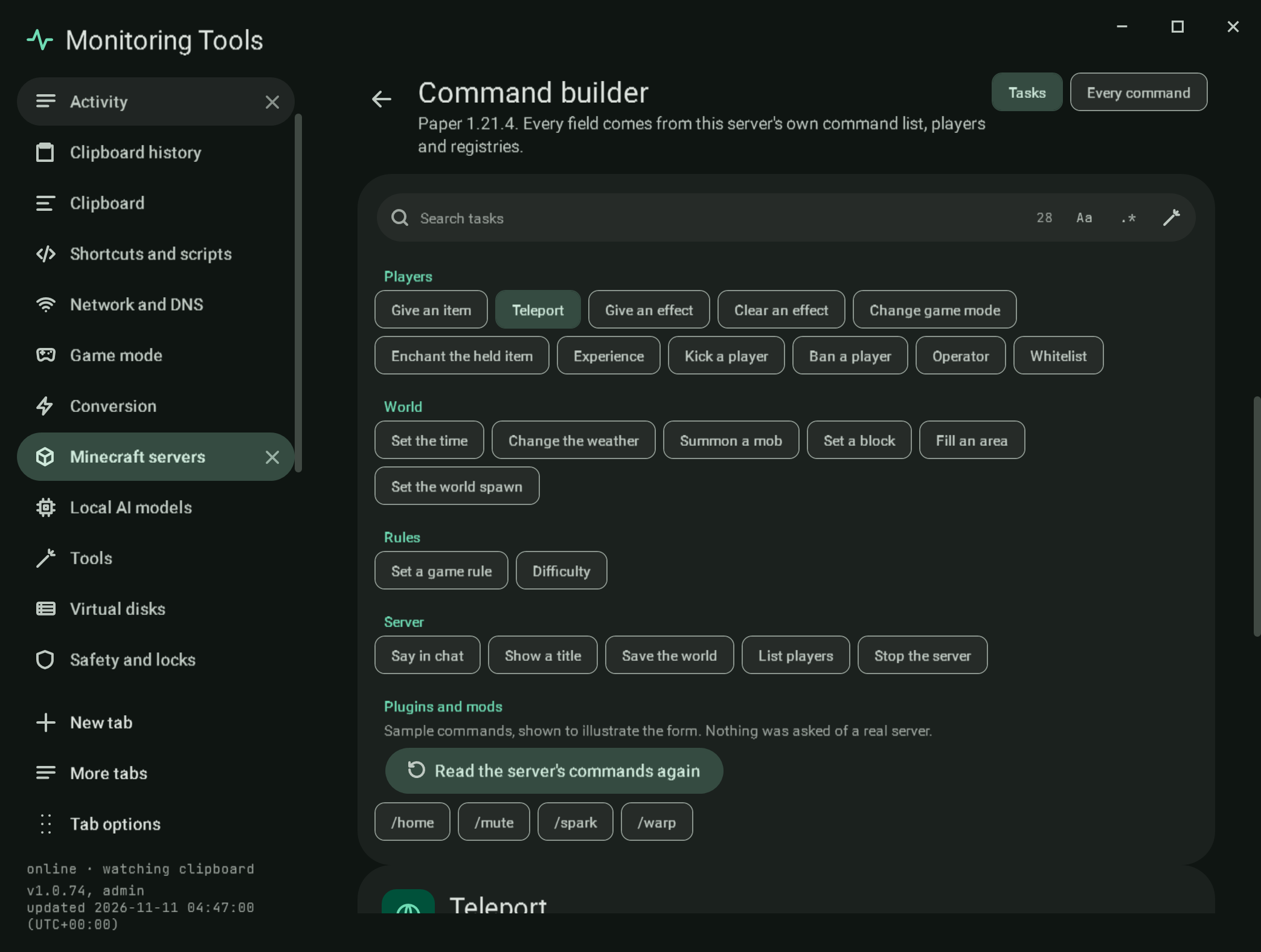
| Players | Give an item, Teleport, Give an effect, Clear an effect, Change game mode, Enchant the held item, Experience, Kick a player, Ban a player, Operator (op and deop), Whitelist (add and remove) |
| World | Set the time, Change the weather, Summon a mob, Set a block, Fill an area, Set the world spawn |
| Rules | Set a game rule, Difficulty |
| Server | Say in chat, Show a title, Save the world, List players, Stop the server |
Each task is a template that walks the server's command tree, so a task whose command the version does not have says so instead of building a line the server would refuse. Its form has a control for each argument:
- Who: the online players (from
list) as chips, the selectors@p,@a,@r,@s(and@ewhere entities are allowed) with a plain explanation of each, a box for a player who is not online, and Filters for a selector: within a distance, at most a number, an order and a game mode, written as@a[distance=..10,limit=2,sort=nearest]. - Item, block, effect, enchantment, mob: a searchable list from the version's registry, each entry with its readable name (from the id) and the id, and the count of entries in the version.
- Numbers: typed number fields with steppers and the argument's real bounds from the parser properties in
commands.json(for example the effect amplifier is 0 to 255 and the duration 1 to 1,000,000 seconds). Optional numbers can be left empty. Times take ticks, seconds or days. - Positions: each axis with a
~toggle for relative coordinates (~alone or~5) and a typed value, plus Use a player's position, which runsdata get entity <player> Poson the running server and fills the axes from the reply. It is unavailable, with the reason, when the server is not running or is a sample. - Choices and true or false: chips with an explanation; the game rules come from the version's own
gamerulecommand and are searchable.
#Every command
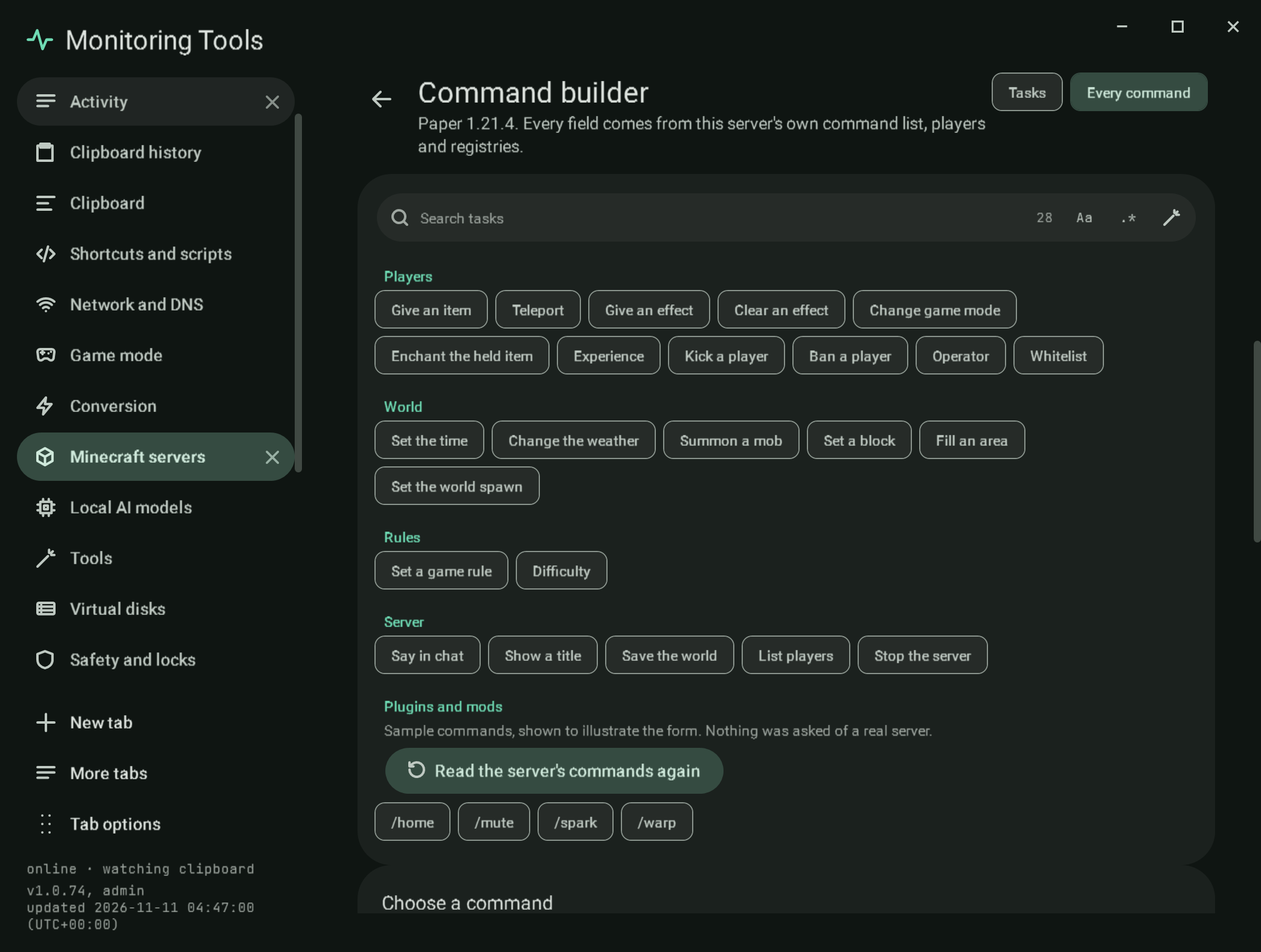
All of the server's commands, walked node by node from its command tree (redirects such as tp to teleport and xp to experience are followed). Each argument gets the control its parser needs: brigadier:integer, float, double and long with their minimum and maximum, brigadier:bool, brigadier:string (word, phrase or the rest of the line), minecraft:entity, game_profile and score_holder, minecraft:block_pos, vec3, vec2 and column_pos, minecraft:item_stack, minecraft:block_state and block_predicate, minecraft:resource, resource_key and resource_or_tag with their registry, minecraft:message, minecraft:component, minecraft:time, minecraft:gamemode and minecraft:dimension. Any other parser gets a text box that names it.
#The command line
Below the form the command is shown as it will be sent, each part coloured by what it is: the command words, a target, a number and other values. Each part has a tooltip, and clicking it moves keyboard focus to its field. A status line says Complete and valid for the version, or names exactly what is missing or wrong: "Fill in Who.", "How many must be at least 1.", "minecraft:not_an_item is not in this version's item list.", "Who takes players only, so @e cannot be used here.".
- Run on the server sends it through the same console route as the rest of the manager (the process's console, RCON, or
rcon-cliin Docker) and shows the reply; for a process server the reply is read from the console lines that follow.stop,banand operator changes ask for the two-key confirmation first. Ctrl+Enter runs too. - Copy puts the line on the clipboard.
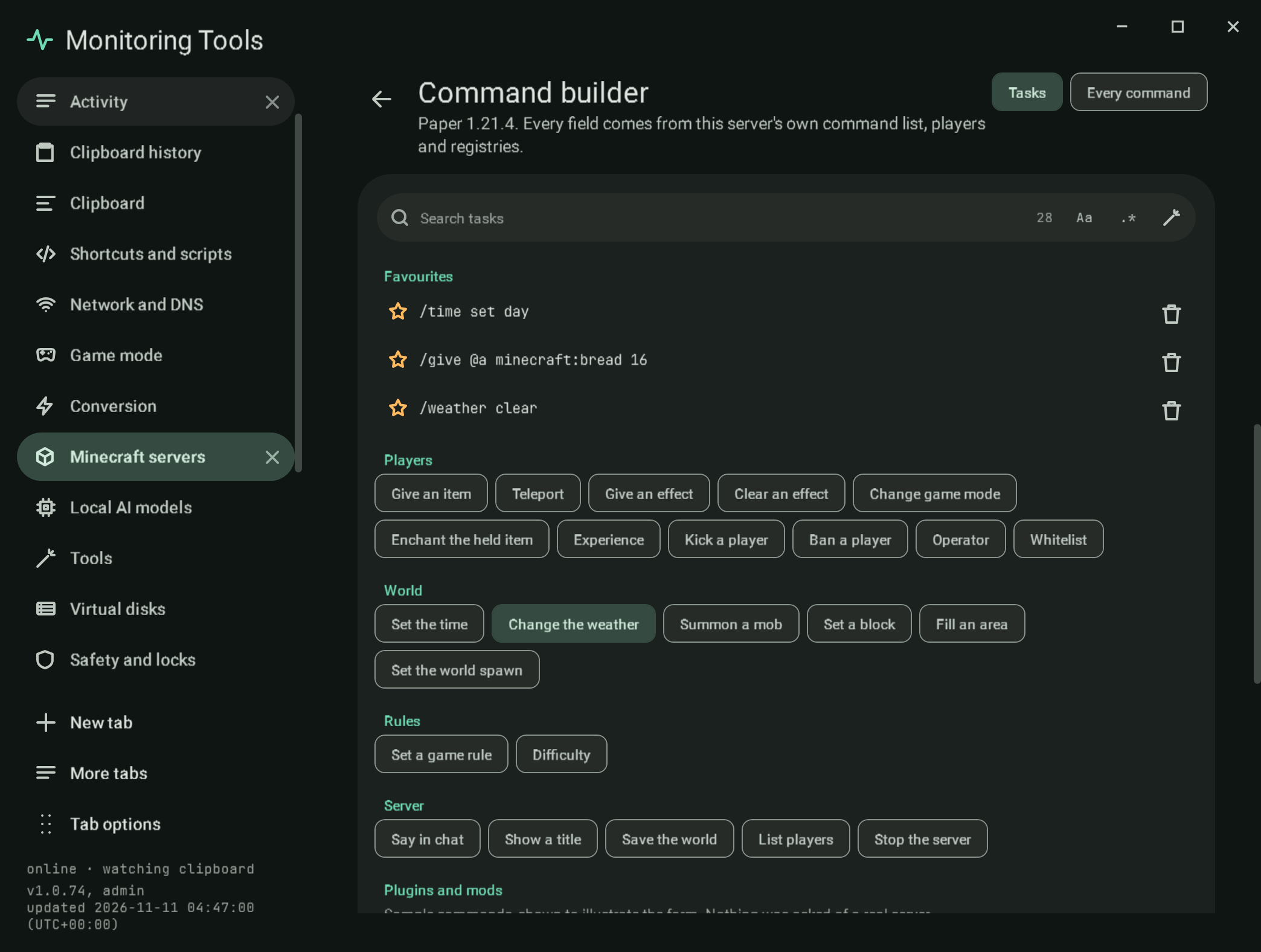
- Save as a favourite keeps the line for this server in
servers.json(FavouriteCommands). Favourites are listed at the top of the gallery, where one opens again in Every command with its fields filled, and in the Console section, where one runs with a click (lines that need confirmation open in the builder instead). - Schedule it opens the schedule form with a Run a command schedule holding the line. See schedules.
#Item components and NBT
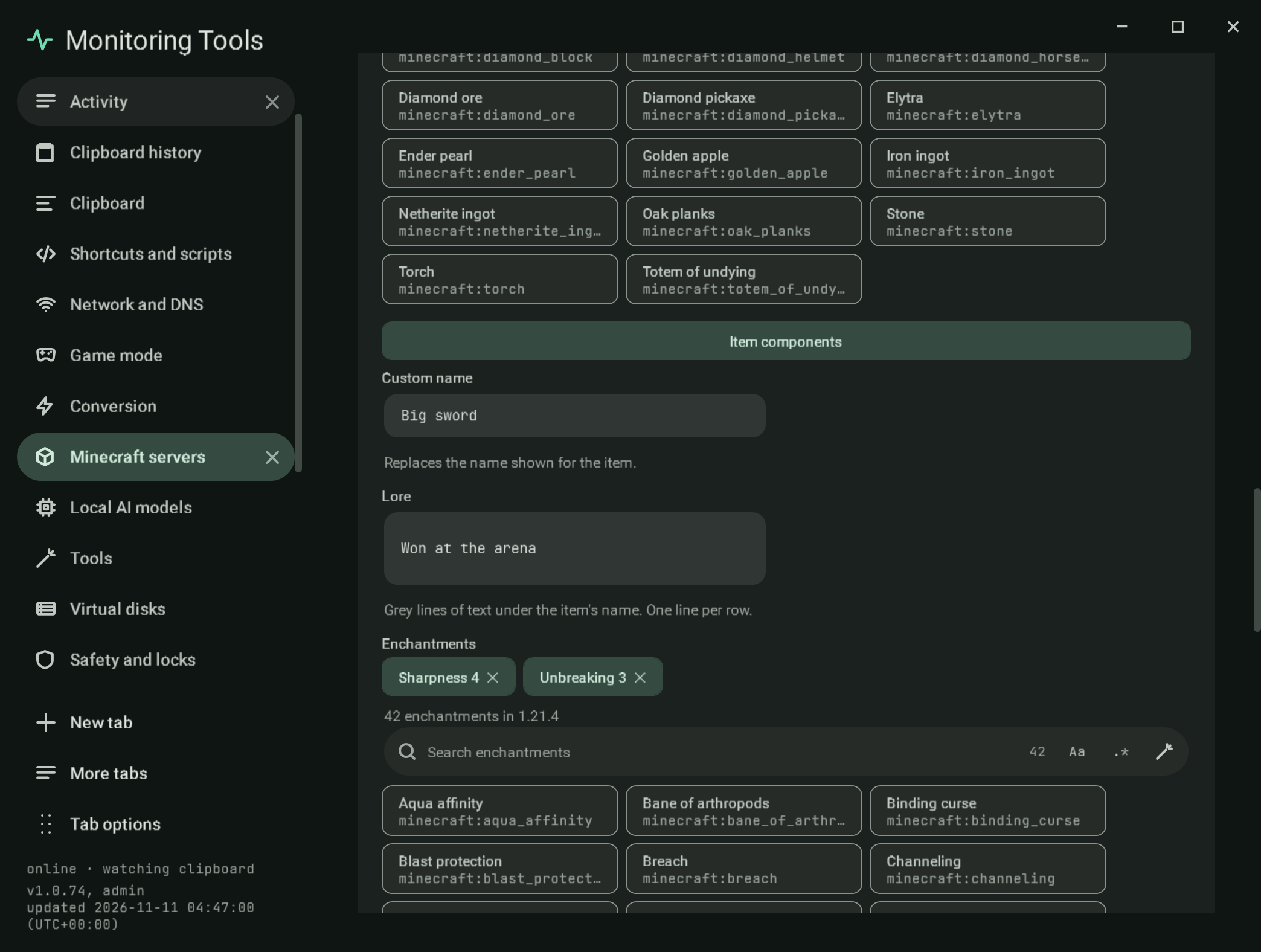
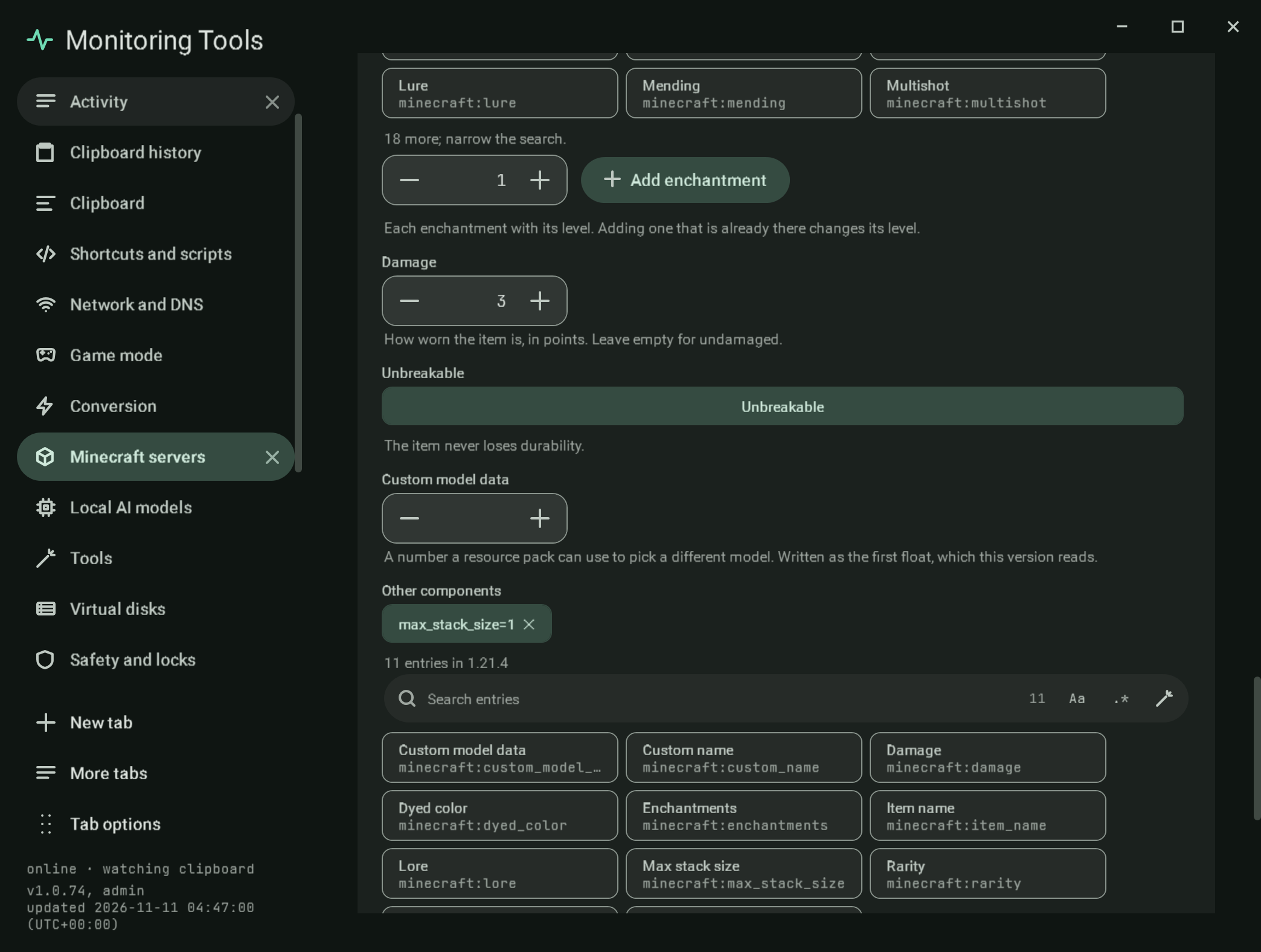
An item argument (give, item replace, summon equipment and the rest that take minecraft:item_stack) has an Item components control under its id list. On Java 1.20.5 and newer it is a component editor: a custom name, lore (one line per row), enchantments chosen from the version's enchantment list with a level, damage, unbreakable, custom model data, and a generic row for any other component, whose id is chosen from the version's own minecraft:data_component_type list in registries.json and whose value is checked as SNBT. It writes id[component=value,...] in the form the version takes: custom names and lore are JSON text in SNBT strings before 1.21.5 and plain SNBT from 1.21.5, enchantments are {levels:{...}} before 1.21.5 and a flat compound from it, and custom model data is a number before 1.21.4 and {floats:[n]} from it. A component the controls cannot read back stays in the generic list untouched. Before 1.20.5 the same place is the NBT editor below.
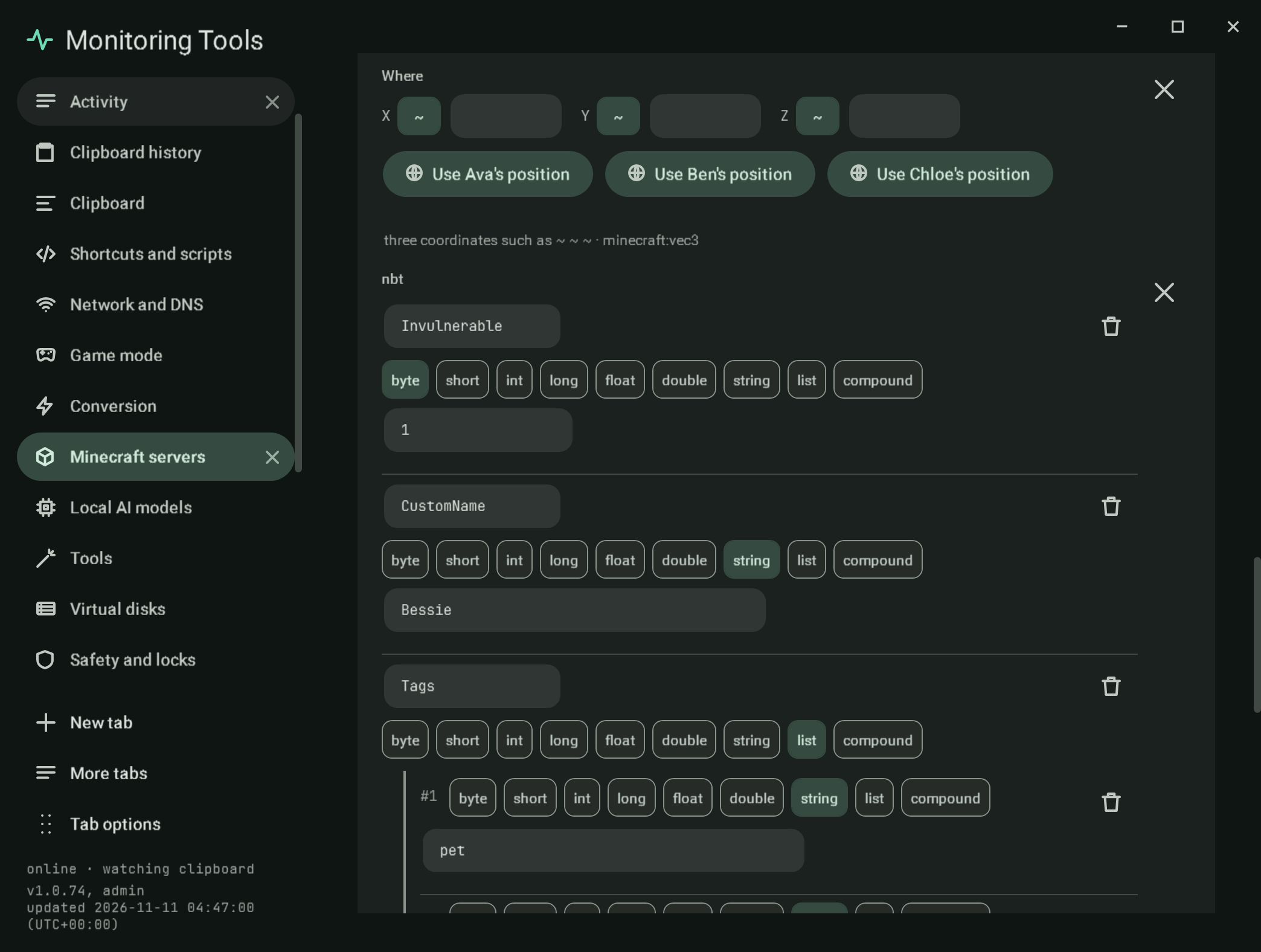
An argument that takes NBT (minecraft:nbt_compound_tag, for example the last argument of summon and data merge) gets a structured tree editor: Add key, a name, a type (byte, short, int, long, float, double, string, list or compound), a typed value checked against its range, nested compounds and lists (a list holds one type), and the SNBT it writes under the tree. A value that uses a typed array ([B;1b]) is left as a text box. An invalid tree turns Run off and says what is wrong beside the field. The Every command walker keeps quoted and bracketed parts in one word, so a saved favourite with components or NBT opens again.
#Plugin and mod commands
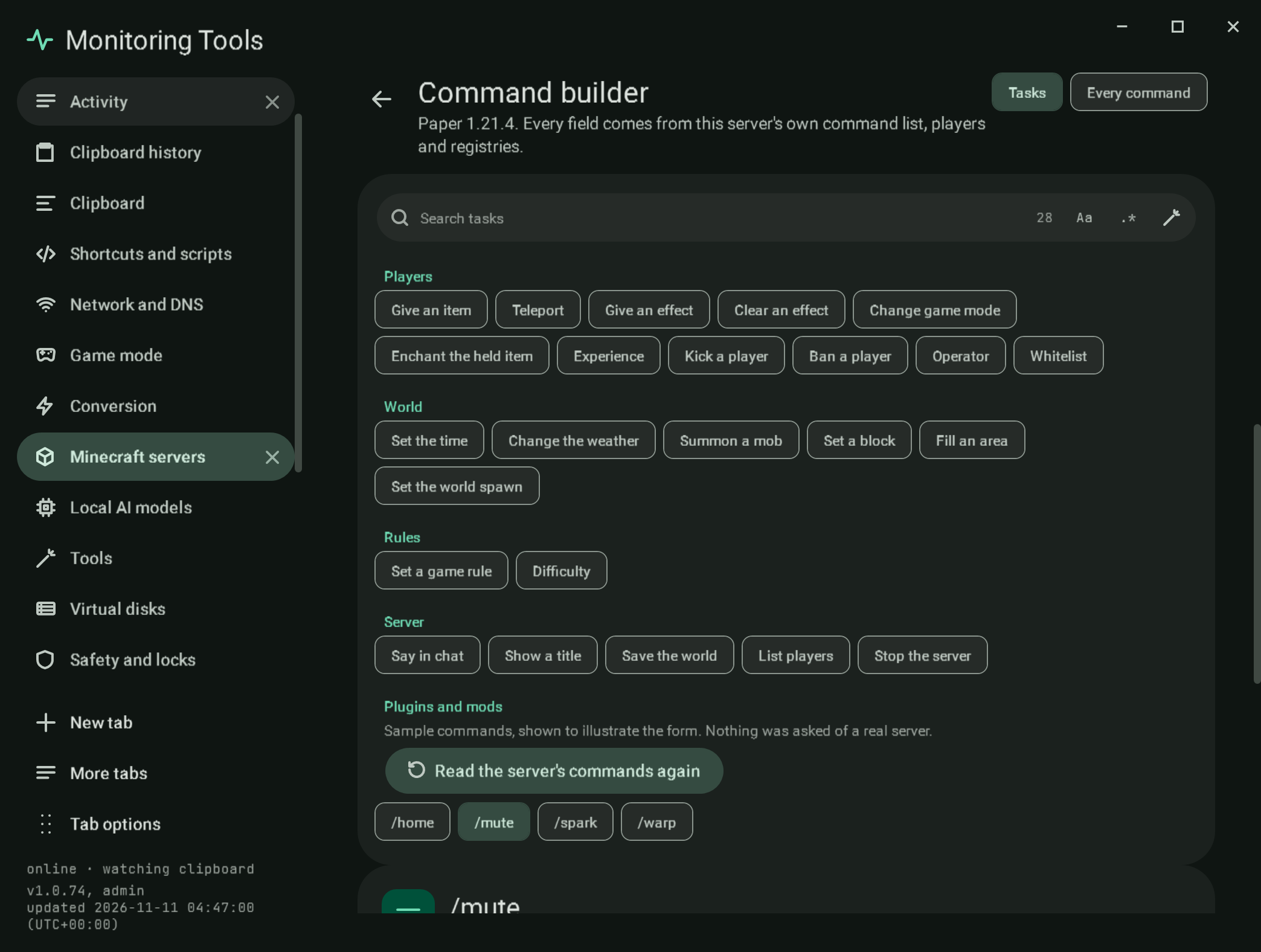
The jar's report lists only vanilla commands. While a server runs, the builder asks it: help (all pages of Paper's index) and minecraft:help, over RCON, rcon-cli or the console, and keeps the commands that are not in the jar's own list. They appear under Plugins and mods in the gallery, labelled as read from the live server and when. A /name: description line gives the description; a usage line such as /mute <player> [minutes] [reason] becomes a form with one field per token: a player picker for player-like names, whole numbers, true or false, text, and choices for (a|b) words, with [...] optional. Names the server printed are shown as written. Sample servers show sample commands and say so. The list is read again on request, never guessed when the server does not answer, and a stopped server shows how to get the group instead.
#Layout and access
At narrow widths the task gallery becomes rows of chips above the form. Every control has an accessible name; the mode tabs move with the arrow keys; the command parts are buttons in the tab order. Motion follows the app's reduced motion setting. Every label has Cantonese.
#Verification
Self-test checks build give, tp, effect, summon, gamerule, fill, time, experience and title from a trimmed copy of the real 1.21.4 reports and assert the exact lines; refuse out-of-range numbers, unknown ids, @e for players and fractional block coordinates with the field named; write relative axes as ~ and ~5; read ten commands of eight argument types back through the Every command walker; read enchantments from inside a bundler jar; drive the form until Run turns on and a click on a part focuses its field; check that stop, ban and op are confirmed first; save a favourite to servers.json and open it again; and open a command schedule. Further checks write and read back SNBT for every tag type, write item components in each version's form, drive the item editor and the NBT editor through their real buttons to exact lines (including a refused byte of 300), read plugin help into forms, and press Use a player's position with a stand-in reply. The live check (MT_LIVE_ONLY=minecraft-commands) starts a throwaway Vanilla 1.21.4 server, builds time set day, give @a minecraft:diamond 2 and gamerule keepInventory true with the builder's own code, runs them and checks each reply in the console. MT_LIVE_ONLY=minecraft-lane goes further, on a real Paper server with a headless bot player (mineflayer in a throwaway folder): the server's own data get entity reply gives the position the bot itself reports, a give with seven components is answered and read back from the player's inventory, a summon with NBT from the tree is answered, and help is read into Plugins and mods; it also runs the builder's lines over the Docker, SSH and SSH Docker targets, and (MT_LIVE_LANE=fabric) reads help on a real Fabric server with the spark mod into a form. Captures mc-commands-give, mc-commands-tp, mc-commands-tree, mc-commands-favourites, mc-commands-item-components, mc-commands-item-components-more, mc-commands-nbt and mc-commands-plugins use the sample server.
#Limits
- Plugin and mod commands depend on what
helpprints: a plugin that registers a command without usage text gets a form with one text field for its words, and one the server does not list inhelpis not offered. The live check ran Paper (itshelpindex, 15 commands) and a Fabric server with the spark mod (/spark, whose usage Fabric prints as[<args>], so its form is one optional text field). A real Forge 1.21.4 server answeredlist,help(mod commandsconfigandforge) and/time set dayin the live check, and so did a real NeoForge 1.21.4 server (mod commandsconfigandneoforge). Over RCON the reply tohelpcomes back as one run of text, so the reader splits glued usage lines apart again. - The component editor builds six components with controls and any other by id and SNBT; item predicates (the
item_predicateparser used byclearandexecute if items) keep the id list and a typed value. - An invalid NBT tree turns Run off, and the status line names the exact reason (for example "Invulnerable: A byte is from -128 to 127.") as well as the field.
- Data pack dimensions are typed; the list offers the overworld, the nether and the end.
View this article's Markdown source on GitHub