Network
DNS profiles
Switch between Automatic, Google, Cloudflare, Quad9, OpenDNS or your own saved servers.
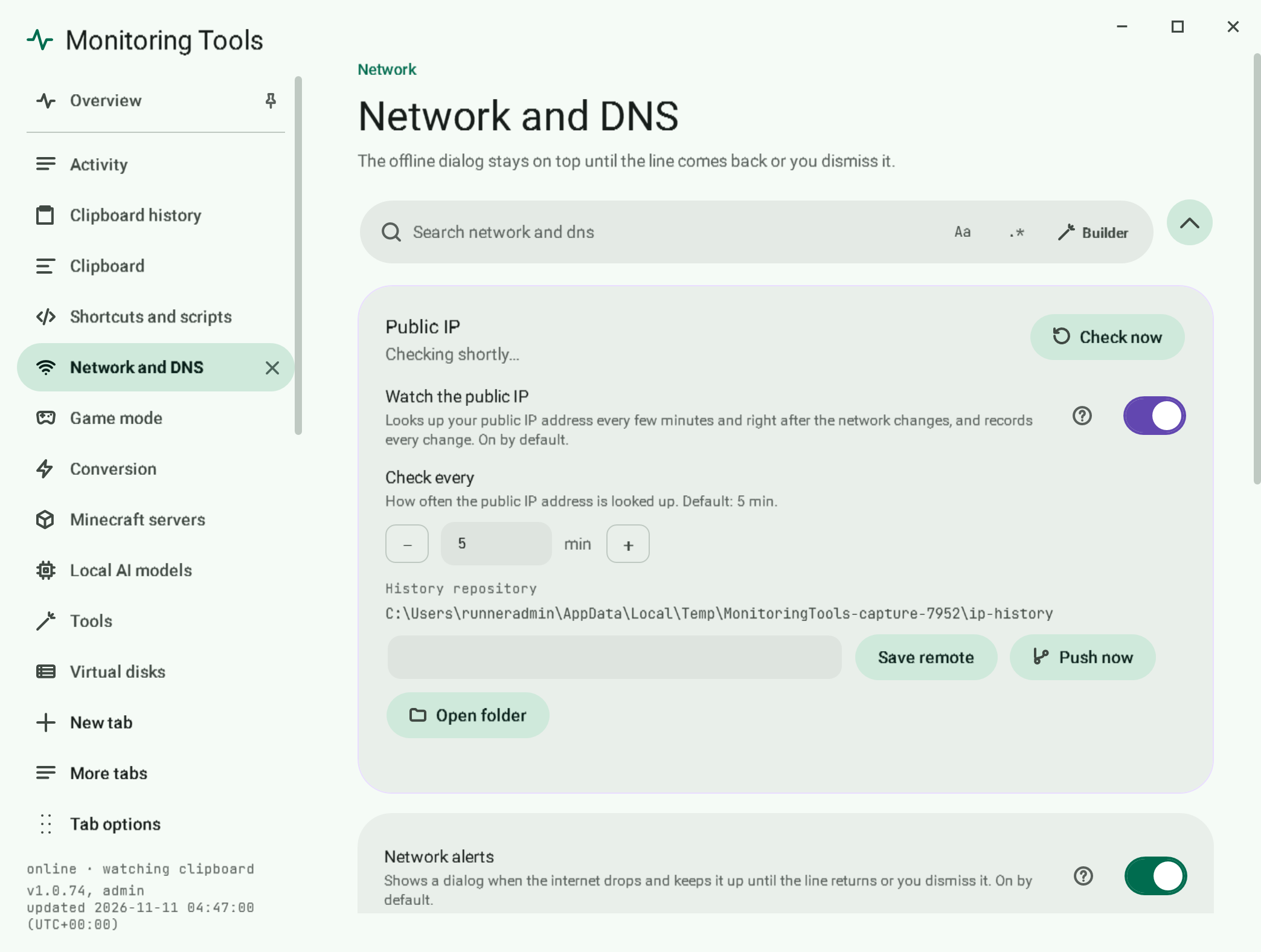
#Switch DNS
You can switch from three places: the offline dialog, the tray menu and the Network and DNS page in the control centre. The page shows which profile is active and the servers behind it.
#Your own profile
On the Network page choose Add a profile…. A three-step guide asks for a name, then the servers, then shows a review before saving. The primary server is required and the secondary is optional; both must be IPv4 addresses such as 1.1.1.1, a secondary equal to the primary is refused, and a live line under the fields says what is wrong. A profile with the same name is replaced and the review says so. After saving, a notice offers Use now (switches this computer to it, with the administrator prompt described below) or Not now, which leaves it in the list. Remove it any time.
#Administrator rights
Changing DNS needs administrator rights. You get one UAC prompt, or none when the service already runs elevated.
#Going back
Choose Automatic to return to whatever your router hands out.
#Related
View this article's Markdown source on GitHub
Suggested articles
Internet watch
When the connection drops, an always-on-top dialog explains where it broke and stays until the connection returns or you dismiss it.
Read it- The app itself
Service and tray
Monitoring Tools installs per user, starts at sign-in and runs under a supervisor that restarts it after a crash.
Read it Public IP history
When your public IP address changes, a dialog shows the old and new address and the change is committed to a small local git repository.
Read it- Ollama
Local model manager
The Ollama page manages a local Ollama installation. Every request goes to 127.0.0.1 on the configured port (default 11434). Nothing is sent to a cloud service, and downloads are performed by the…
Read it