Minecraft servers
Servers found on this computer
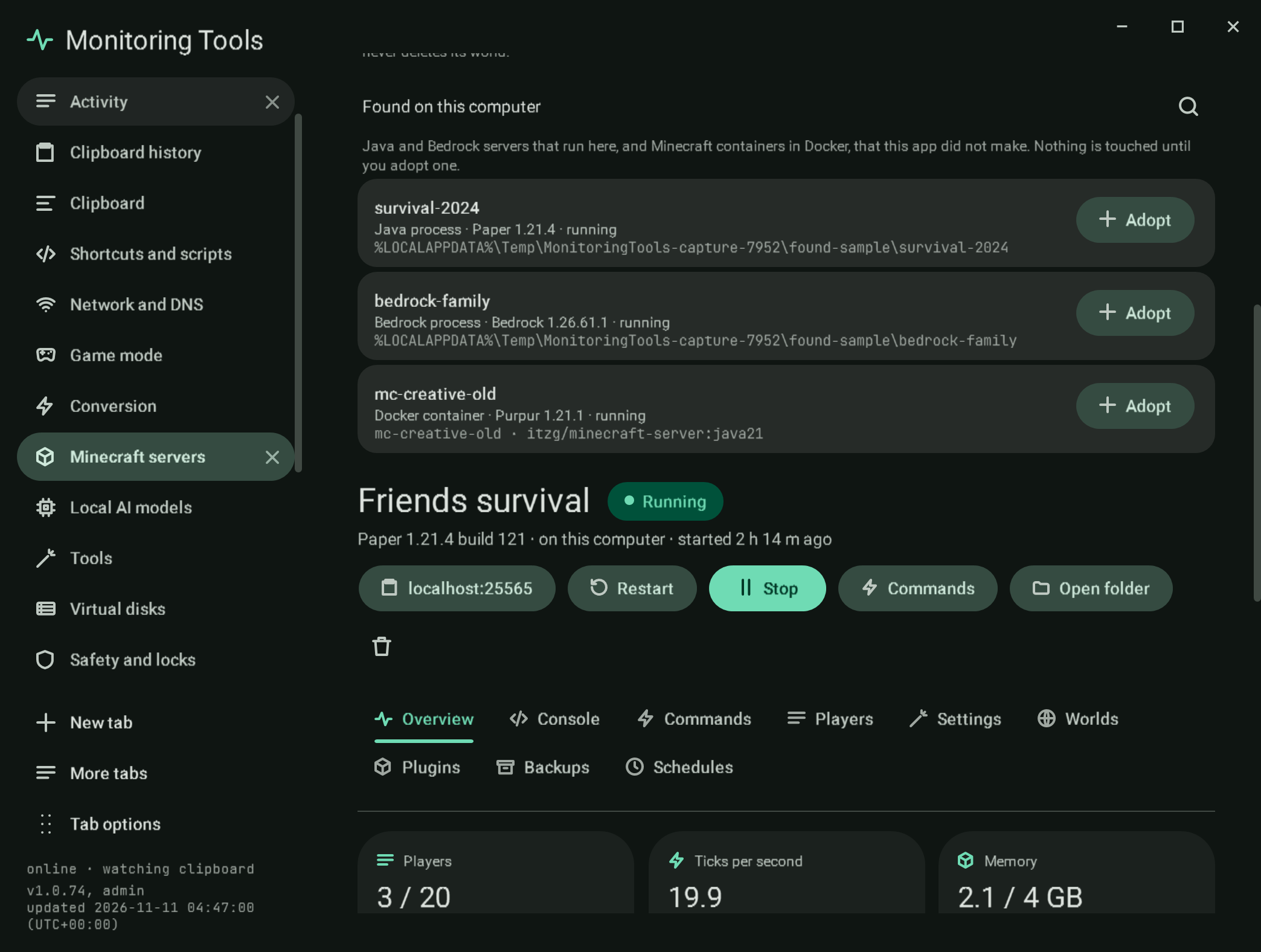
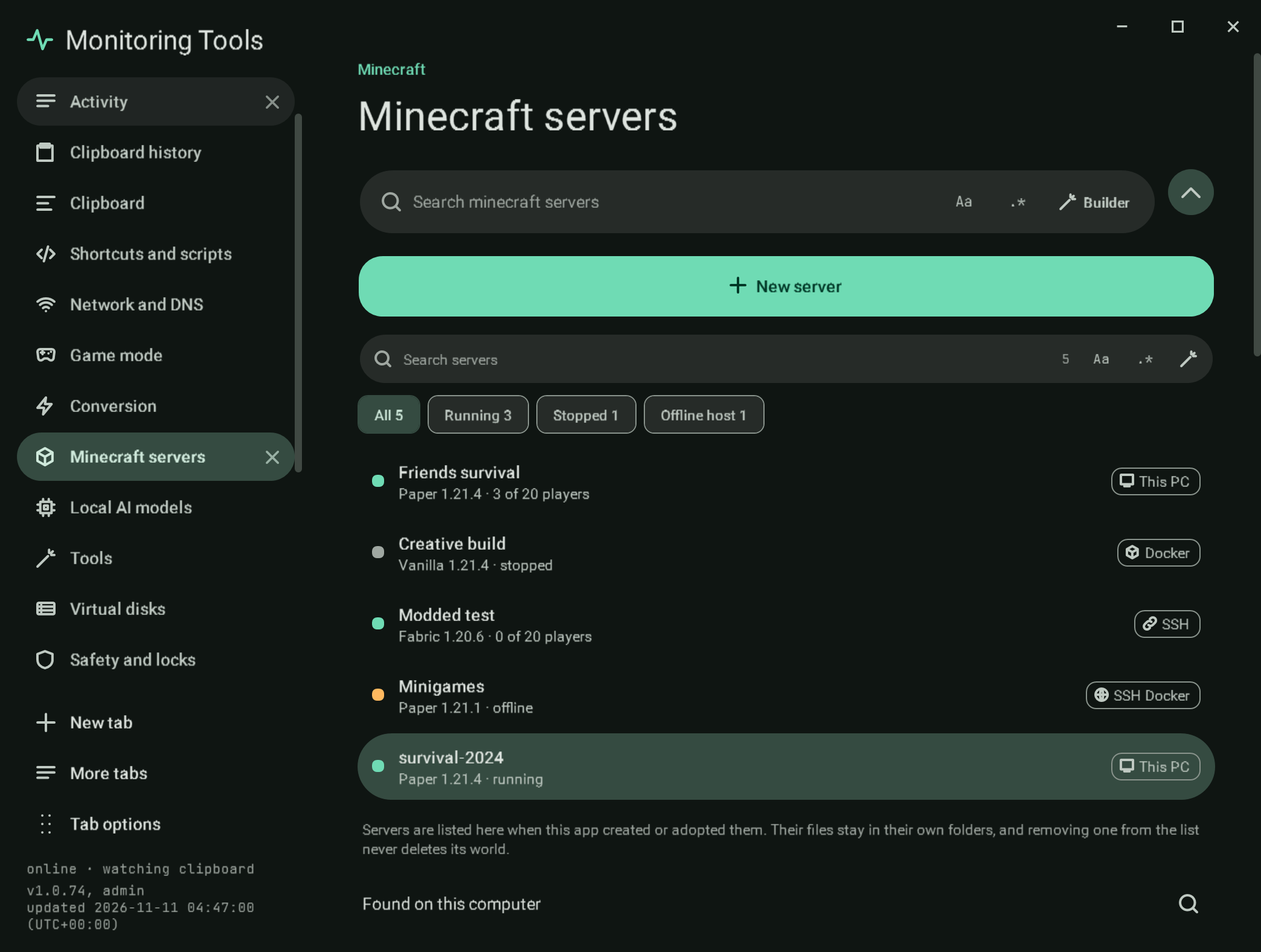
Below the server list, Found on this computer lists Minecraft servers that run here but that this app did not make. The list is read when the page first opens and again with the search button beside its title. Finding a server only reads; nothing is stopped, changed or written until you adopt it.
#What is found
| Kind | How it is recognised | What is read |
|---|---|---|
| Java process | A java or javaw process with -jar <file>.jar, whose folder has a server.properties, or that was started with nogui, or a Forge or NeoForge launch | The command line and the working folder (read from the process itself), the jar, the port from server.properties, the version from a paper- or purpur- jar name or the jar's own version.json, the software |
| Bedrock process | A bedrock_server process | Its folder, the port from server.properties, the version the app recorded when it installed it (otherwise unknown) |
| Docker container | A container whose image name contains minecraft (for example itzg/minecraft-server or itzg/minecraft-bedrock-server) | The image, the state, VERSION and TYPE from its environment, the published port, and the /data folder when it is a folder on this computer |
A Java program that is not a server (no server.properties, no nogui) is left out. Servers the app already manages are left out: a process in a listed server's folder, and a container with this app's own label for a listed server.
#Adopting
Adopt asks first, then adds the server to the list as an adopted entry that points at the existing folder or container. Nothing in the folder or container changes.
- An adopted container is started, stopped and sent commands through Docker (
rcon-cli, which theitzgimages carry). When its/datais a Docker volume rather than a folder here,server.propertiesis read and written throughdocker exec. The app never removes an adopted container: removal is allowed only for a container that carries this app's own label for that server. - An adopted process that is still running belongs to the program that started it, so the app cannot write to its console. It shows as Running ("started outside this app"), with memory and uptime from the process. Commands, and a graceful Stop, go over RCON when
enable-rconandrcon.passwordare set in itsserver.properties; without them the app says so and refuses. The process is never killed. Once it has stopped, Start runs it from here with the jar it was found running, and from then on its console works as for any other server.
#Failure modes
- Docker not running: no containers are listed, and processes still are.
- A process that cannot be read (another user's, or 32-bit) is skipped.
- An adopted process without RCON cannot be stopped or sent commands from here; the message says what to turn on.
#Verification
A self-test check classifies a sample process and container list (a Paper and a Bedrock process, a container, another Java program, a container this app made, and a process in a managed server's folder) and checks what is read from each. Another drives the Found list with that sample: Adopt points the entry at the folder, leaves the folder unchanged, reads the still-running process as Running and refuses a stop and a command without RCON. The live check starts a real Java server outside the app with RCON on, discovers it (command line and folder read from the process), adopts it, sends list over RCON and stops it over RCON; and starts a real itzg/minecraft-server container without this app's label, discovers and adopts it, reads its state and server.properties through Docker, confirms the app refuses to remove it, and removes it afterwards itself. Captures mc-found and mc-adopted use sample processes.
View this article's Markdown source on GitHub
Suggested articles
- Tools
Live check
the parts that only mean something against the real thing. It uses a throwaway data folder, so the real settings are
Read it Create a server
finished with their answer, and lets you go back to any of them. The progress bar, Back, Next and Cancel come from the
Read itMinecraft servers
Create and run Java edition servers on this computer, in Docker, or on another machine over SSH, and the official Bedrock Dedicated Server on this computer.
Read itOverview
The first section of a server's workspace.
Read it