Overview · Install · Features · Complete list · Screenshots · Roadmap & receipts · Development
總覽 · 安裝 · 功能 · 完整清單 · 截圖 · 路線圖同憑證 · 開發
Tabbed README — GitHub can't run scripts, so each tab above is a separate page.
分頁式 README — GitHub 唔行得 script,所以上面每個分頁都係獨立一版。
Screenshots / 截圖
Packaged application refresh — August 11, 2026 / 已打包應用程式更新 — 2026 年 8 月 11 日
The current refresh used the packaged Windows application from commit
eb894d4218670f0e9fd1516dff964edd76e1824c on an isolated
off-screen desktop. Fifty-six scene-level captures rendered successfully
and replaced their matching gallery assets. Twelve optional scenes
remained gaps. The aggregate canonical check did not pass because the
current Settings surface no longer contains the Appearance
tab expected by the older driver, so this page does not treat that
aggregate check as verified. Failed compact-Releases,
command-appearance-editor, and Cheap-LFS-progress specialist outputs
were not promoted.
今次更新用 commit
eb894d4218670f0e9fd1516dff964edd76e1824c 嘅已打包 Windows
應用程式,喺隔離嘅離屏桌面實際擷取。五十六個場景成功渲染並換入相簿;另外十二個可選場景仍然係缺口。由於目前
Settings 畫面已經冇舊擷取器預期嘅 Appearance 分頁,整體
canonical 檢查並未通過,所以呢一頁唔會扮佢已經驗證。失敗嘅 compact
Releases、command appearance editor 同 Cheap LFS progress specialist
輸出全部冇換入去。
The four frames below are genuine client-only captures of reachable packaged surfaces that the strict specialist routes could not complete. Their filenames, alt text, and captions describe exactly what rendered rather than borrowing the semantics of a failed specialist target.
下面四張係已打包應用程式入面真係去得到嘅 client-only 畫面;嚴格 specialist 路線未完成,所以檔名、替代文字同說明全部只寫實際 render 出嚟嘅內容,唔會借用失敗目標嘅語意。
| Settings accounts | Command palette results | Agents drawer | Cheap LFS candidates |
|---|---|---|---|
 960×660 · SHA-256 8611e80a2ea1aa146e991ce9d67719867588a12d5c0f7eb1f088577a576fa83d |
 960×660 · SHA-256 883636bf0a14cf0a5603fdfca8eff7988010fea28246d063345f28c8ba8ad552 |
 960×660 · SHA-256 d0b26258ea9ba6b2621f71341b83f21c4867c4aad12a3dba3cd19f7e0de3e7ed |
 960×660 · SHA-256 3f31678524fbca0332b02d4fe1d7920b66b99affab04f4bdb1022cef3623b30e |
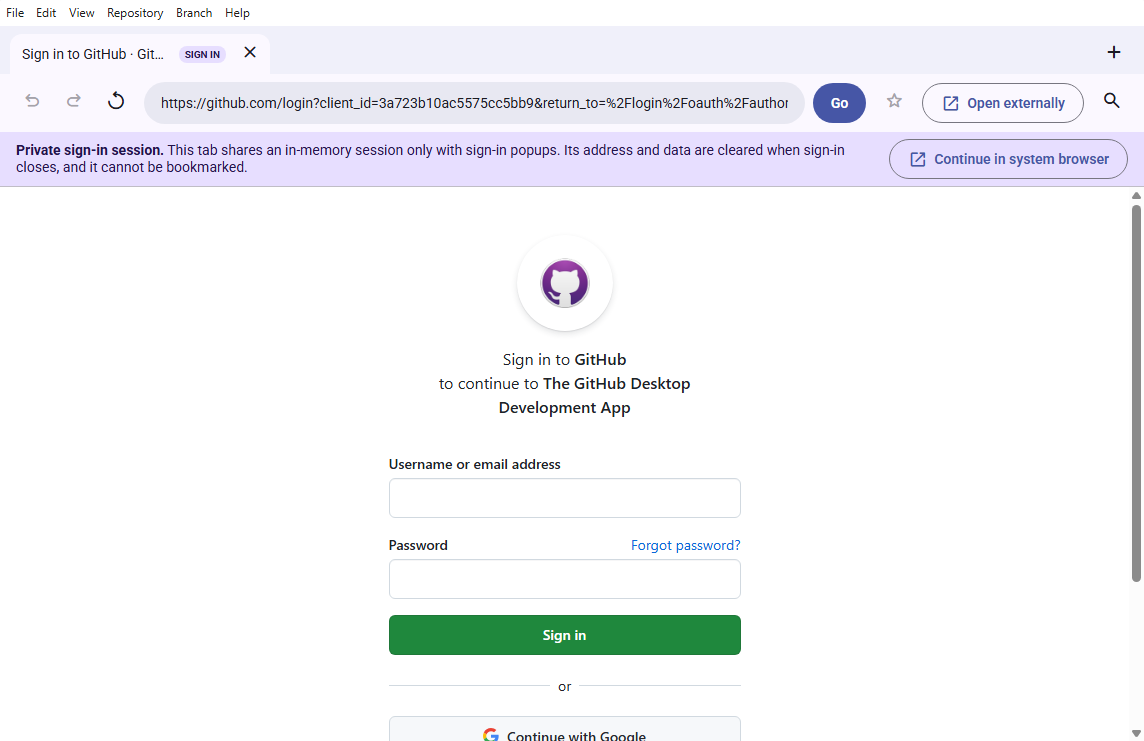
Original GitHub OAuth callback acceptance / 原始 GitHub OAuth 回呼接受
The dated production-build receipt proves that Desktop Material's
app-owned browser reaches the original registered GitHub OAuth
application without the reported redirect_uri warning. The
frame contains empty sign-in fields and no account or credential
data.
呢張有日期嘅生產建置收據證明咗 Desktop Material
自己擁有嘅瀏覽器去到原本註冊嘅 GitHub OAuth 應用程式,冇再出現報告過嘅
redirect_uri
警告。個畫面入面嘅登入欄位係空嘅,冇任何帳戶或者憑證資料。
Read the exact-source verification receipt.
The compact selection below keeps this README scannable. The guided feature gallery and task-oriented tutorial contain the full annotated set.
下面精簡嘅選集係為咗令呢個 README 易掃。完整嘅註解版喺 導覽式功能相簿 同 以任務為本嘅教學。
The wiki now also includes a visual-learning layer: eight labeled
workflow diagrams—one on every wiki page—and seven conceptual
illustrations covering the safe Git loop, short-lived branches, conflict
resolution, rebase, stash recovery, automation, and account isolation.
The diagrams are reproducible with
node script/generate-wiki-diagrams.js.
Wiki 而家亦都有一層視覺學習材料:八張標註嘅工作流程圖(每一版 wiki
一張),同七張概念插圖,涵蓋安全 Git
循環、短命分支、解決衝突、rebase、stash
復原、自動化同帳戶隔離。啲圖可以用
node script/generate-wiki-diagrams.js 重現。
| Launchpad full-width empty state |
|---|
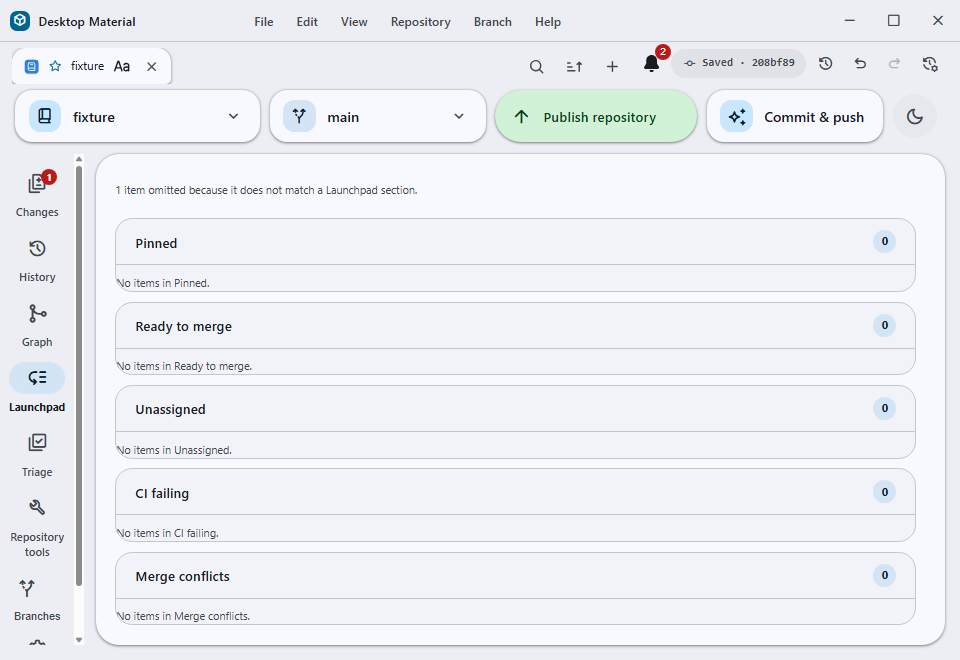 Full-width empty state · five truthful zero-count groups · cheap Lowlevel hidden-desktop capture |
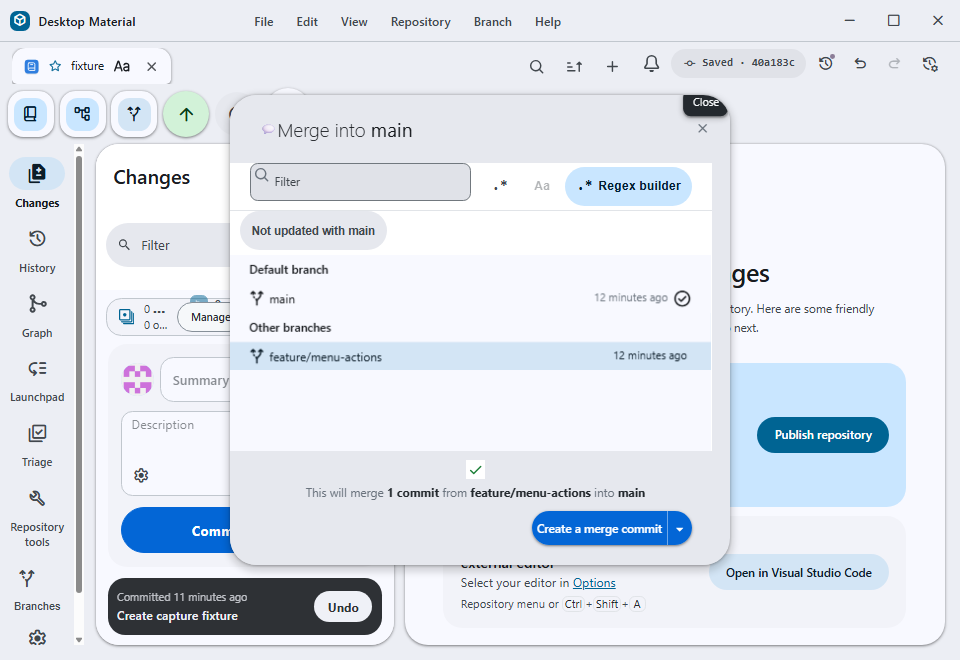
| Merge chooser freshness filter |
|---|
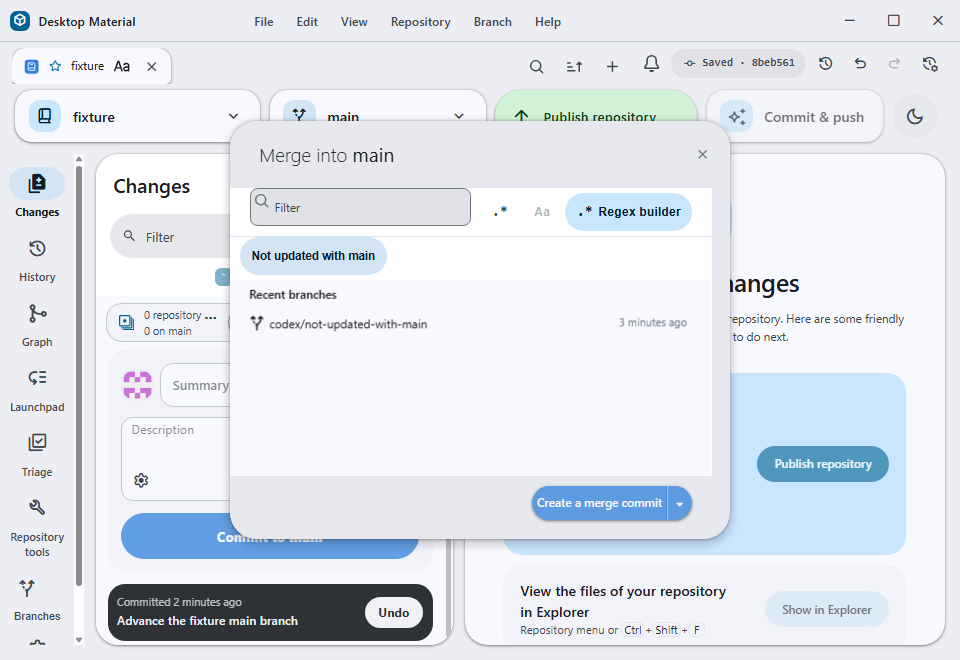 Not updated with main · 960×660 client-only hidden-desktop capture · SHA-256 DA046E4BC768324BAFF001B5DE0C7954F53F1CD498C25338081E8FDB83990346 |
| Linked worktree right-click menu | Merge preview from the menu |
|---|---|
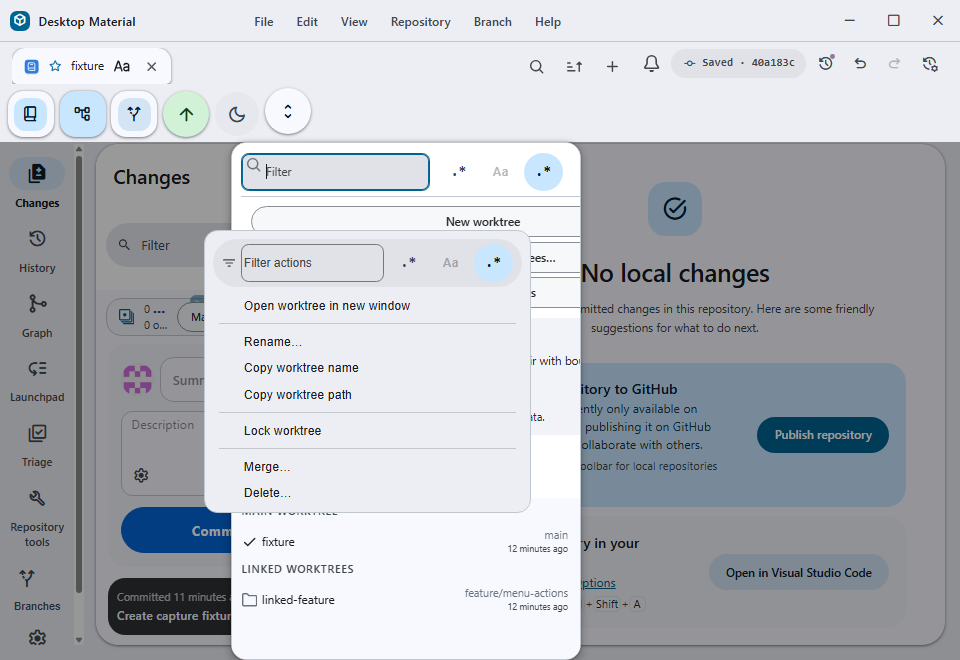 960×660 client-only hidden-desktop capture · SHA-256 5C8FF8C70E5FC0DF7BAAC2FEE22EB6BFC5EC4CBEB7EF839830BB2CBB2419F180 |
 960×660 client-only hidden-desktop capture · SHA-256 2F5B3E8E56BDF2F7B09B98C81B3CB703D4D2CAFD23B9474ACE4F30AFAA791F59 |
Historical Linux terminal captures / 歷史 Linux 終端機擷取
Five original-resolution Debian/Xvfb captures remain preserved with their dated run manifest. They are historical evidence, not current Windows screenshots, and are therefore excluded from the 91-scene guided-gallery target, Pages manifest, and current refresh campaign.
五張原始解析度嘅 Debian/Xvfb 擷取,連同佢哋 有日期嘅執行清單 保留低。佢哋係歷史證據,唔係目前嘅 Windows 截圖,所以排除喺 91 場景導覽相簿目標、Pages 清單同目前更新行動之外。
Inherited external-UI assets — excluded from the capture mandate / 繼承嘅外部介面素材 — 不在擷取範圍
Every screenshot of Desktop Material's own interface is produced by the app's capture harness and is replaceable on demand. Six inherited assets are a documented exception, because they show other products' interfaces that this app cannot render and the harness therefore cannot reproduce:
每一張影 Desktop Material 自己介面 嘅截圖都係由 app 嘅擷取工具產生,隨時可以重拍。有六張繼承落嚟嘅素材係有記錄嘅例外,因為佢哋影嘅係其他產品嘅介面,呢個 app render 唔到,擷取工具亦都重現唔到:
| Asset | External interface shown |
|---|---|
../assets/git-credential-manager.png |
Git Credential Manager (Windows) |
../assets/ado-prompt.png |
Azure DevOps sign-in prompt |
../assets/bitbucket-prompt.png |
Bitbucket sign-in prompt |
../assets/gitlab-prompt.png |
GitLab sign-in prompt |
../assets/unreachable-commits-history.png |
Upstream GitHub Desktop docs |
../assets/unreachable-commits-demo.gif |
Upstream GitHub Desktop docs |
They are referenced from
docs/integrations/azure-devops.md,
docs/integrations/bitbucket.md,
docs/integrations/gitlab.md, and
docs/learn-more/unreachable-commits.md, where they
illustrate third-party sign-in flows a user meets outside this app.
佢哋喺
docs/integrations/azure-devops.md、docs/integrations/bitbucket.md、docs/integrations/gitlab.md
同 docs/learn-more/unreachable-commits.md
入面被引用,用嚟說明用戶喺呢個 app 以外會遇到嘅第三方登入流程。
Recapturing them would require live Azure DevOps, Bitbucket, and GitLab accounts plus a credential-prompt environment, and the result would still be someone else's UI rather than evidence about this app. They are therefore excluded from "replace every screenshot" work and are not counted against capture coverage. Decision recorded 2026-07-27 (issue #25, option A). Anyone adding a new external-product screenshot should list it here with the same justification rather than leaving it to be mistaken for a stale app capture.
要重拍佢哋就要有真實嘅 Azure DevOps、Bitbucket 同 GitLab 帳戶,加一個會彈憑證提示嘅環境,而拍出嚟一樣係人哋嘅 UI,唔係關於呢個 app 嘅證據。所以佢哋排除喺「換晒所有截圖」嘅工作之外,亦都唔計入擷取覆蓋率。決定記錄於 2026-07-27(issue #25,選項 A)。如果有人加新嘅外部產品截圖,應該用同樣理由喺呢度列出,唔好留低俾人誤會係一張過時嘅 app 擷取。
Current settings surfaces — browser-tab acceptance / 目前設定介面 — 瀏覽器分頁接受
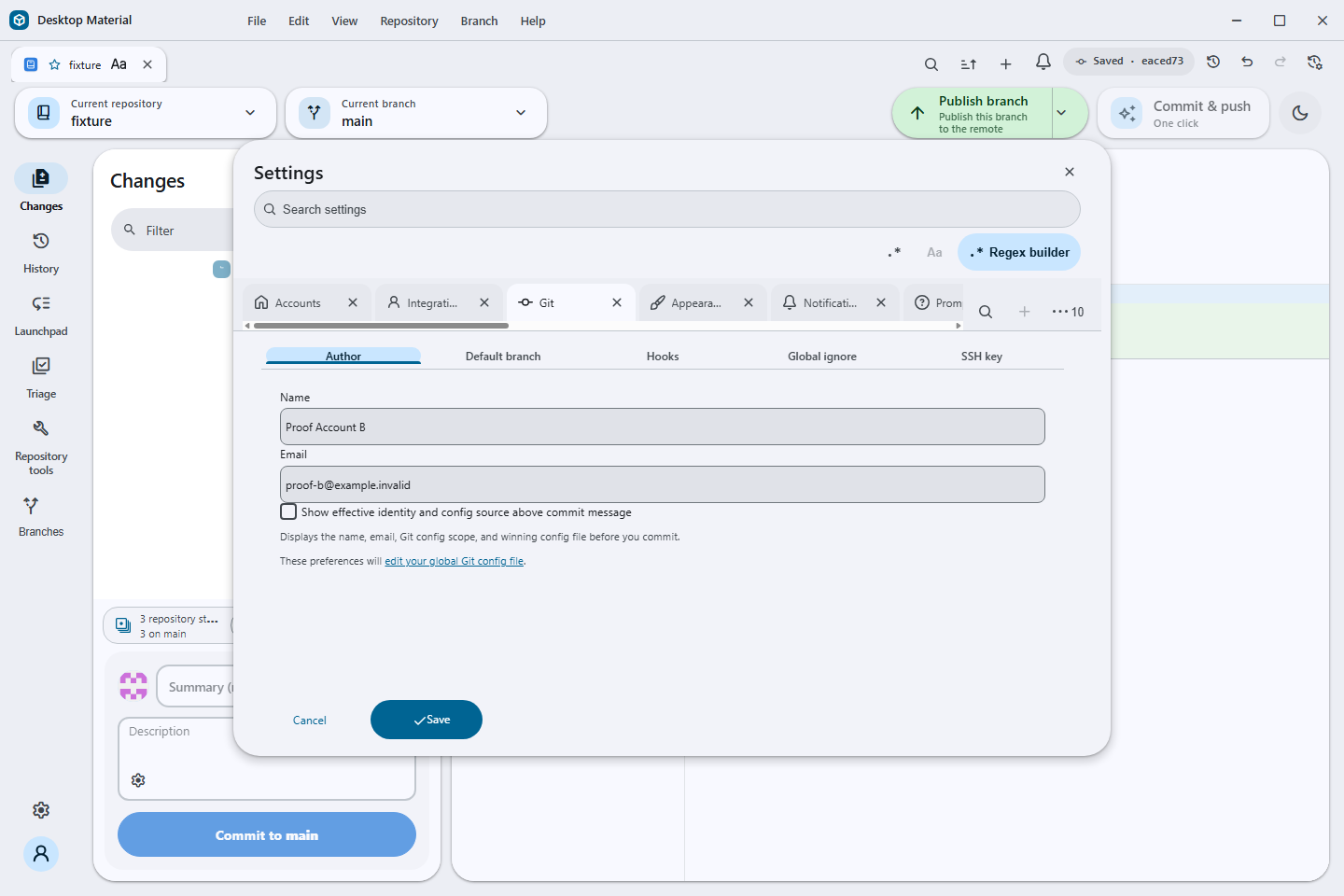
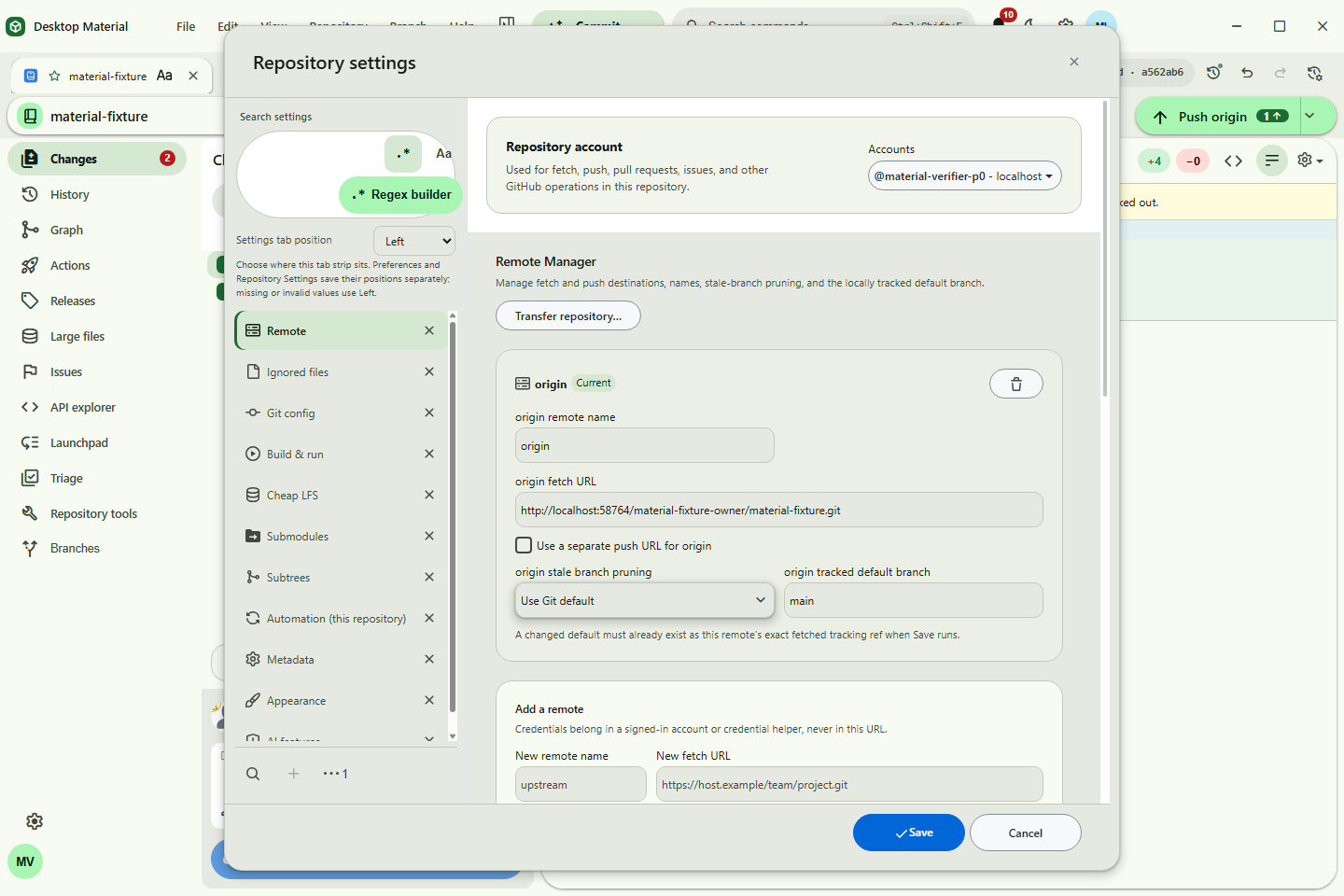
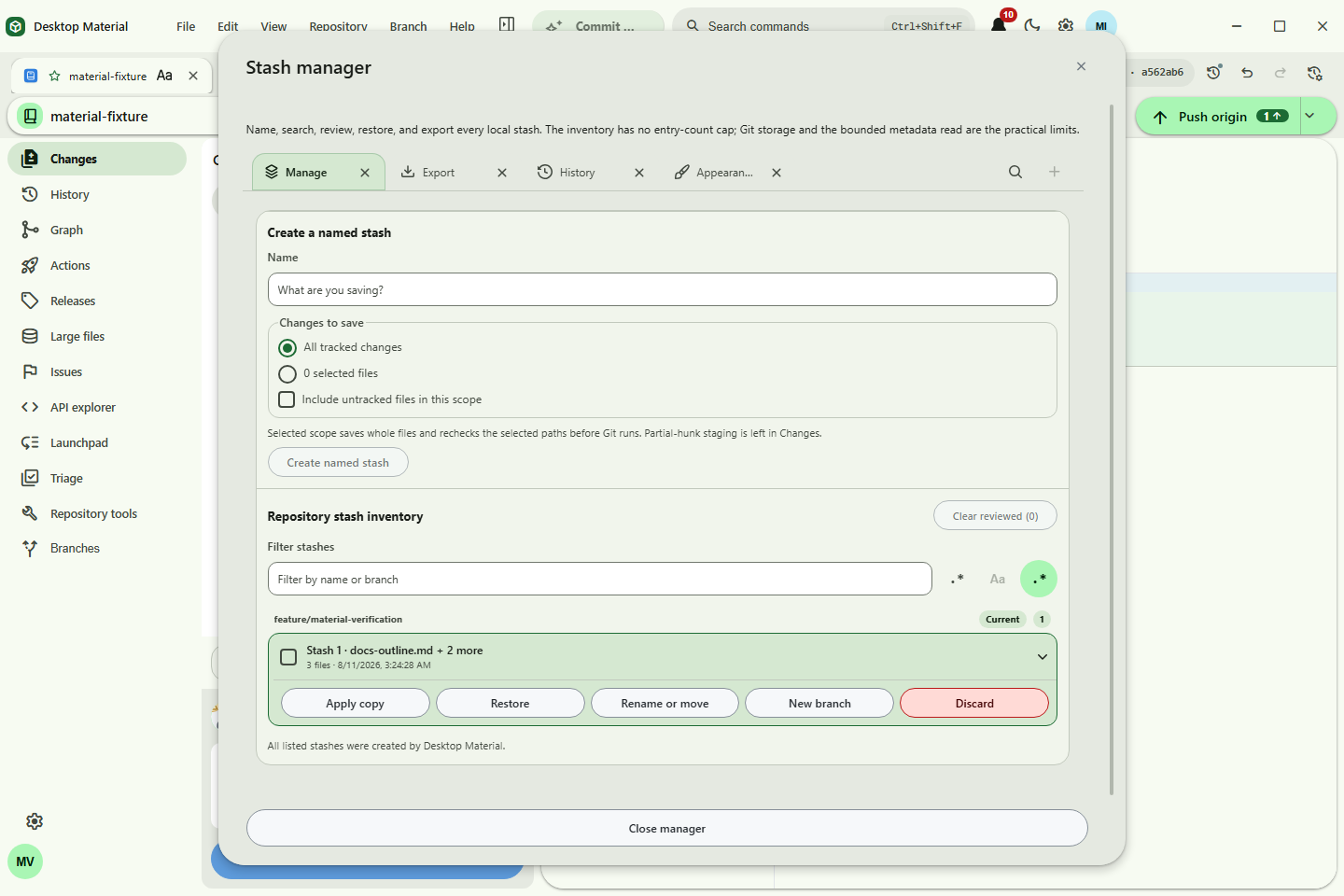
These three frames come from the exact production Electron build on
the named hidden desktop run recorded in settings-browser-tabs-headless-run-manifest.json.
They show the shared browser-style tab lane on Global Settings,
Repository Settings, and Stash Manager, including close actions,
search/overflow/new-page controls, and the active panel below the
selected page.
呢三個畫面嚟自精確嘅生產 Electron 建置,喺 settings-browser-tabs-headless-run-manifest.json
記錄嗰次具名隱藏桌面執行。佢哋顯示全域設定、儲存庫設定同 Stash
管理員共用嘅瀏覽器式分頁列,包括關閉操作、搜尋/溢出/新頁控制項,同選定頁面下面嘅使用中面板。
| Global Settings | Repository Settings | Stash Manager |
|---|---|---|
 SHA-256 d9146992f82160f4e3f62cb2de4bd384a3515f2fe2377d73d2598270b95bc003 |
 SHA-256 bb432055f8e05e687f78a8ec0cd661fcfb24fe0993ac9fb87efbdf4cd2f07c16 |
 SHA-256 856671a301ce9954302ccd36ef665678c4ffb7c6a8102f3863125fb68858549b |
全域設定、倉庫設定同 Stash 管理員而家共用同一條似瀏覽器嘅分頁列;開新頁、關頁同搵滿瀉分頁都係同一套手勢。
Personal vocabulary controls — current built-artifact proof
| No-file state | Loaded state |
|---|---|
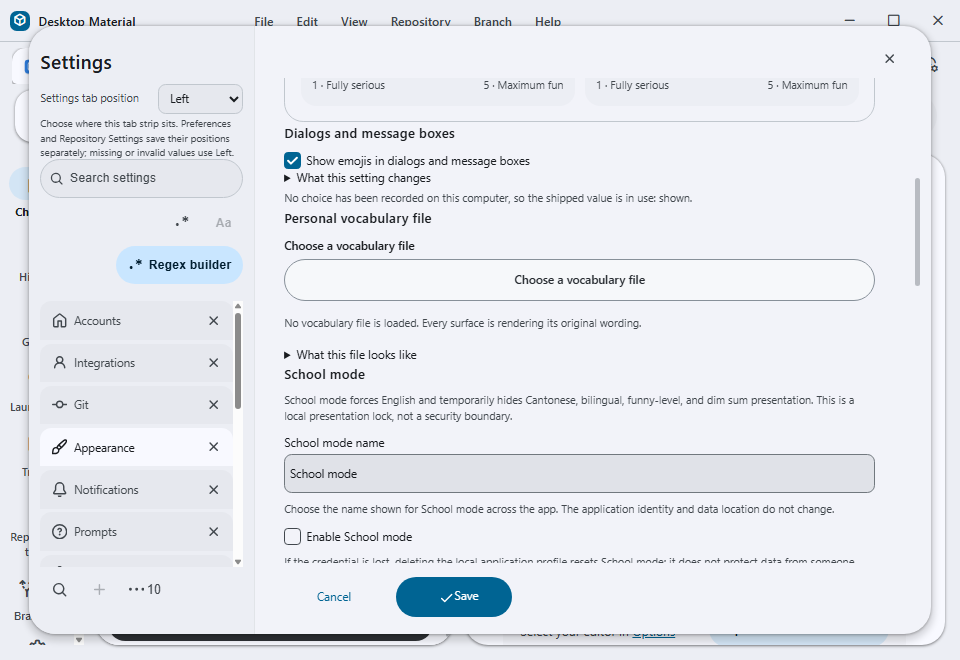 960×660 · SHA-256 03F16A83F886AC90CD33C9F7D124EB7EBD0533EA211A44ADCD45528A0D6F03FA |
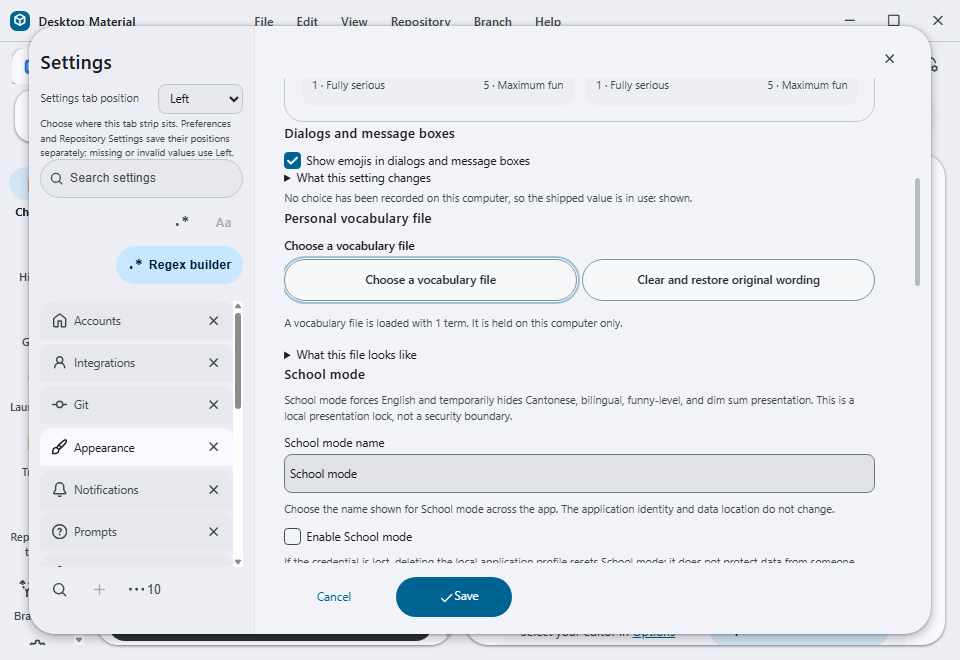 960×660 · SHA-256 E303EAE7C4D6428B56903F5853880782E16E1EF6EC987F57FAE2F0C41475464F |
These frames were captured from the real unpackaged Windows build at
commit 9e388ba21523db559199d4d0b90ed530b8331b4c through the
approved hidden-desktop route. The loaded-state clear action was
activated and the no-file state was captured again, so the two images
cover both styled actions and their state transition.
| Searchable Publish organization owner |
|---|
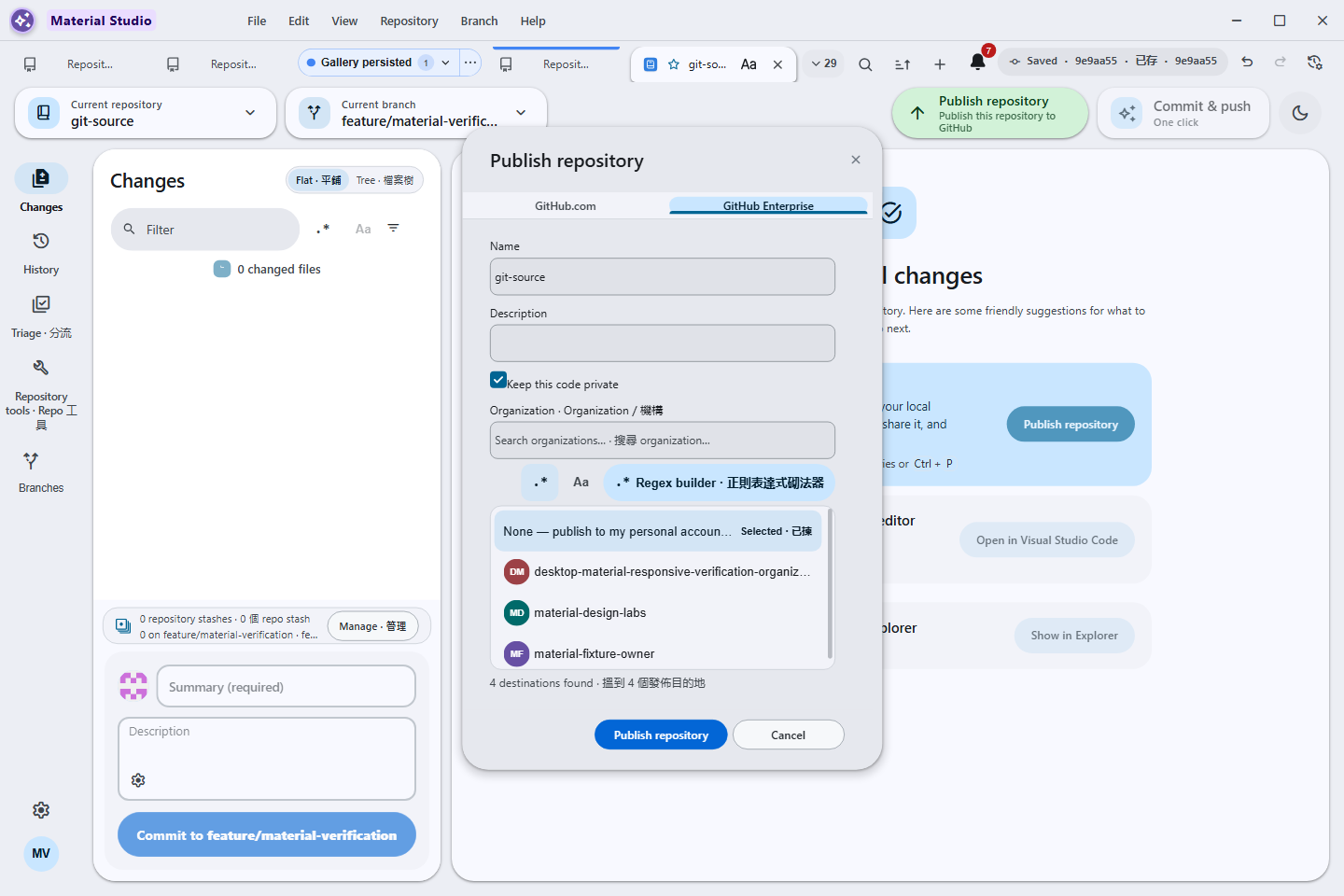 Personal or organization owner · fuzzy/substring/safe regex · non-collapsing contained list |
| Custom app identity | Material Welcome | Appearance customization | Dynamic toolbar overflow |
|---|---|---|---|
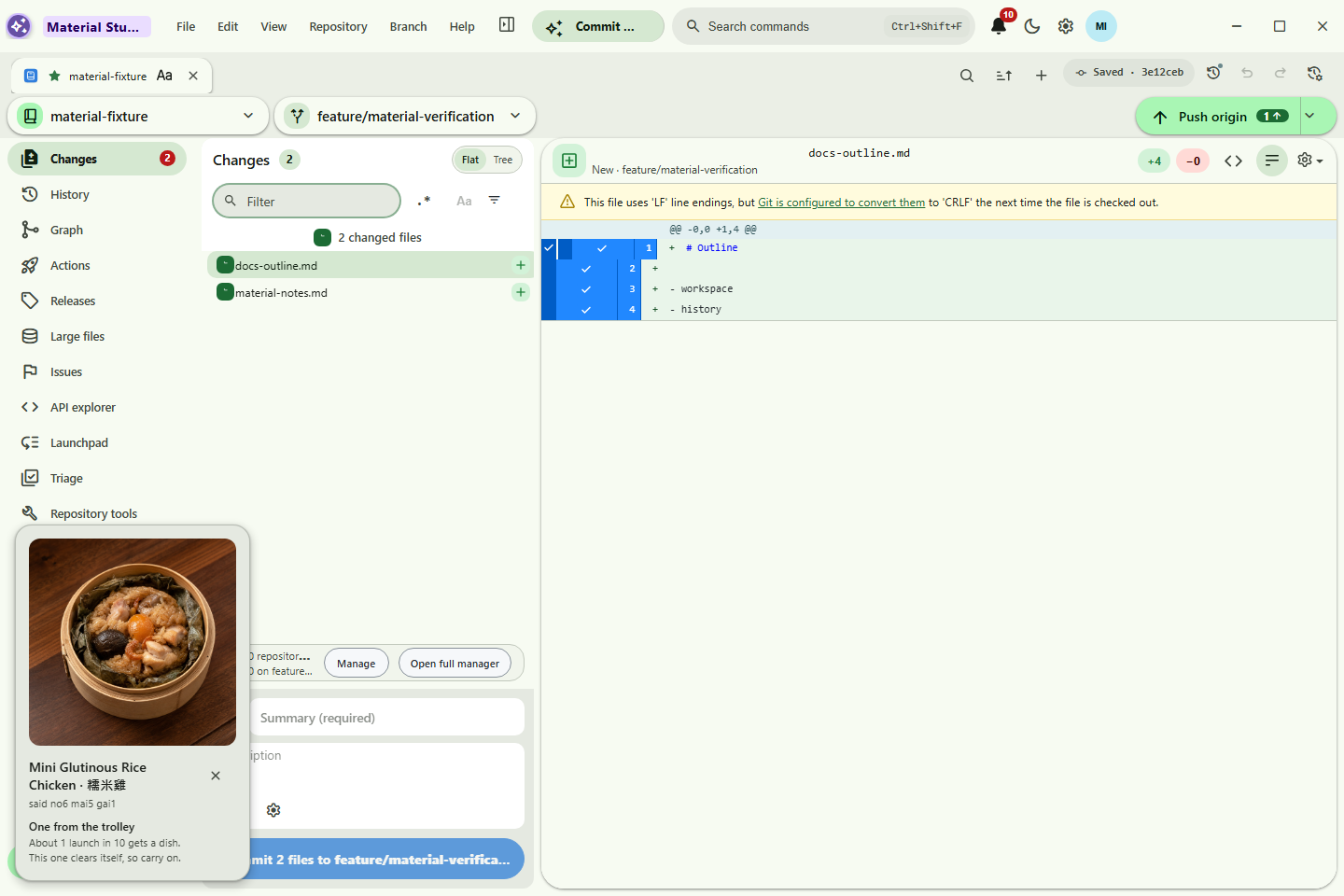 Profile app identity |
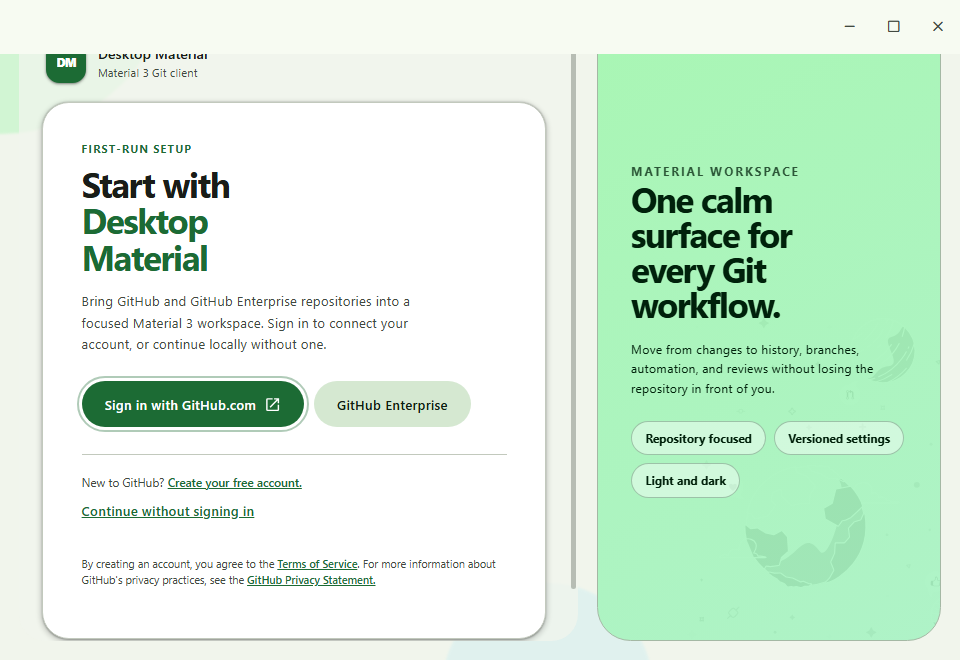 Material Welcome |
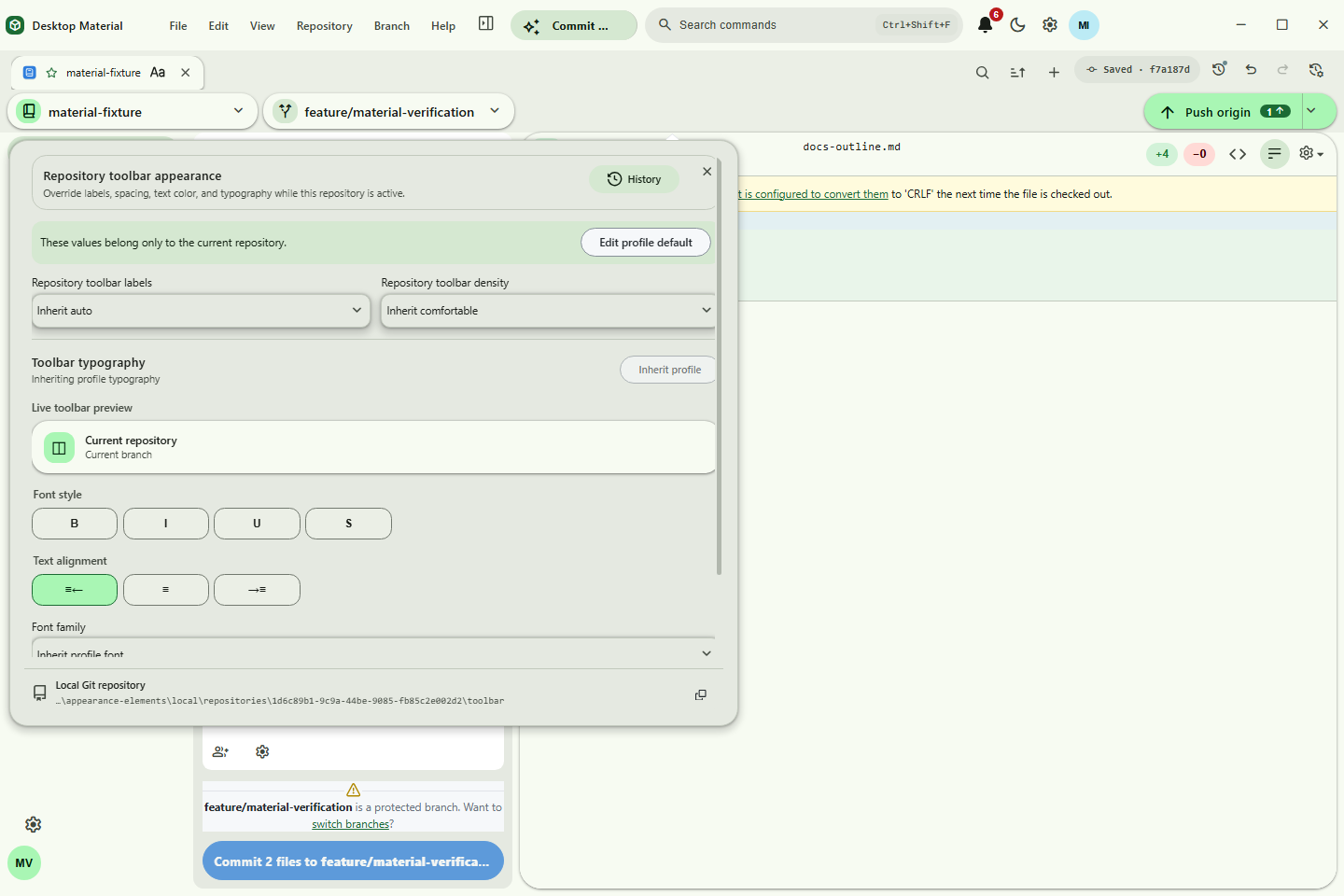 Anchored owner · burst-safe history |
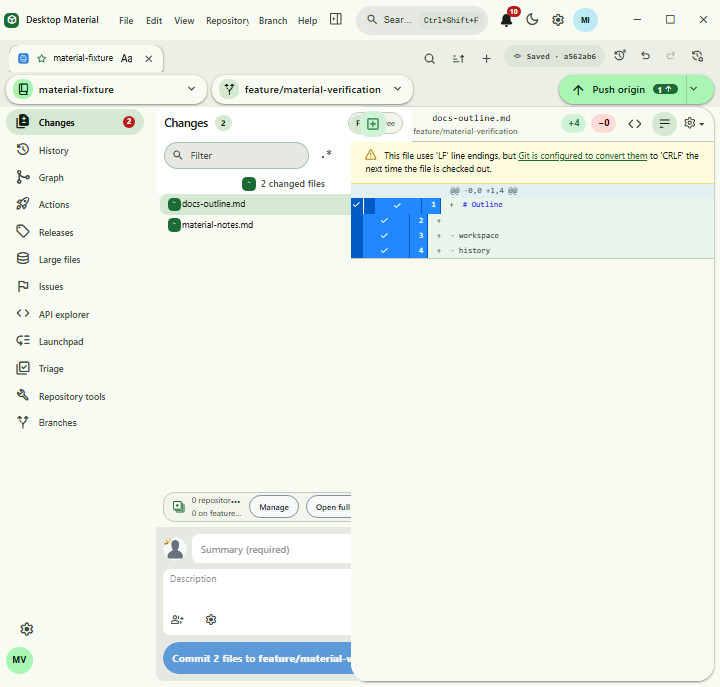 Measured More behavior |
| Word-style tab appearance | Arrange tabs | Actions cancellation | Reviewed rebase |
|---|---|---|---|
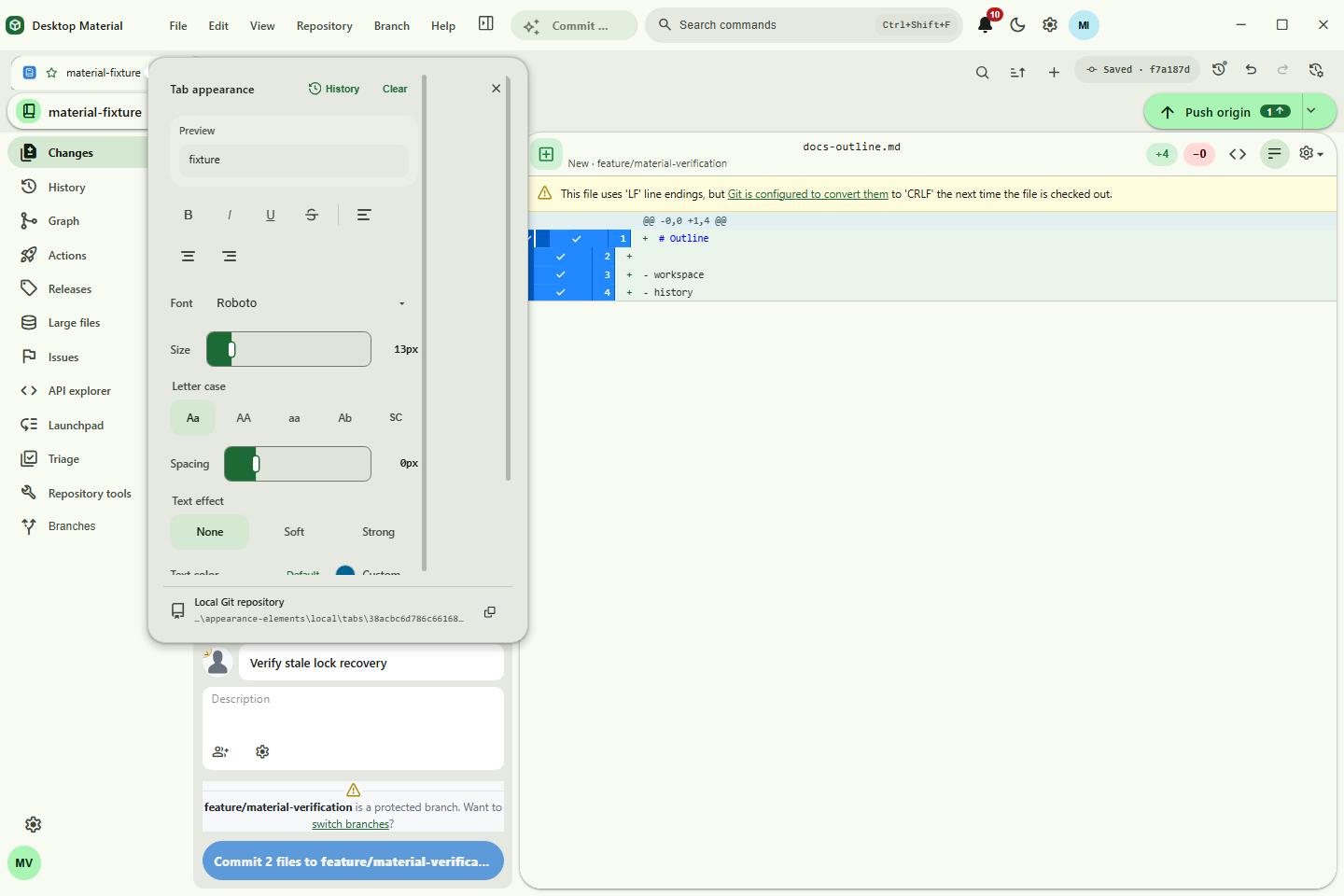 Per-tab appearance |
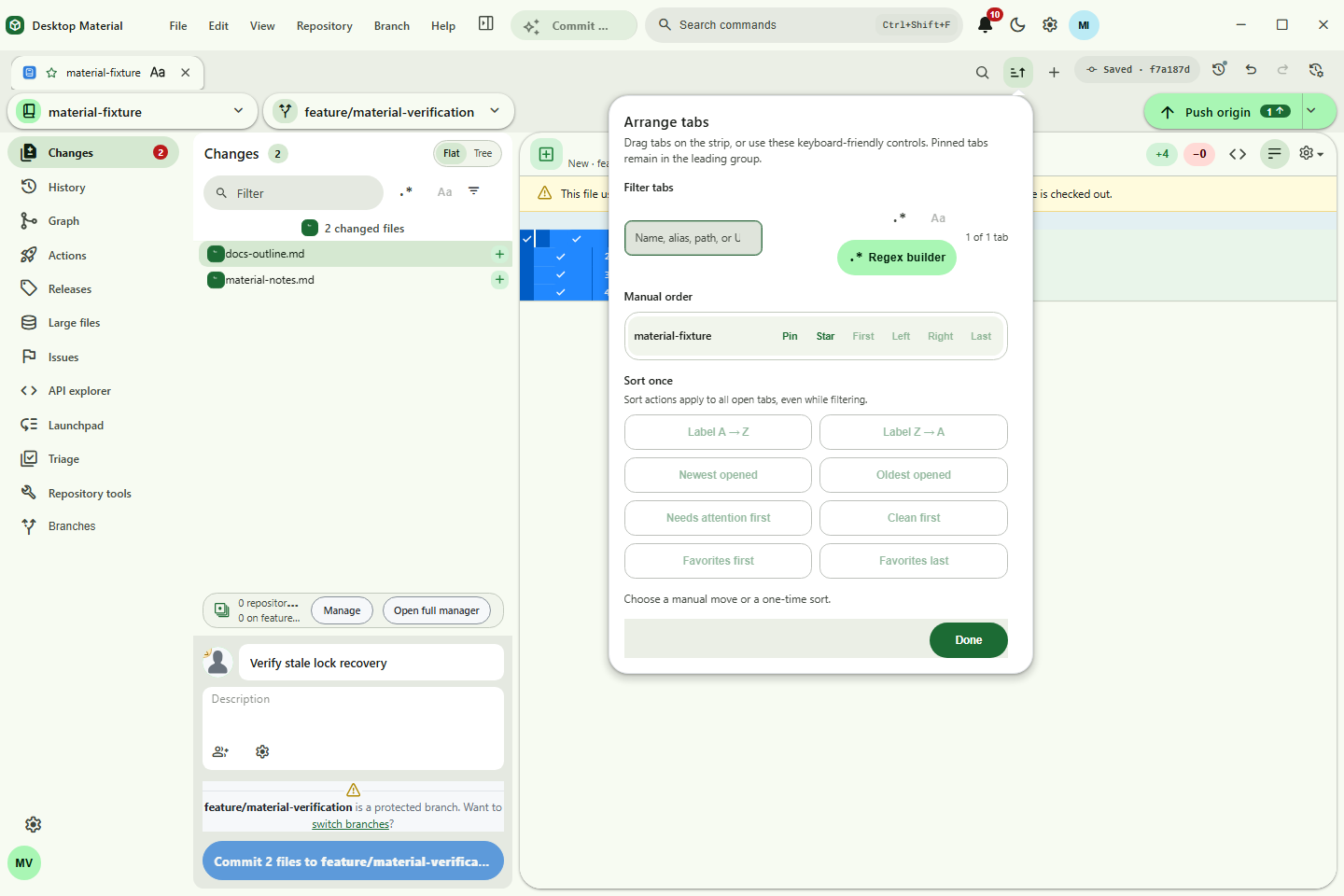 Persistent tab order |
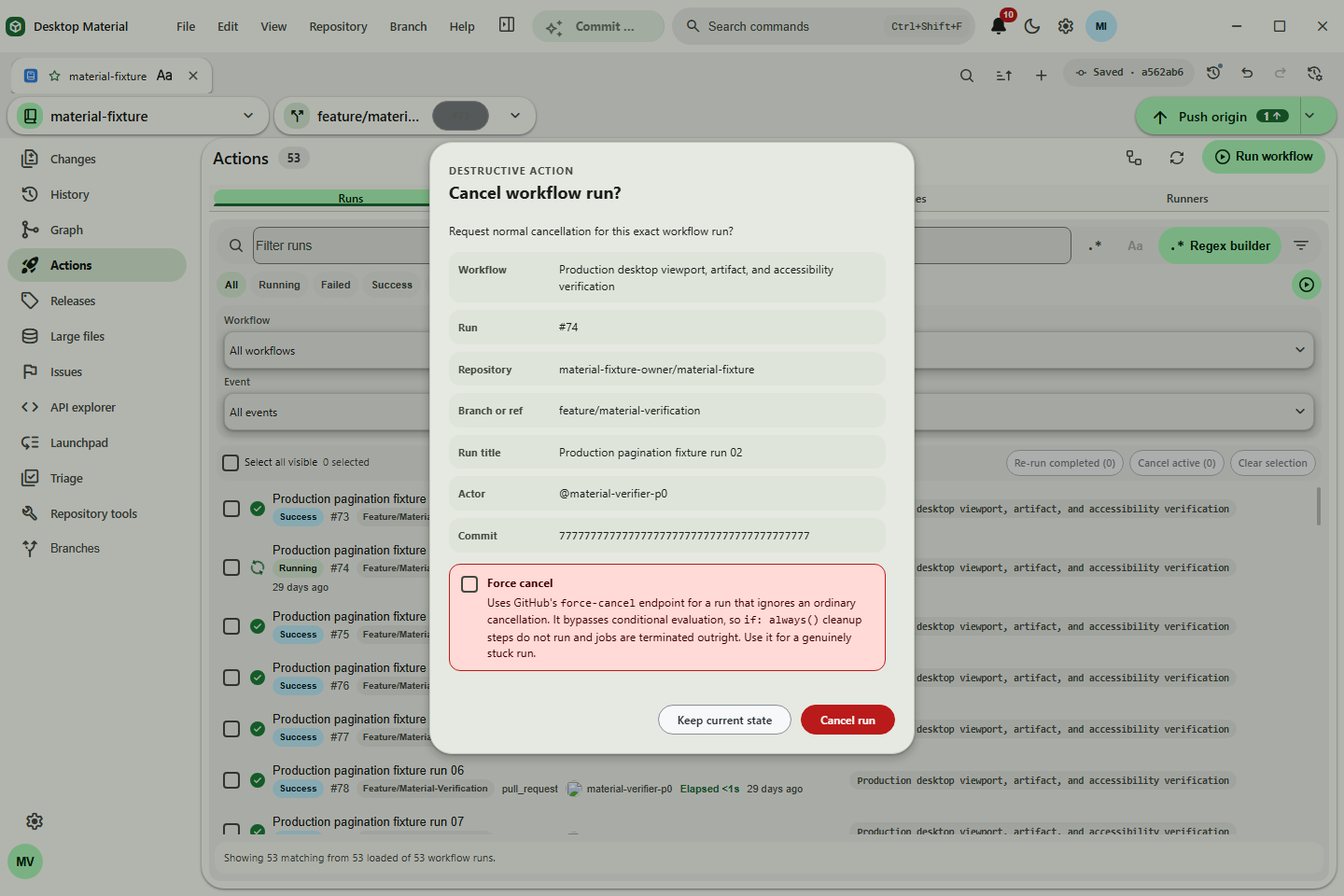 Exact-run cancellation |
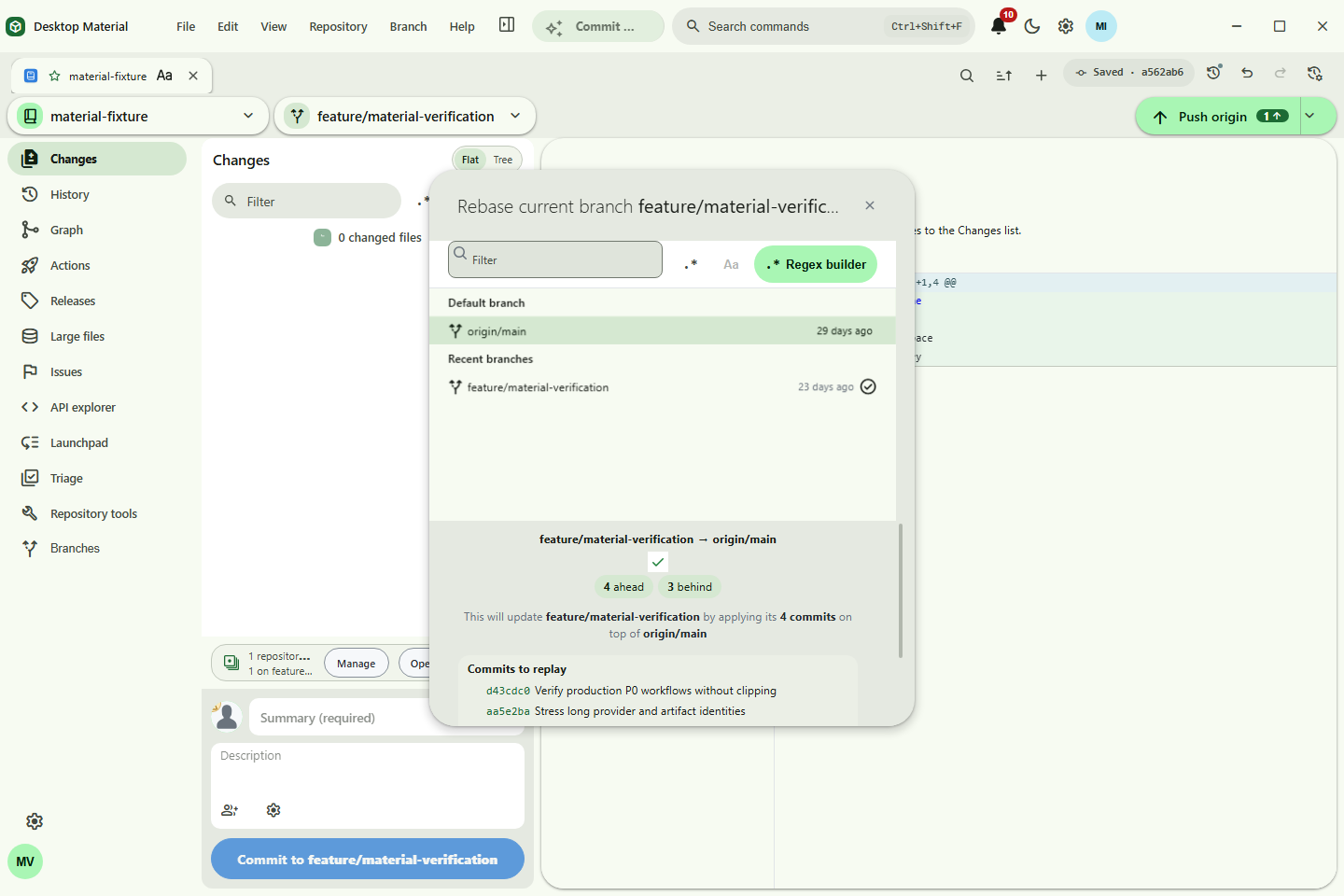 Rebase review |
| Persistent tab groups | Rich command palette |
|---|---|
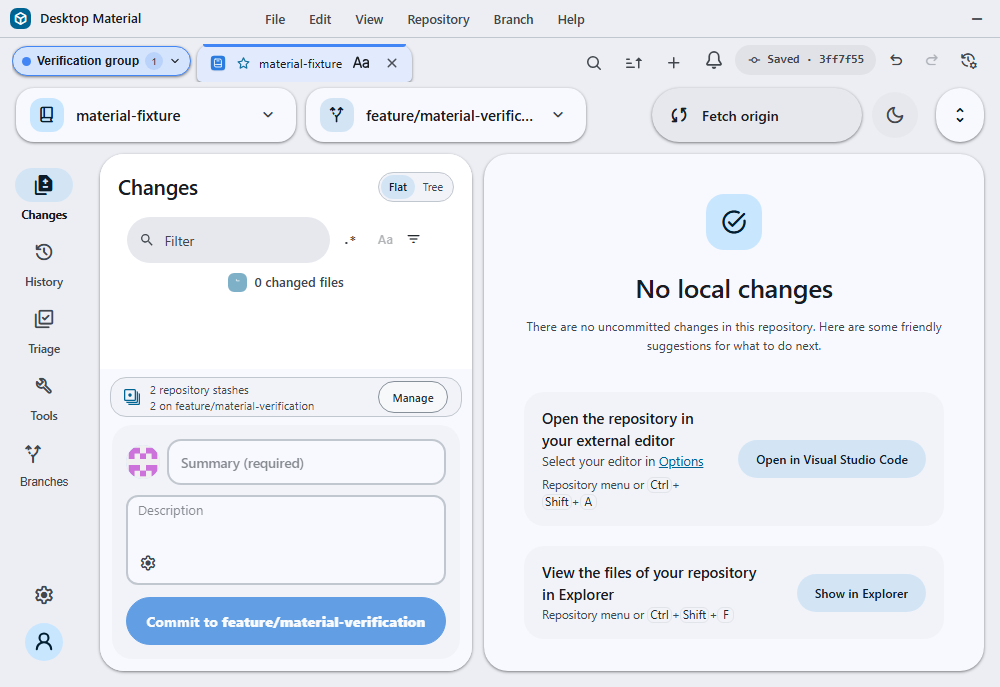 Named chip · collapse/expand · restart persistence |
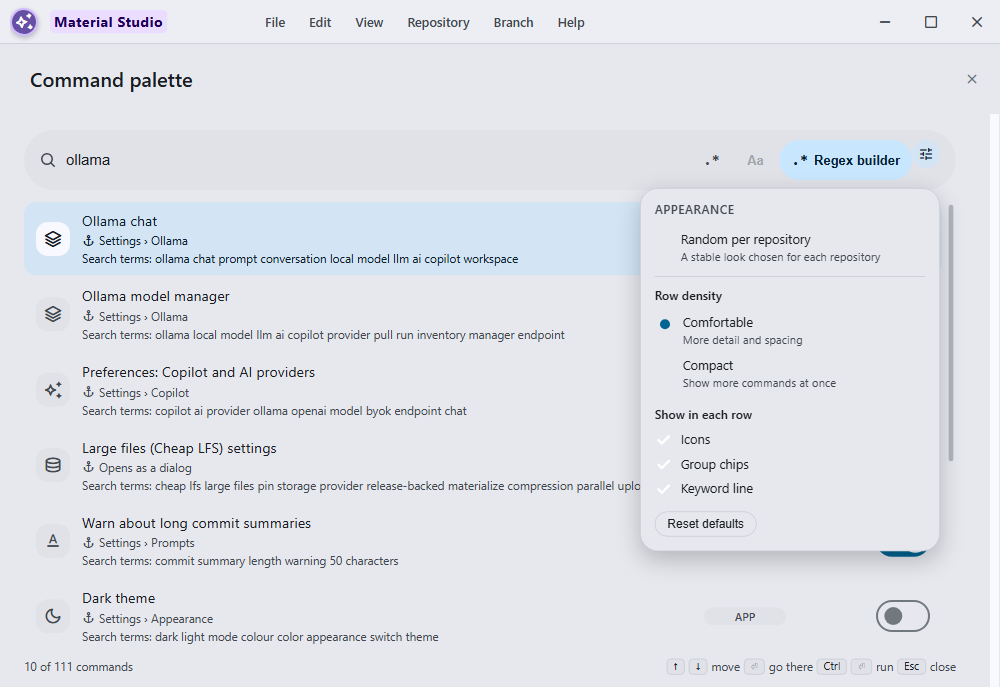 Aligned controls · stable random per repository |
| Live Cheap LFS pin and restore | Live cloud compression |
|---|---|
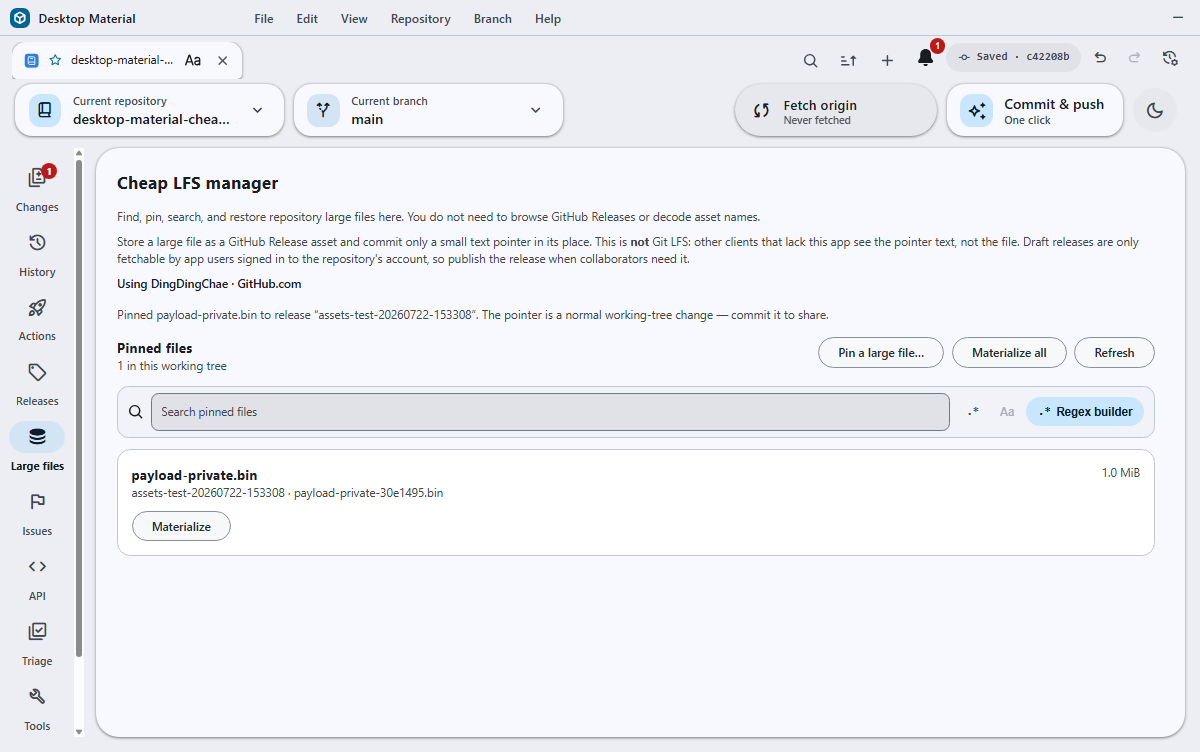 Public/private live GitHub · native picker · pushed pointer history |
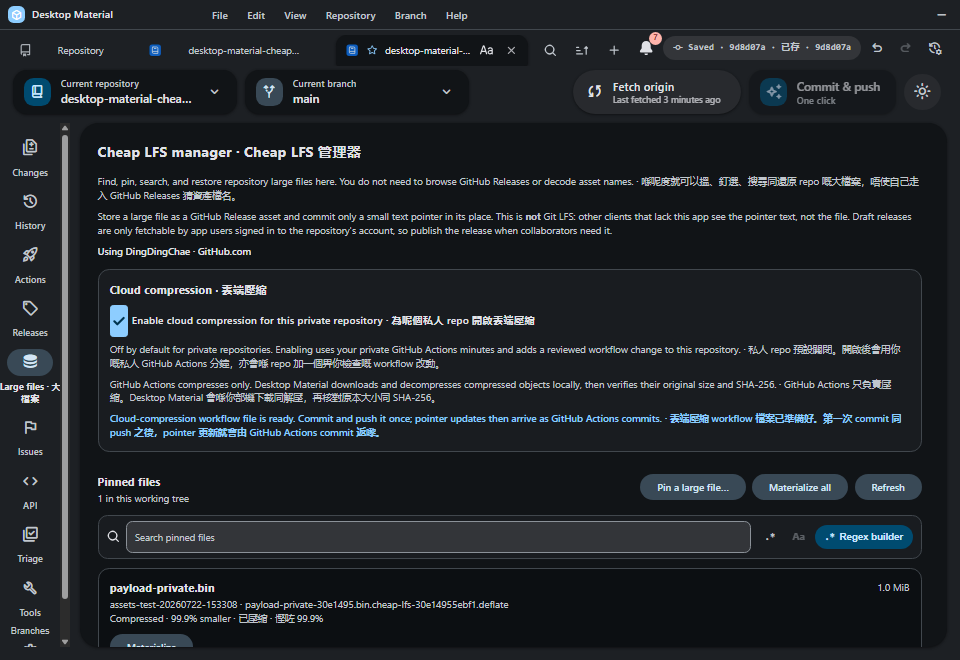 Private opt-in · no private workflow · 99.9% smaller |
| Detailed Cheap LFS commit progress | Compact Repository Releases at 200% |
|---|---|
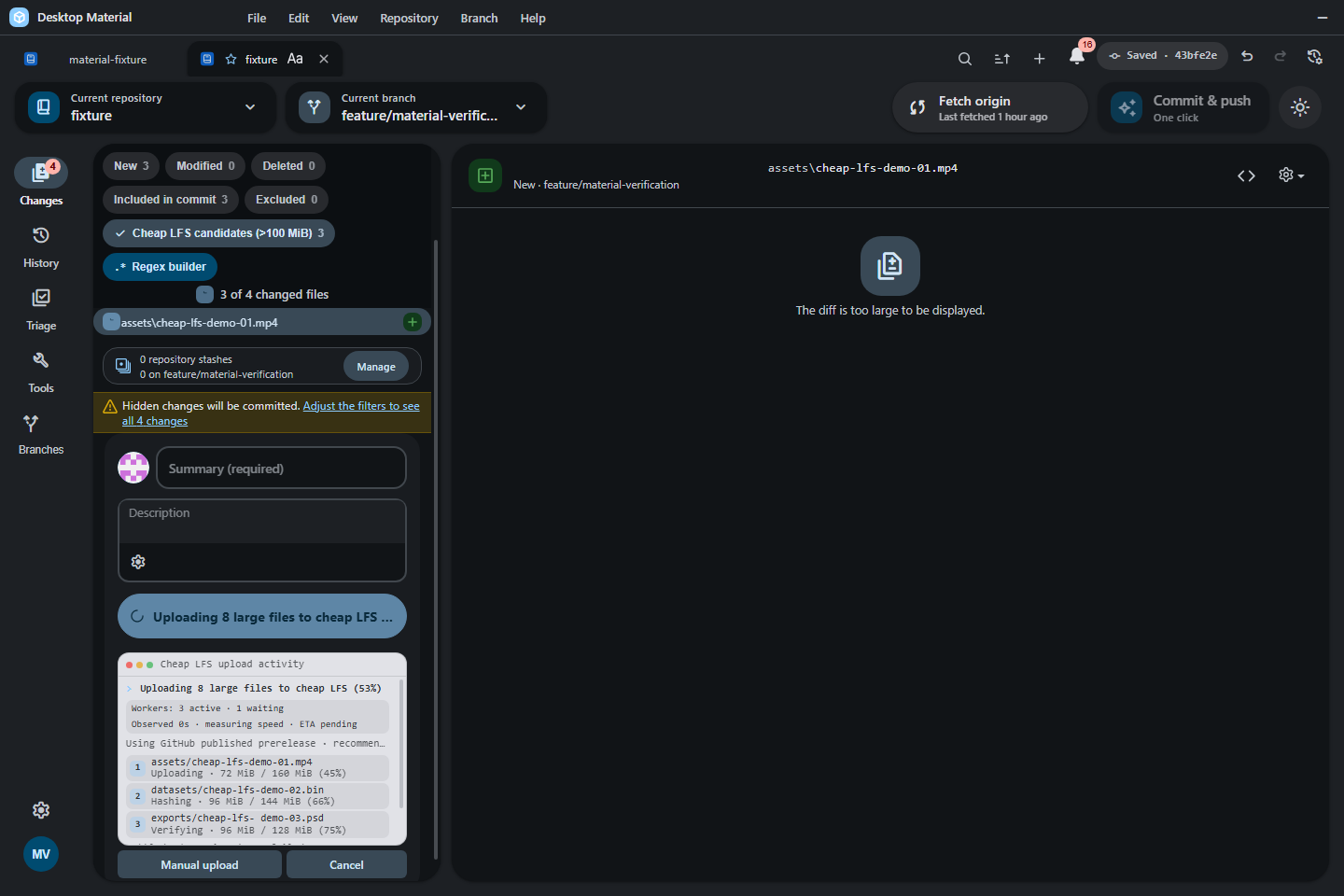 Three lanes · queue/provider context · timing and ETA · keyboard disclosure |
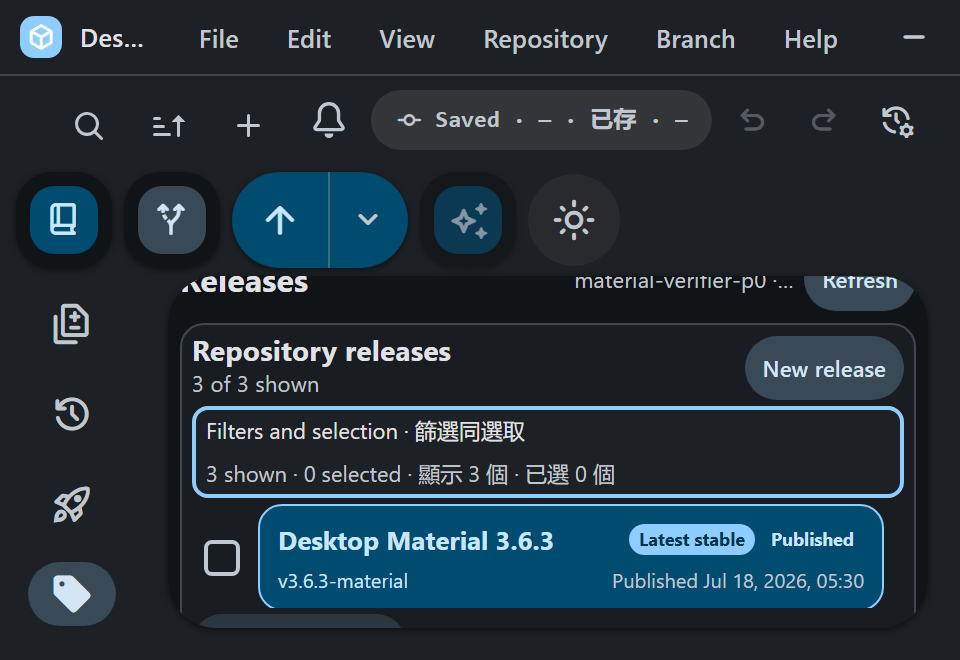 100–200% gate · complete row · 24-hour time |
| Live 14.8 GB Bambu Cheap LFS restore |
|---|
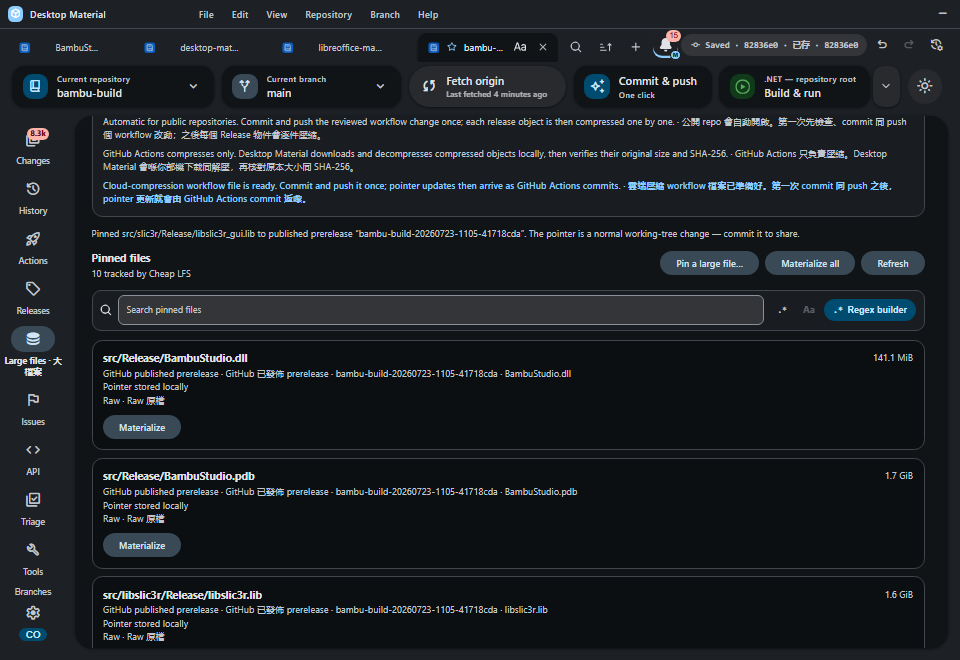 8,305 files · four proven UI batches · ten pointers · separate 10/10 clone hash proof |
| Current-source automatic updater ready | Historical cross-lane automatic update recovery |
|---|---|
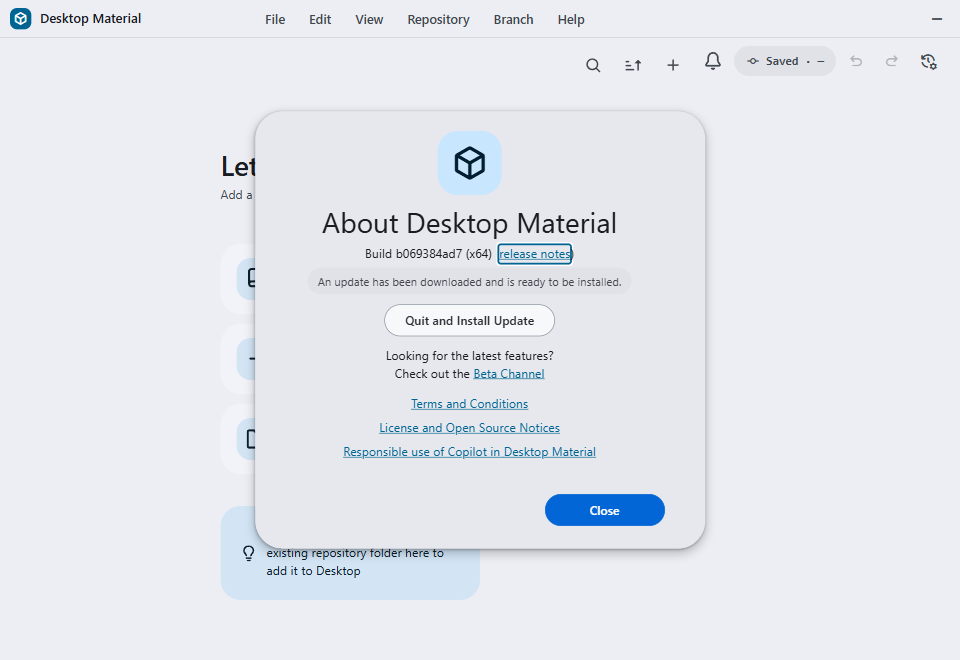 Accepted current-source frame · runtime b069384ad7d8a65d1192ee06859a705fe484c9c8 · promoted
e3967f1b81ec039624500797dca40a1ab6d98598 · 960×660 · 47,086
bytes · SHA-256
0fc9caf5b13eb5b914121090f403c394545e02ea4303b11dd4598afcb3a2dfca
· development proof, not a published payload目前原始碼畫面已驗收 · 真 Electron/Squirrel 路徑配驗證器自有嘅無害 payload · 唔代表已發佈更新 payload |
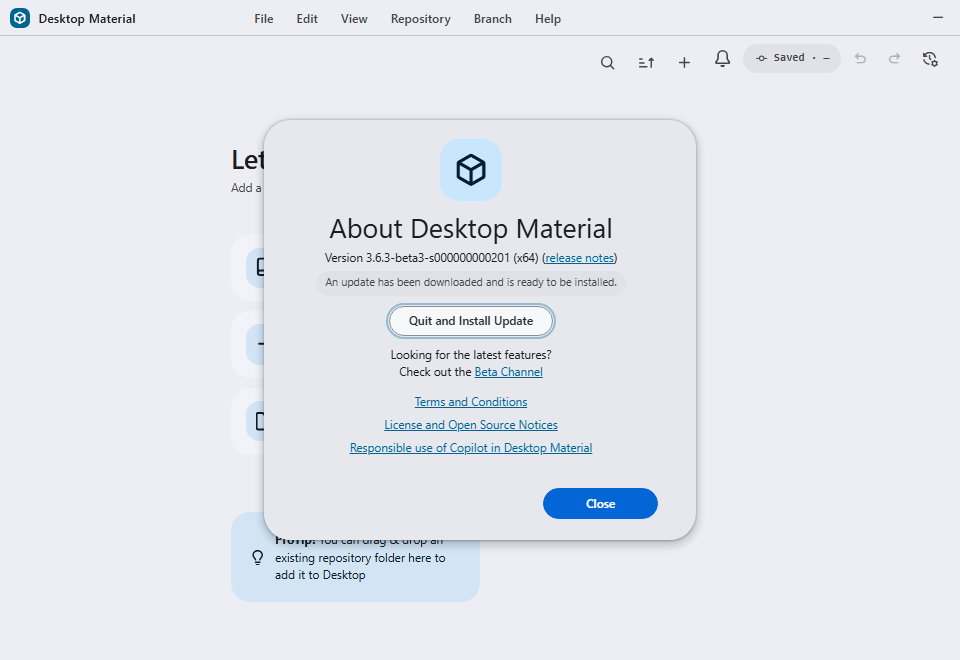 Immutable July 22 evidence · legacy s lane → shared z lane · real Squirrel download |
Cheap LFS can now install a reviewed, SHA-pinned GitHub Actions
caller that compresses Release objects sequentially without Actions
artifacts or caches. For a confirmed-public repository, Desktop Material
automatically prepares the owned caller in Changes; it starts running
only after the user reviews, commits, and pushes that workflow. Private
repositories stay off until the user opts in; that persisted consent
installs no private-repository workflow and spends no private Actions
minutes, routing compression through the encrypted public builder
instead. Failed or non-beneficial objects keep their exact raw pointer
and asset, while successful objects become backward-compatible
part-deflate records. Decompression always happens locally
in Desktop Material with bounded expansion plus original part and
whole-file SHA-256 verification. The historical 2026-07-22 public and
private Actions acceptance converted separate 1 MiB objects to verified
1,033-byte side assets while retaining their raw historical assets; both
compressed pointers restored to the exact original bytes through the
app.
Cheap LFS 而家裝得到一個經覆核、SHA 釘住嘅 GitHub Actions
呼叫方,順序壓縮 Release 物件,唔使 Actions
產物或者快取。對一個已確認公開嘅儲存庫,Desktop Material 會喺 Changes
自動準備佢自己擁有嘅呼叫方;要等用戶覆核、commit
同推送咗嗰個工作流程,佢先開始行。私人儲存庫預設唔開,要用戶主動選擇;嗰個持久化嘅同意唔會安裝任何私人儲存庫工作流程,亦都唔會用私人
Actions
分鐘,而係將壓縮導向加密嘅公開建置器。失敗或者冇好處嘅物件保留佢精確嘅原始
pointer 同資產,而成功嘅物件會變成向後相容嘅 part-deflate
紀錄。解壓永遠喺 Desktop Material
本機做,有界展開,並且驗證原始分段同整個檔案嘅 SHA-256。2026-07-22
嘅歷史公開同私人 Actions 接受測試,將個別 1 MiB 物件轉成已驗證嘅 1,033
bytes 側資產,同時保留佢哋嘅原始歷史資產;兩個壓縮 pointer 都經 app
還原返精確嘅原始位元組。
| Repository workflows | GitHub workflows | Accessibility and shell |
|---|---|---|
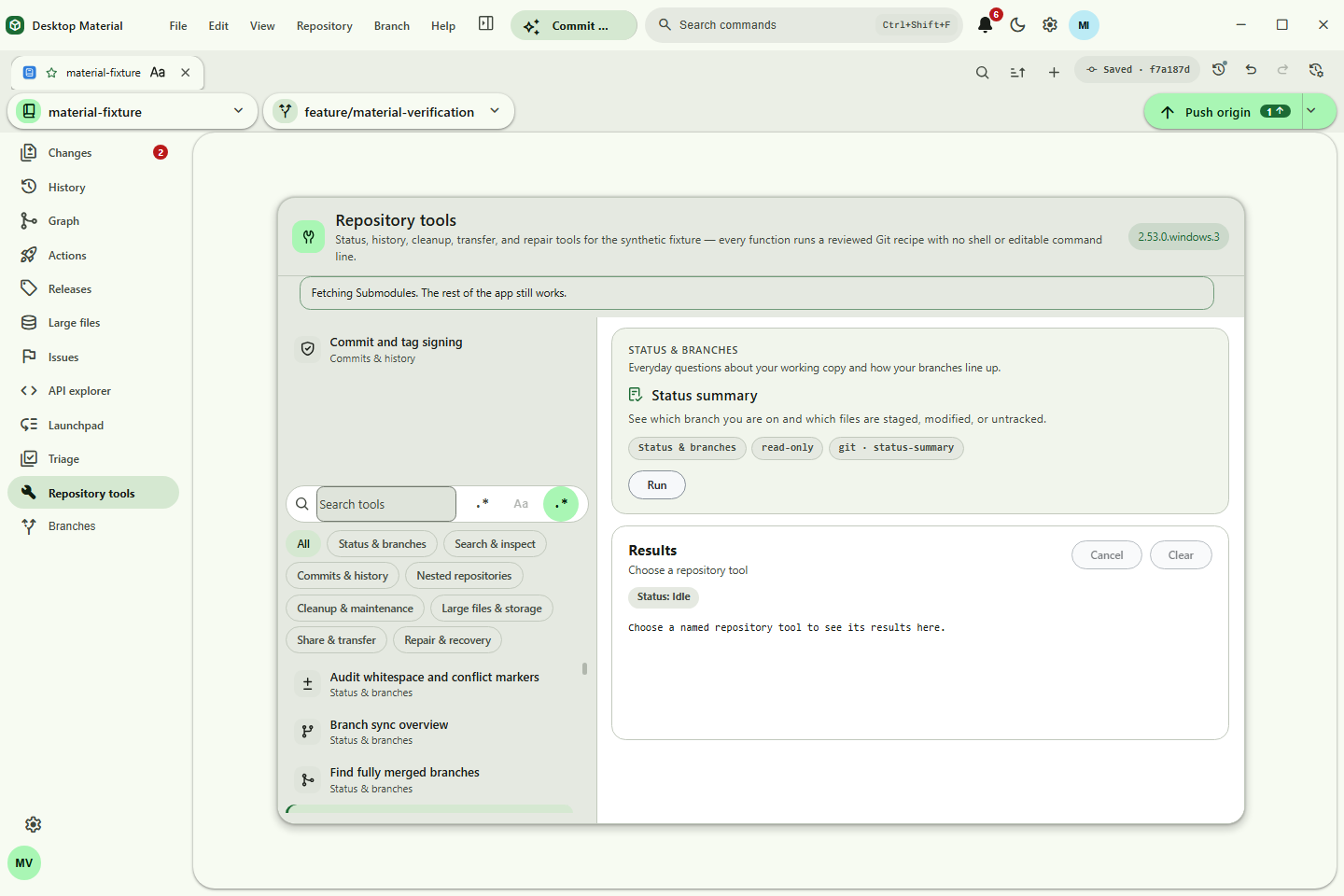 Repository Tools |
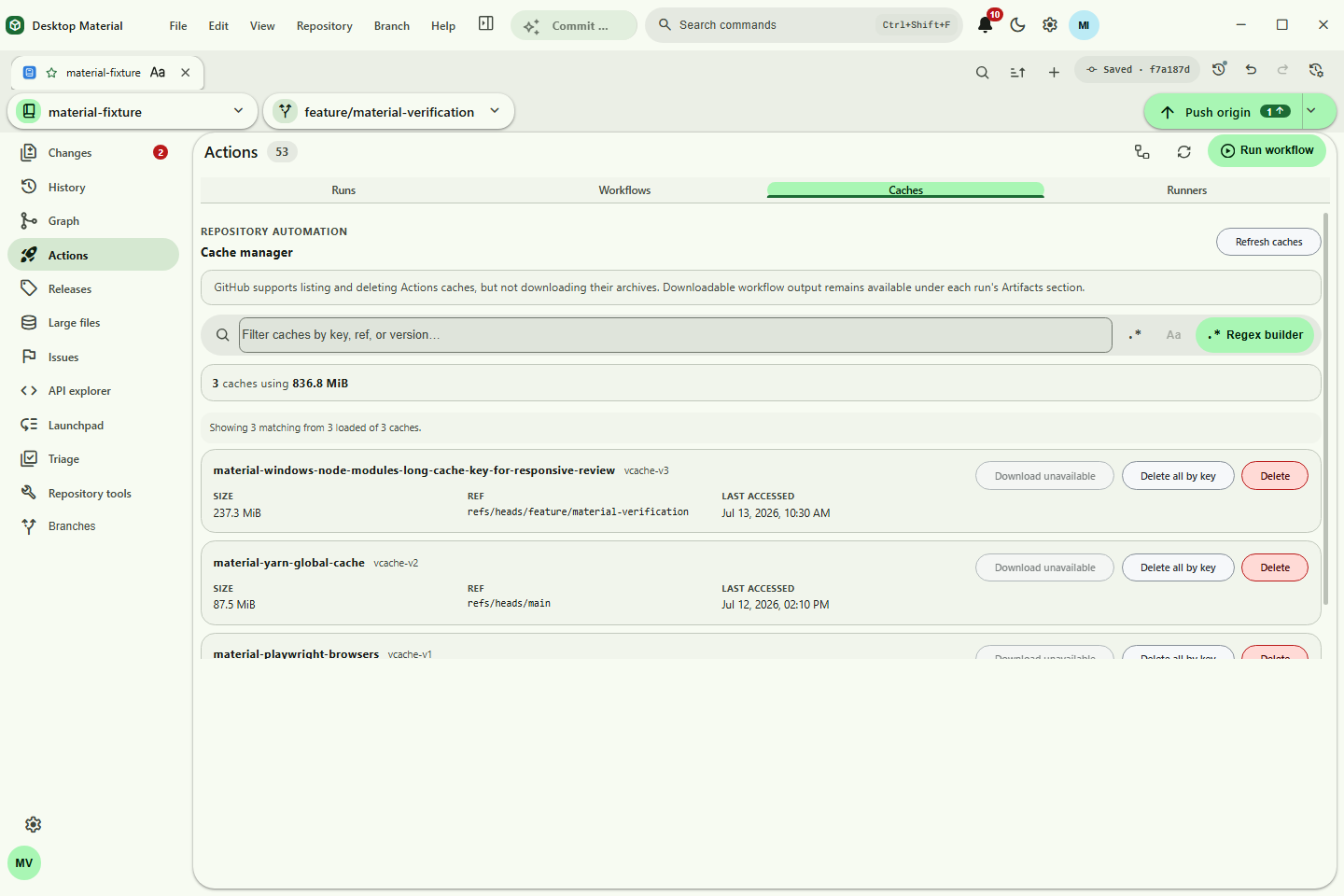 Actions caches |
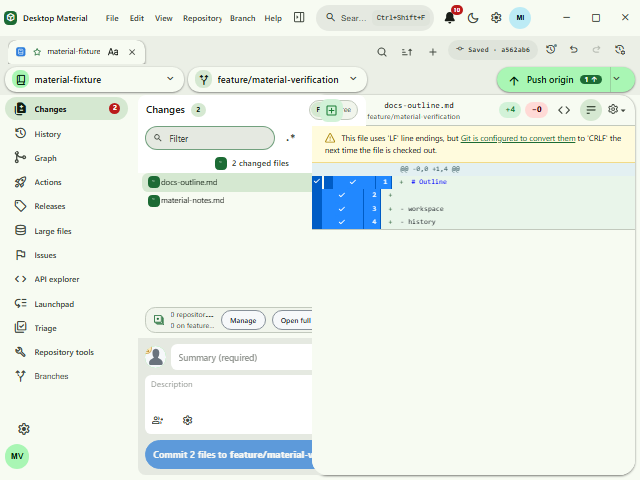 200% auto-fit |
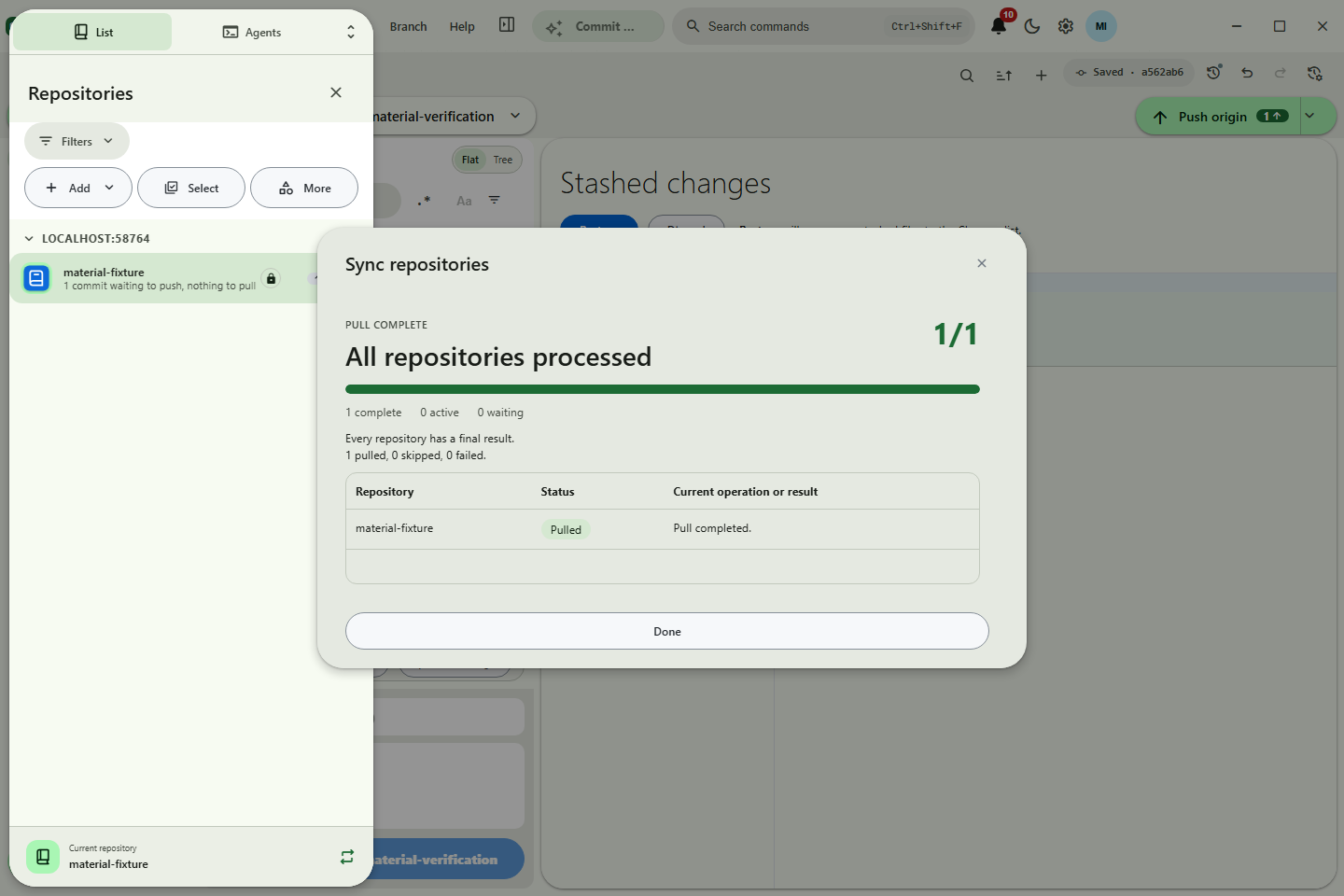 Pull All |
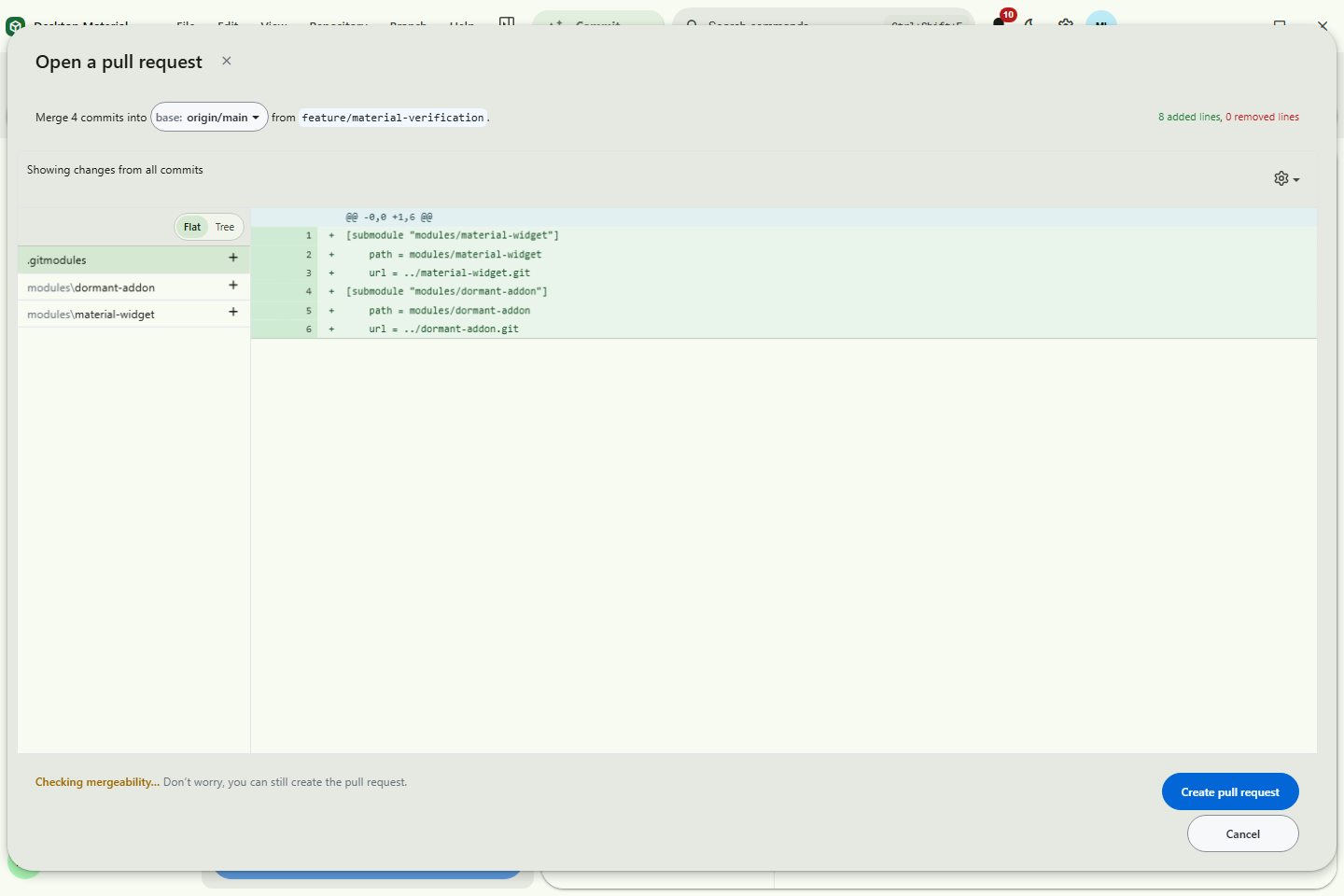 Pull requests |
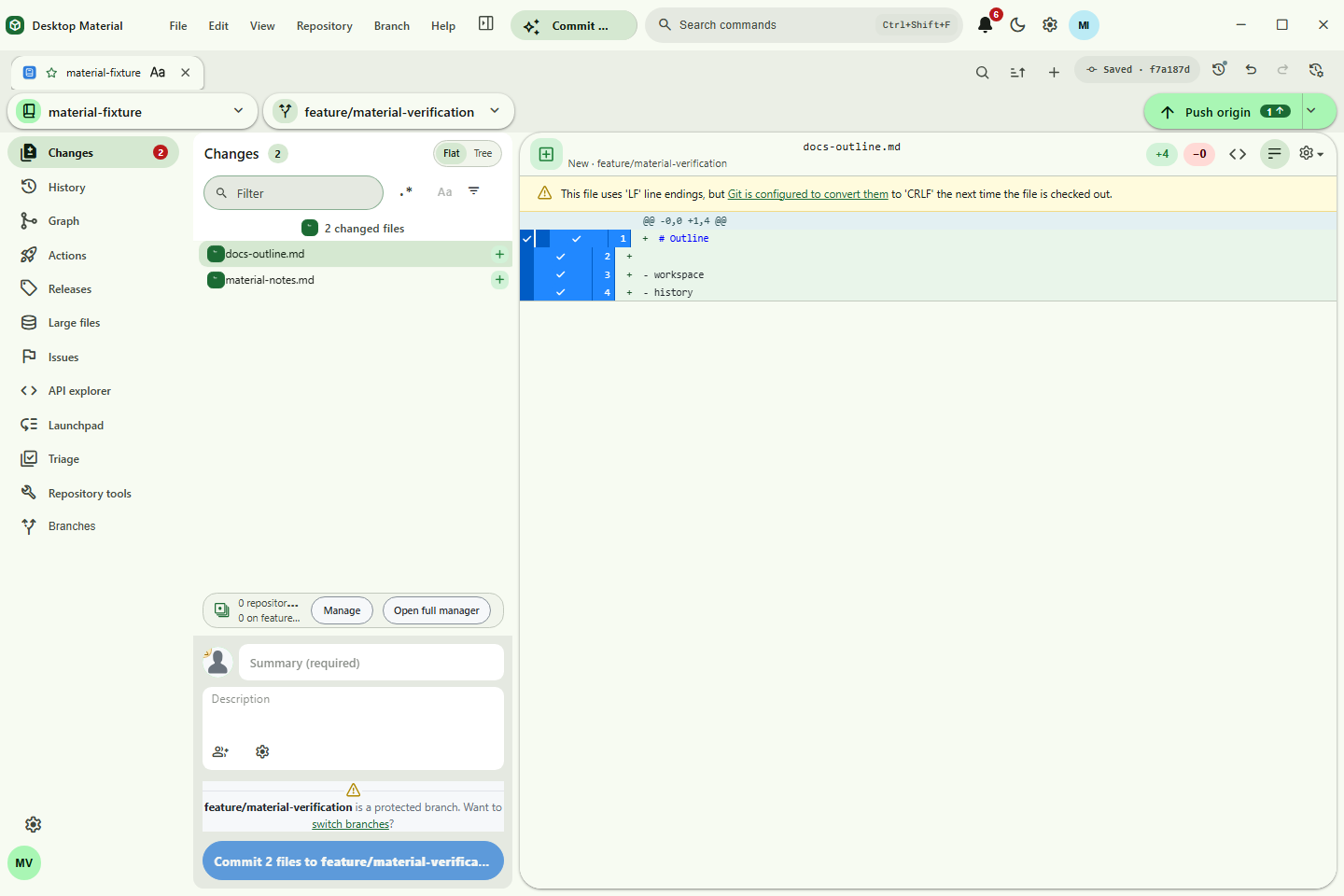 Changes workspace |
Stash manager |
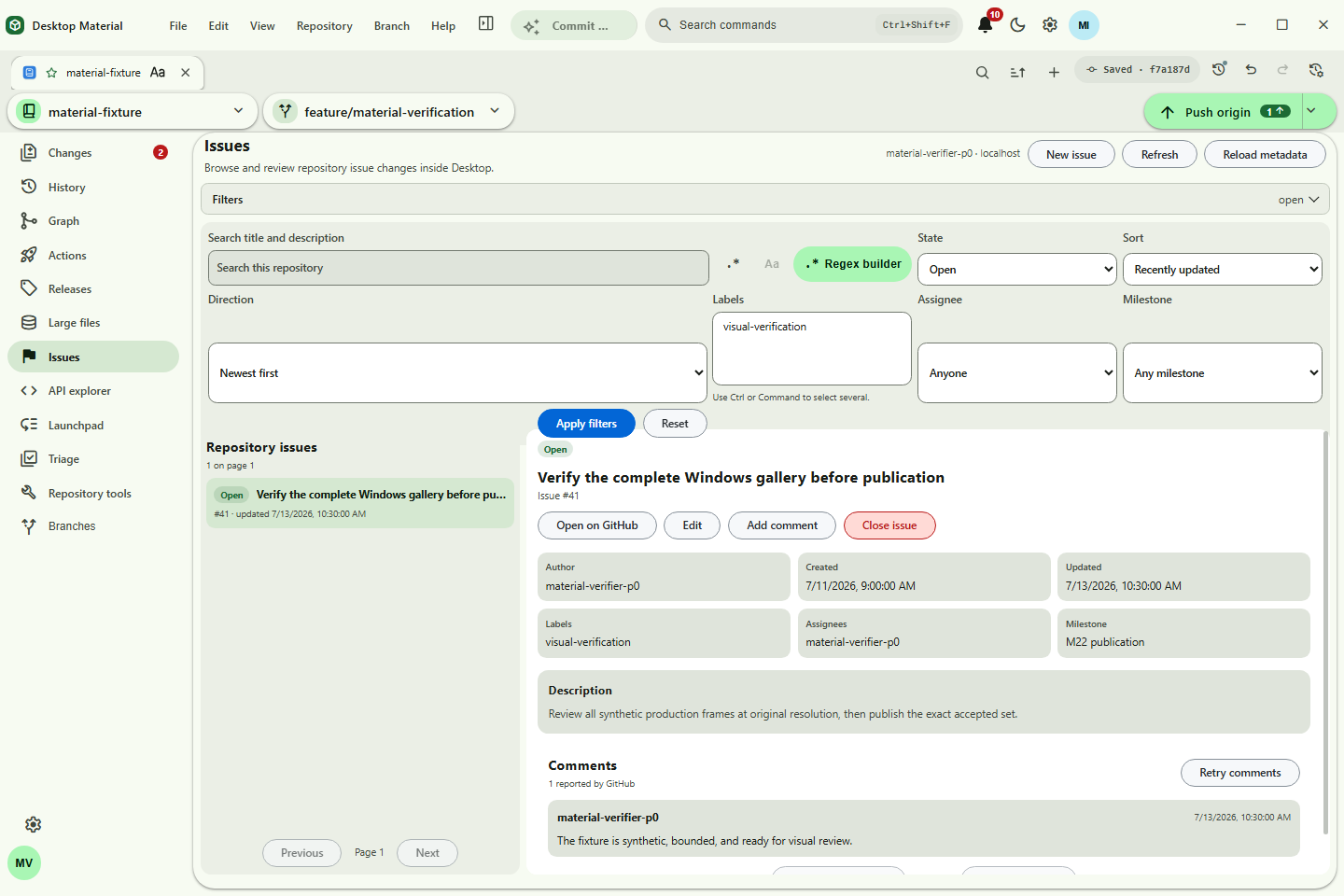 Issues |
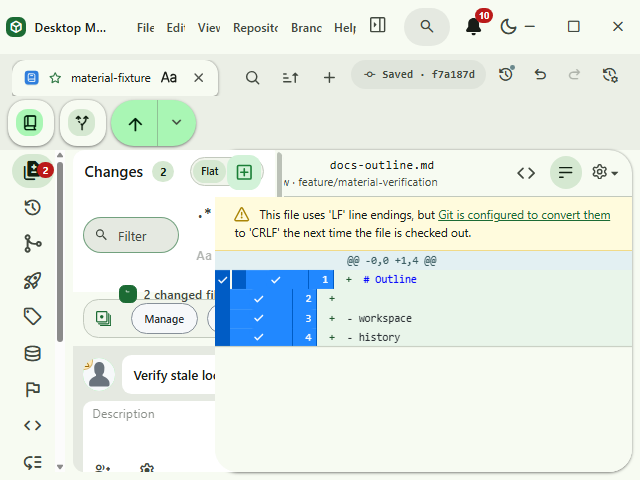 Responsive clipping gate |
| Runtime tab search | History commit actions | Repository Tools at the true bottom |
|---|---|---|
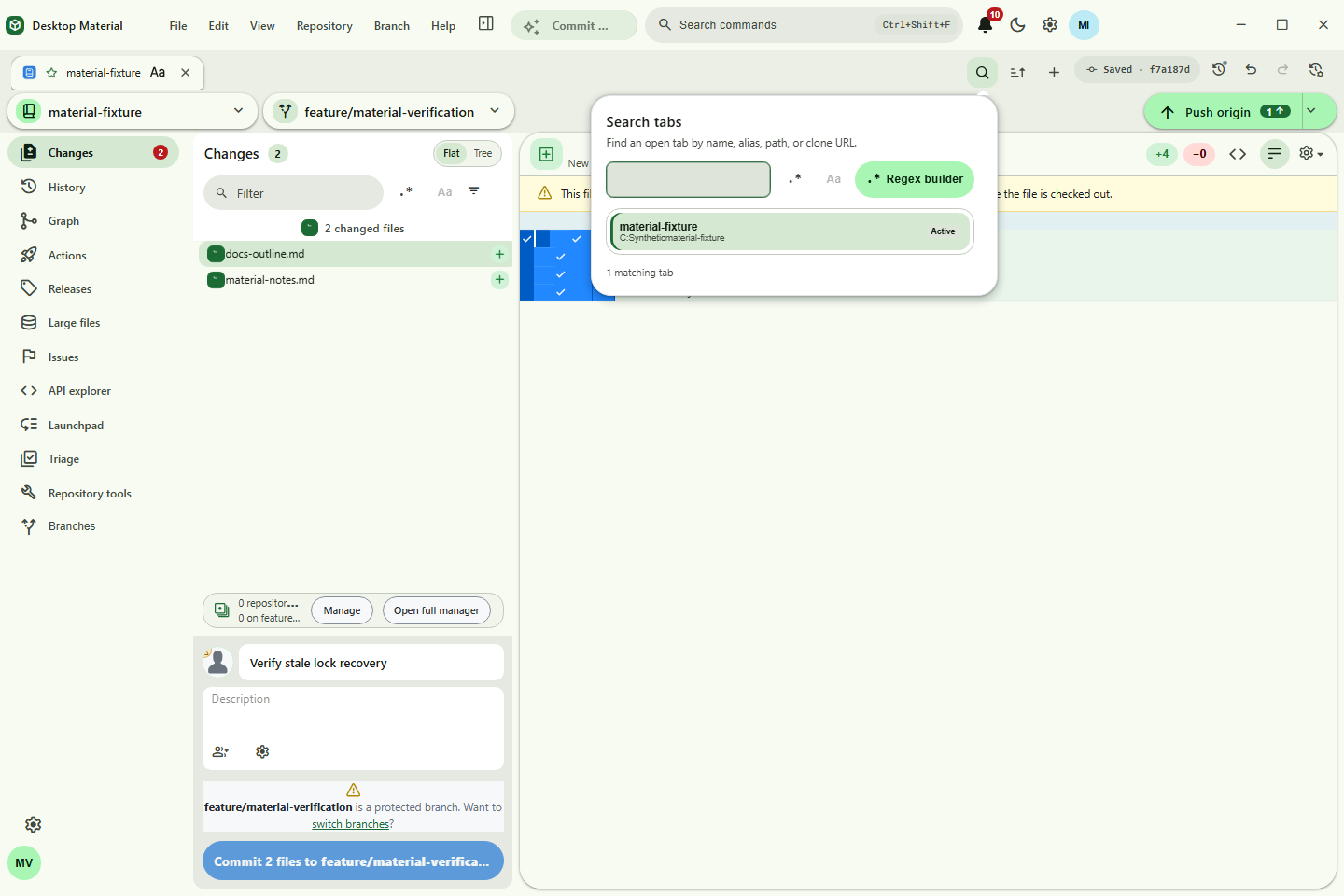 Search and switch tabs |
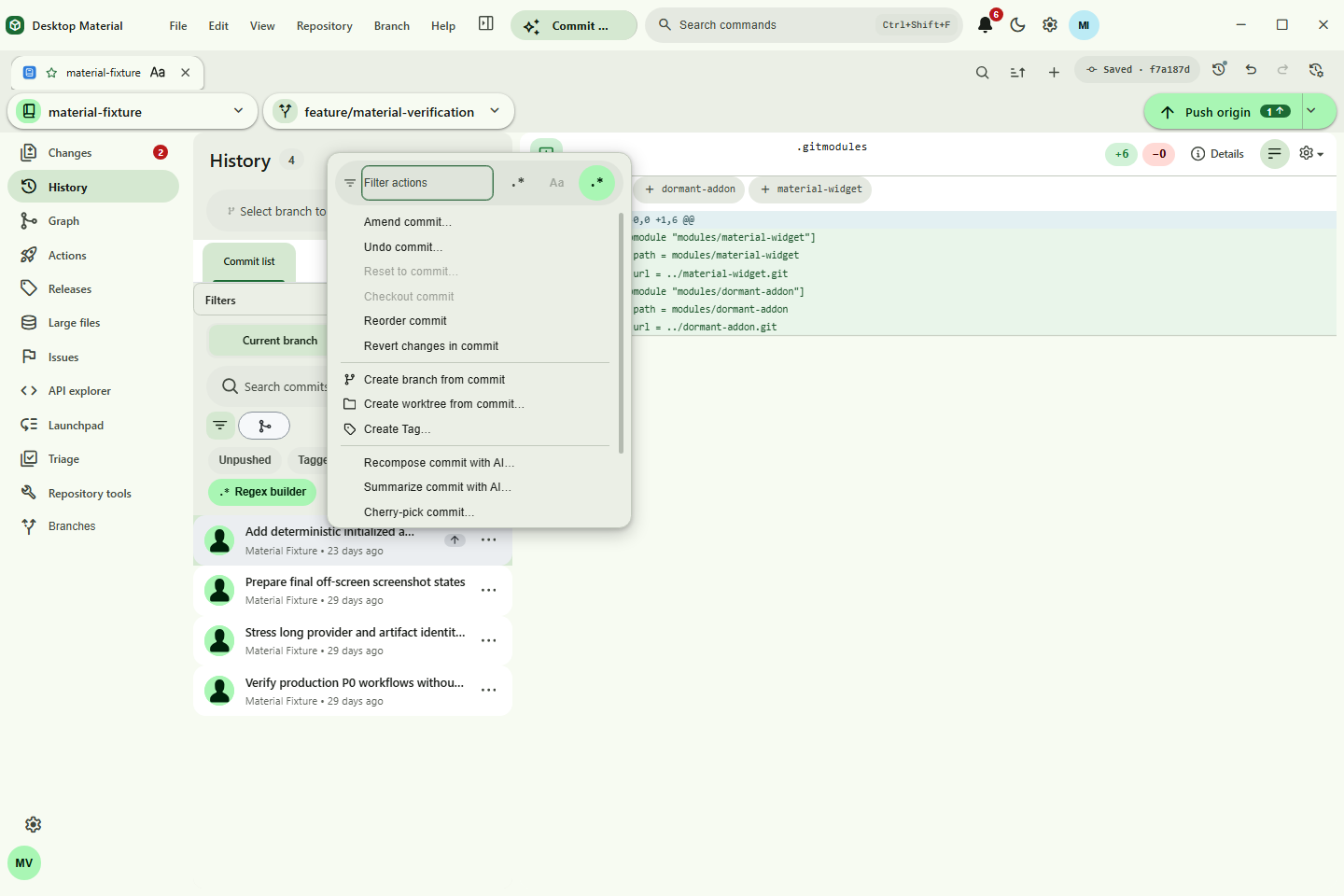 Right-click and keyboard-equivalent actions |
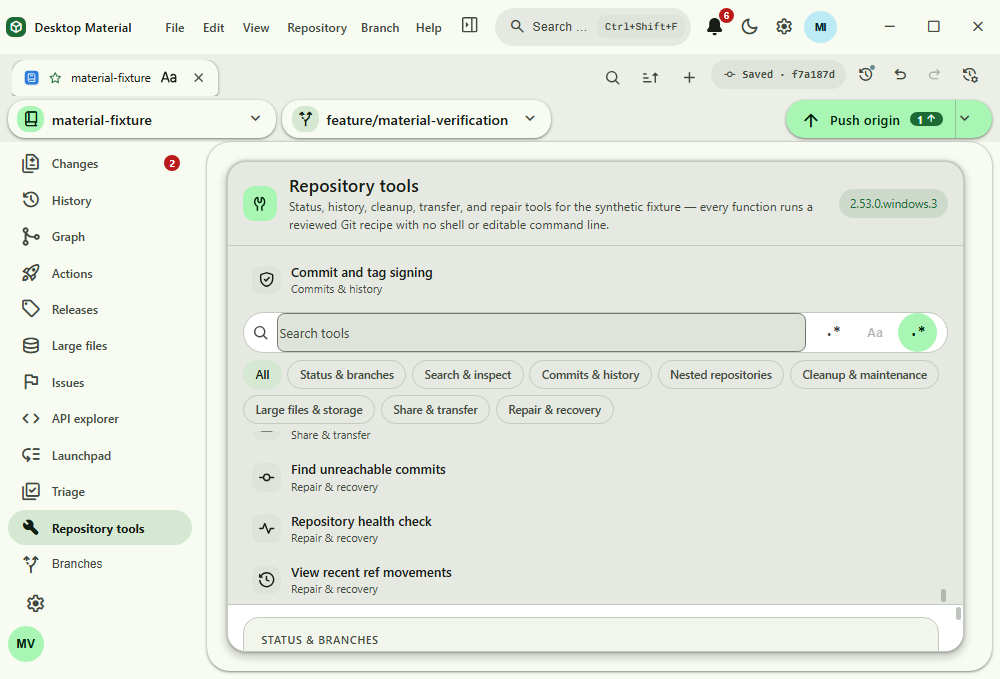 Verified bottom reachability |
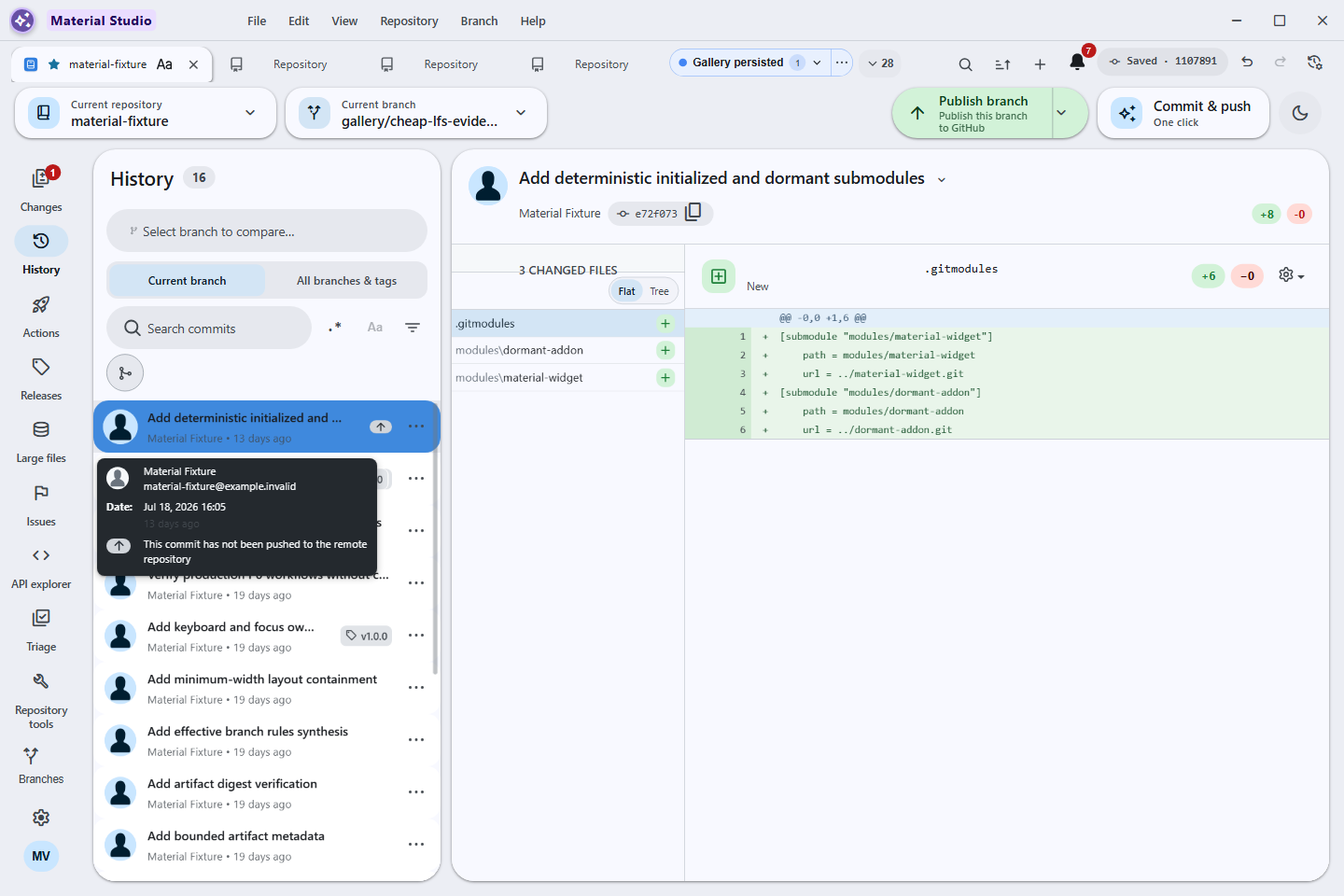
| History view tabs — List | History view tabs — Graph |
|---|---|
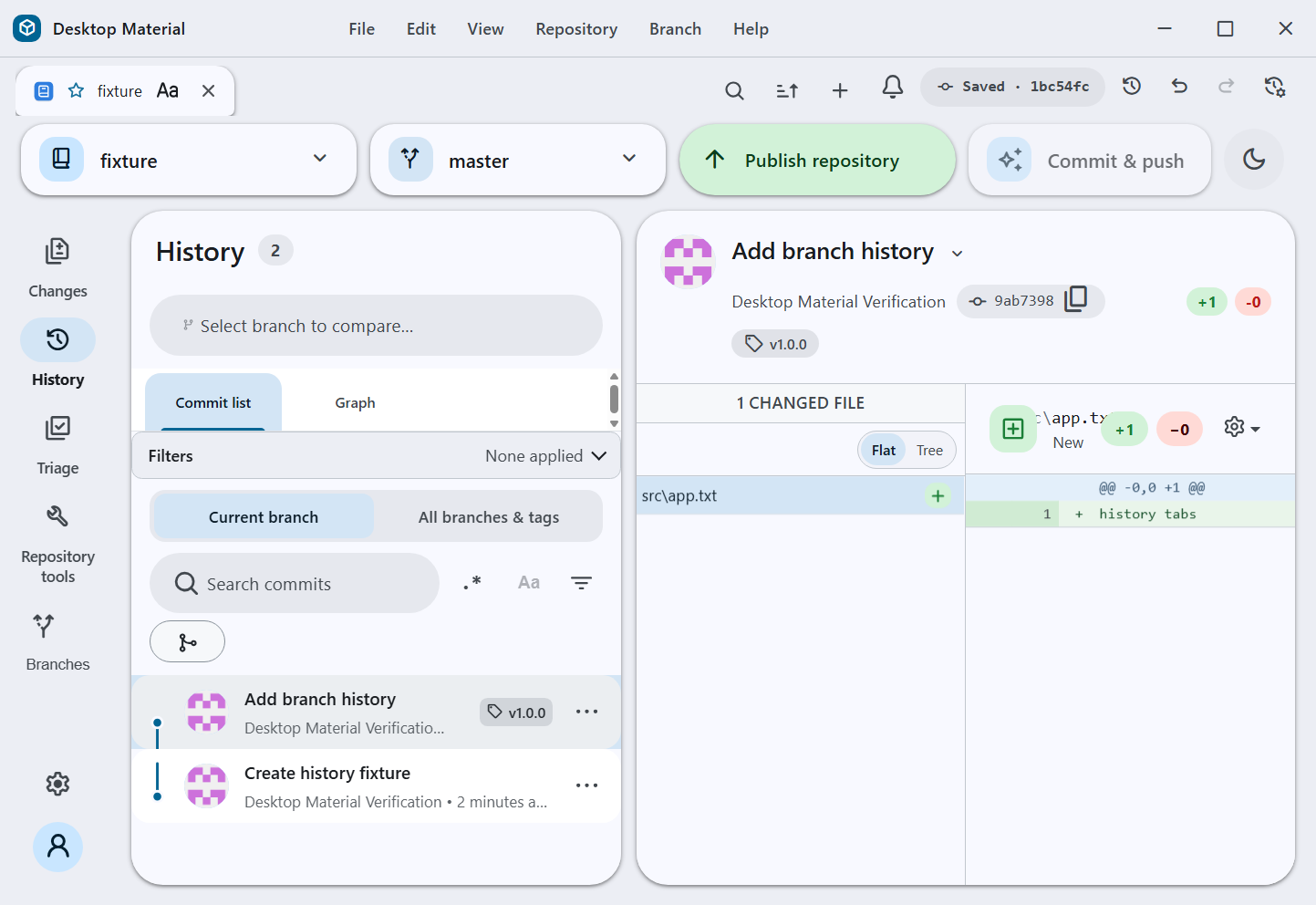 Commit list |
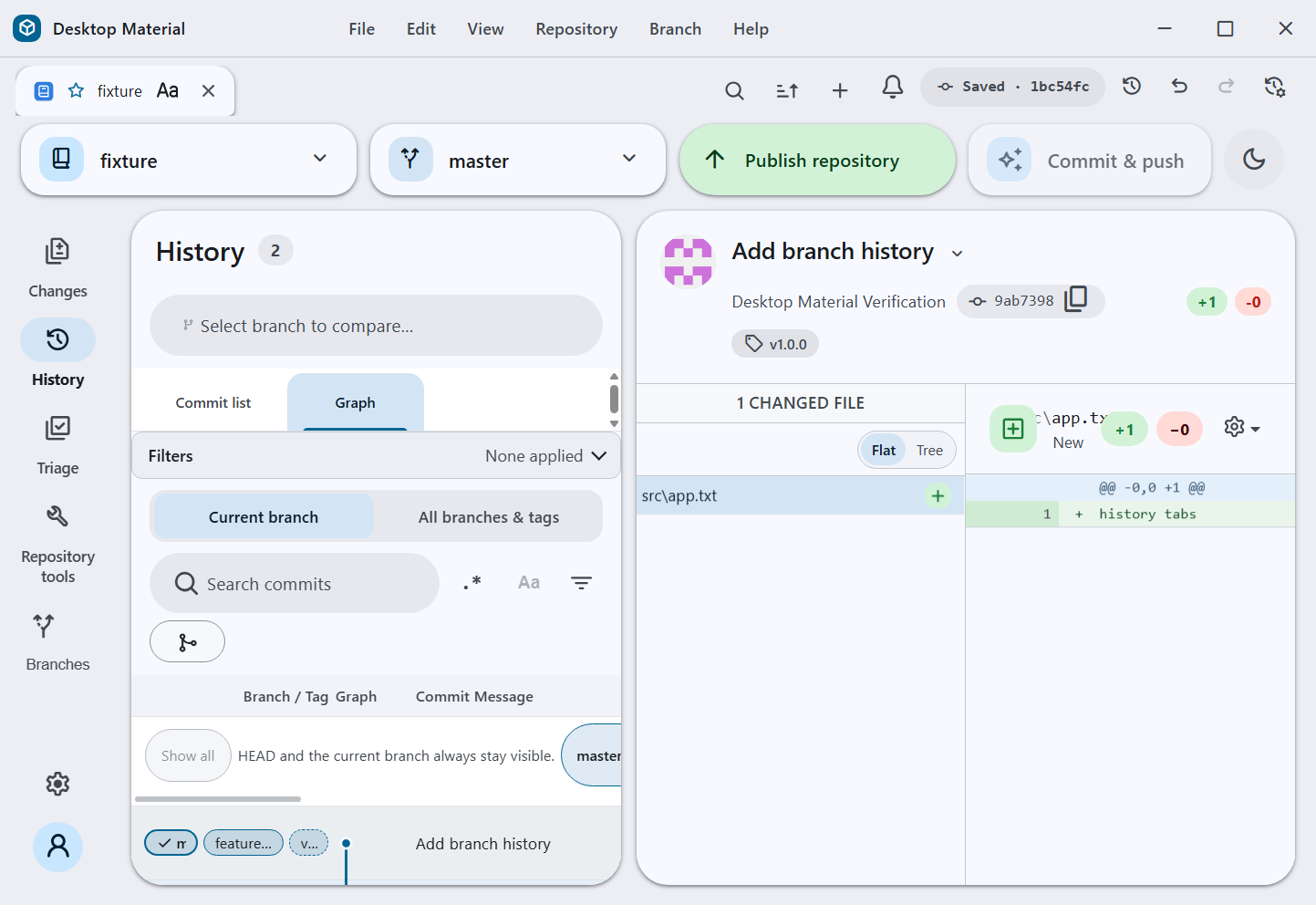 Graph |
| GitHub API functions |
|---|
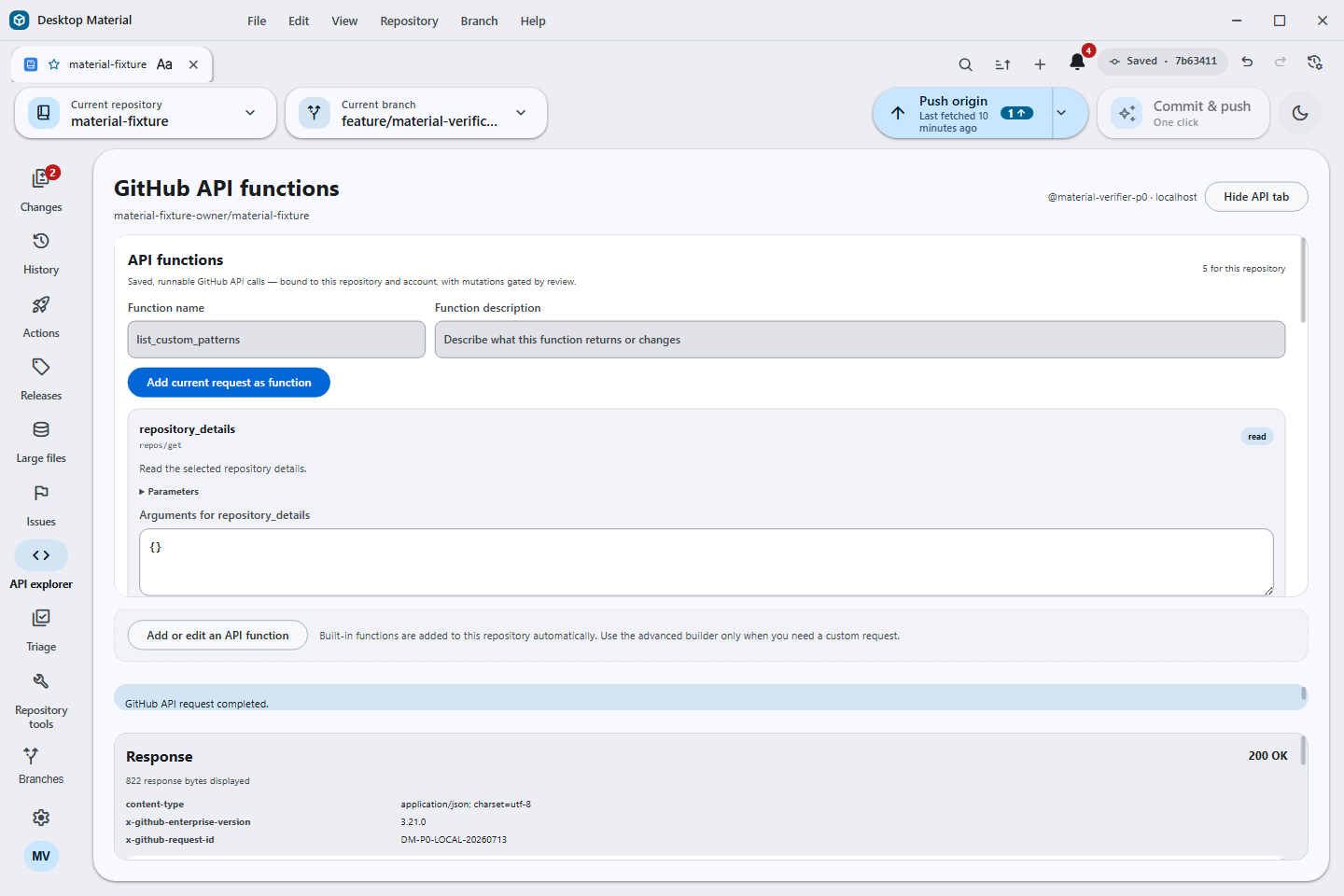 Auto-added read functions · hideable API rail item · reviewed custom requests |
| Custom repository-logo studio | Named API app functions |
|---|---|
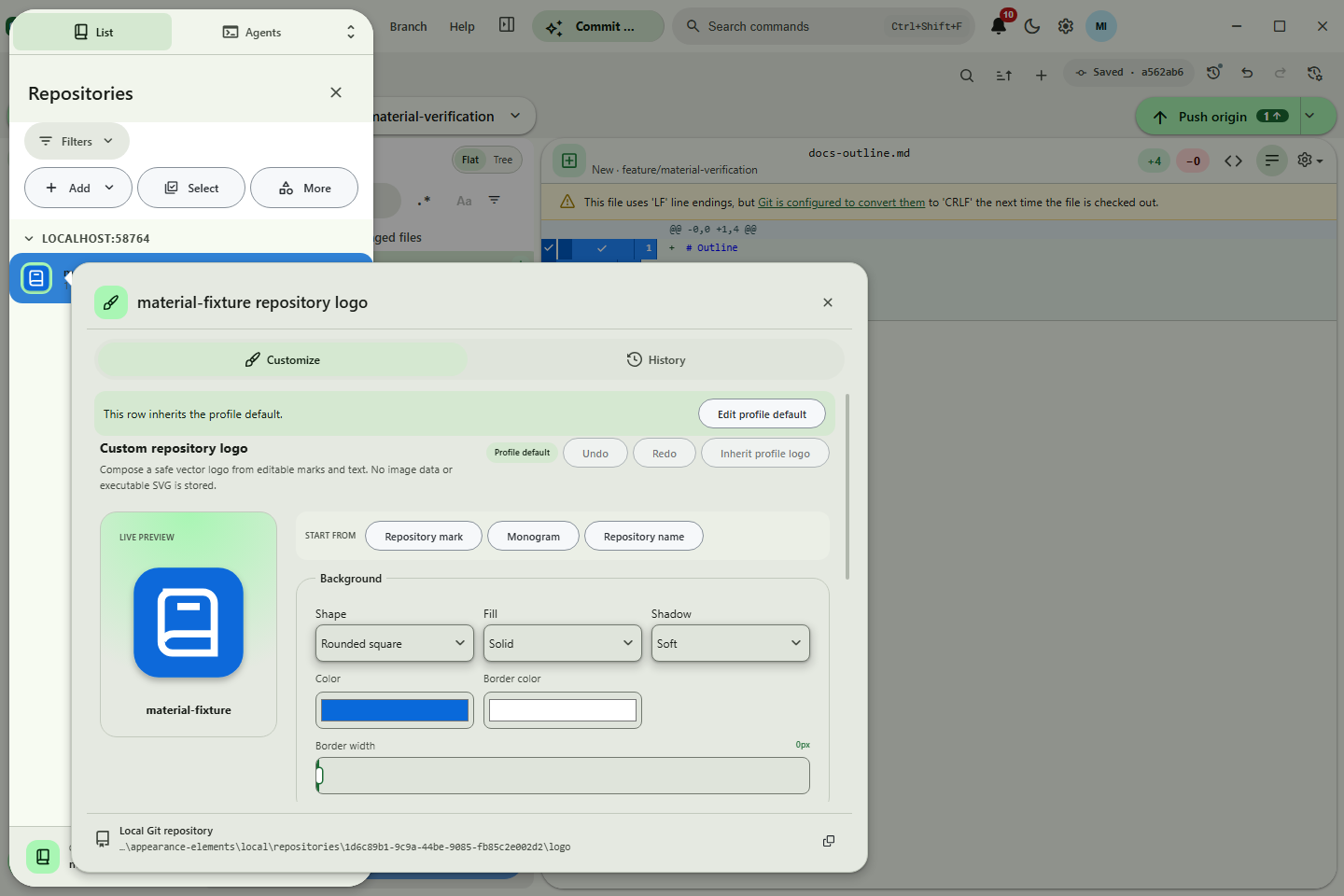 Safe vector layers · profile default · repository override |
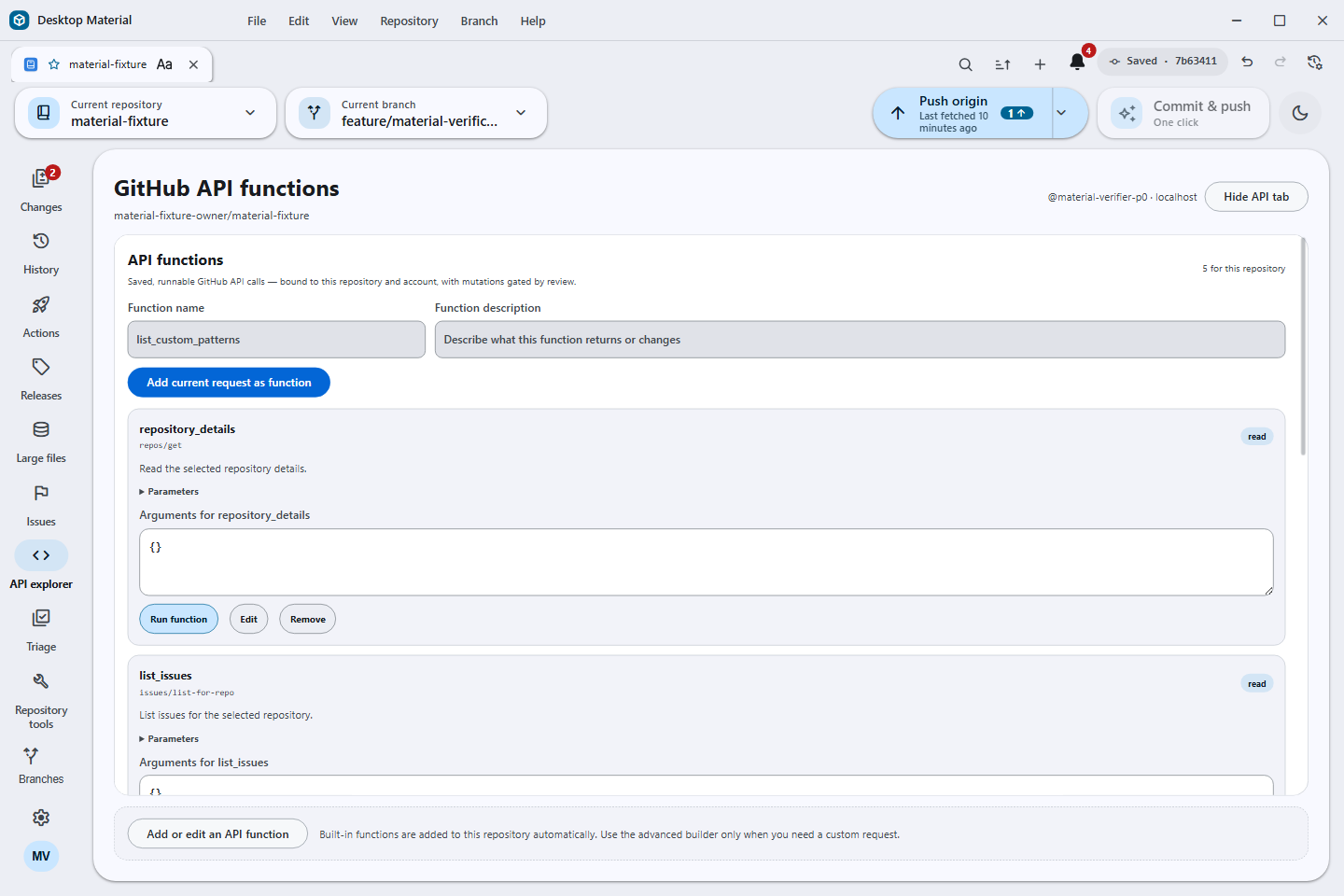 Versioned definitions · exact binding · reviewed execution |
| Temporary submodule repository navigation |
|---|
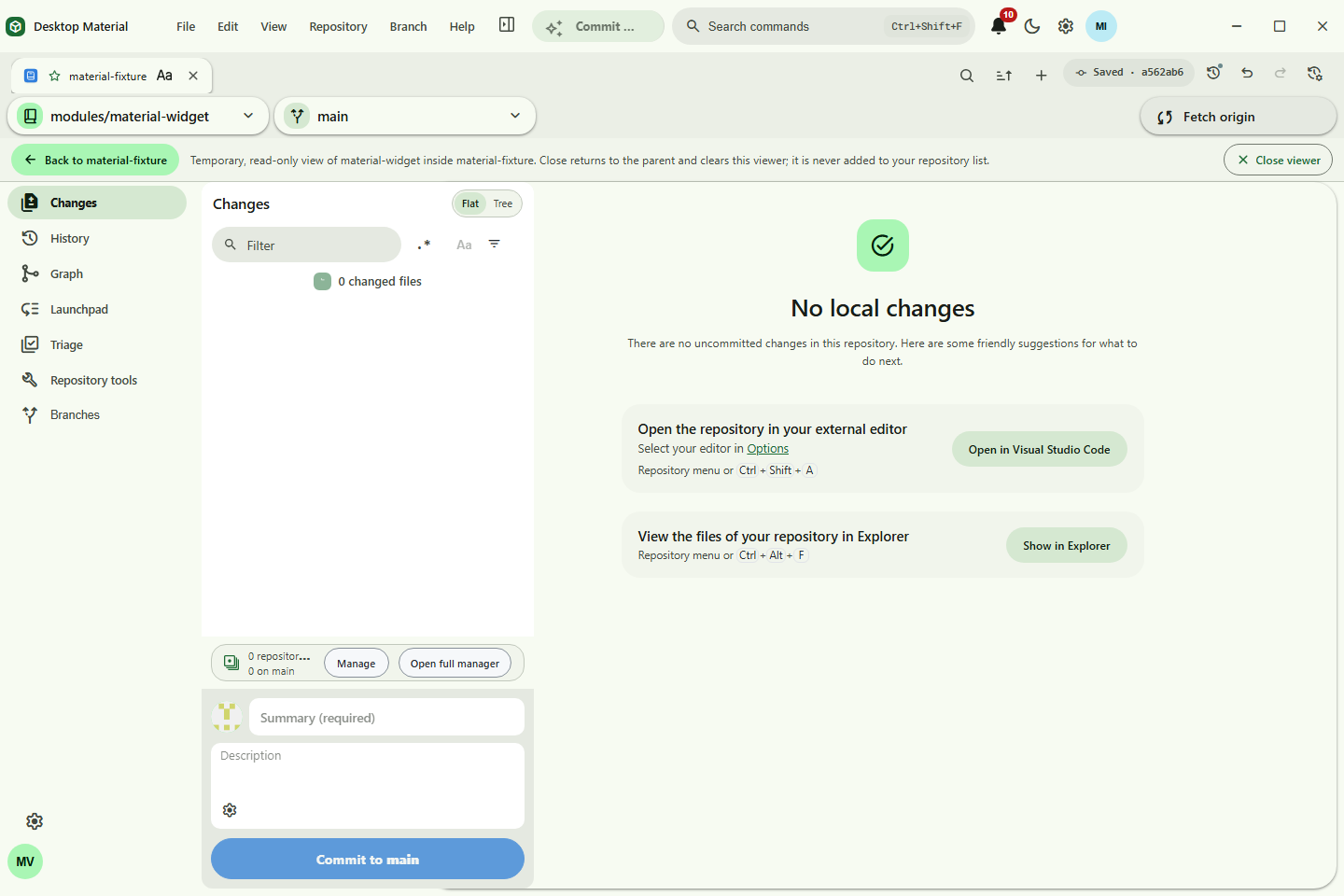 No repository import · customizable Back control · root return |
| Reviewed ordinary Git pull |
|---|
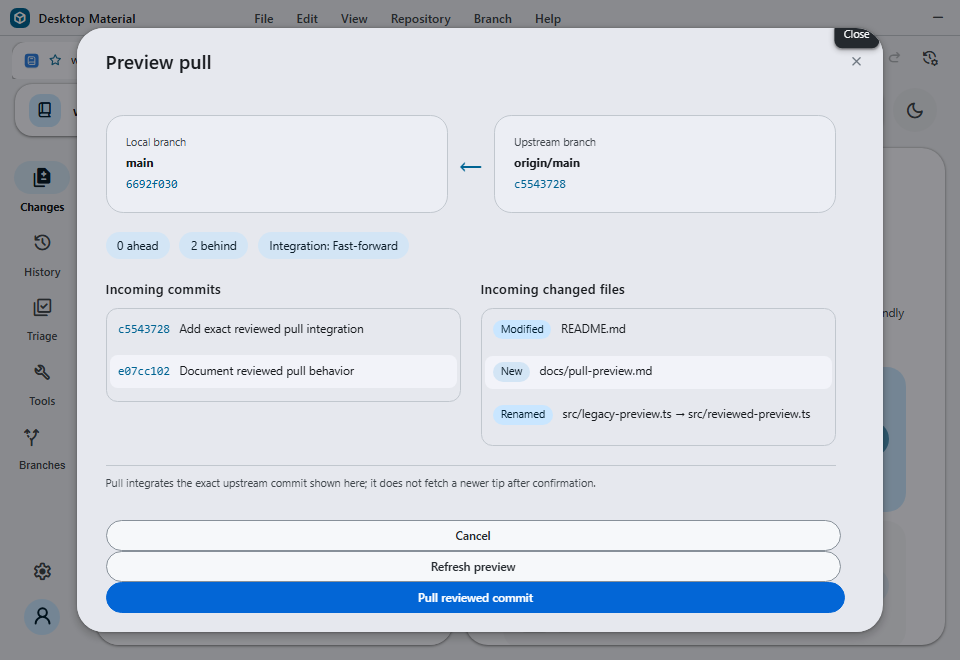 Fresh fetch · exact reviewed OID · no second fetch |
| Advanced Git and collaboration workflows |
|---|
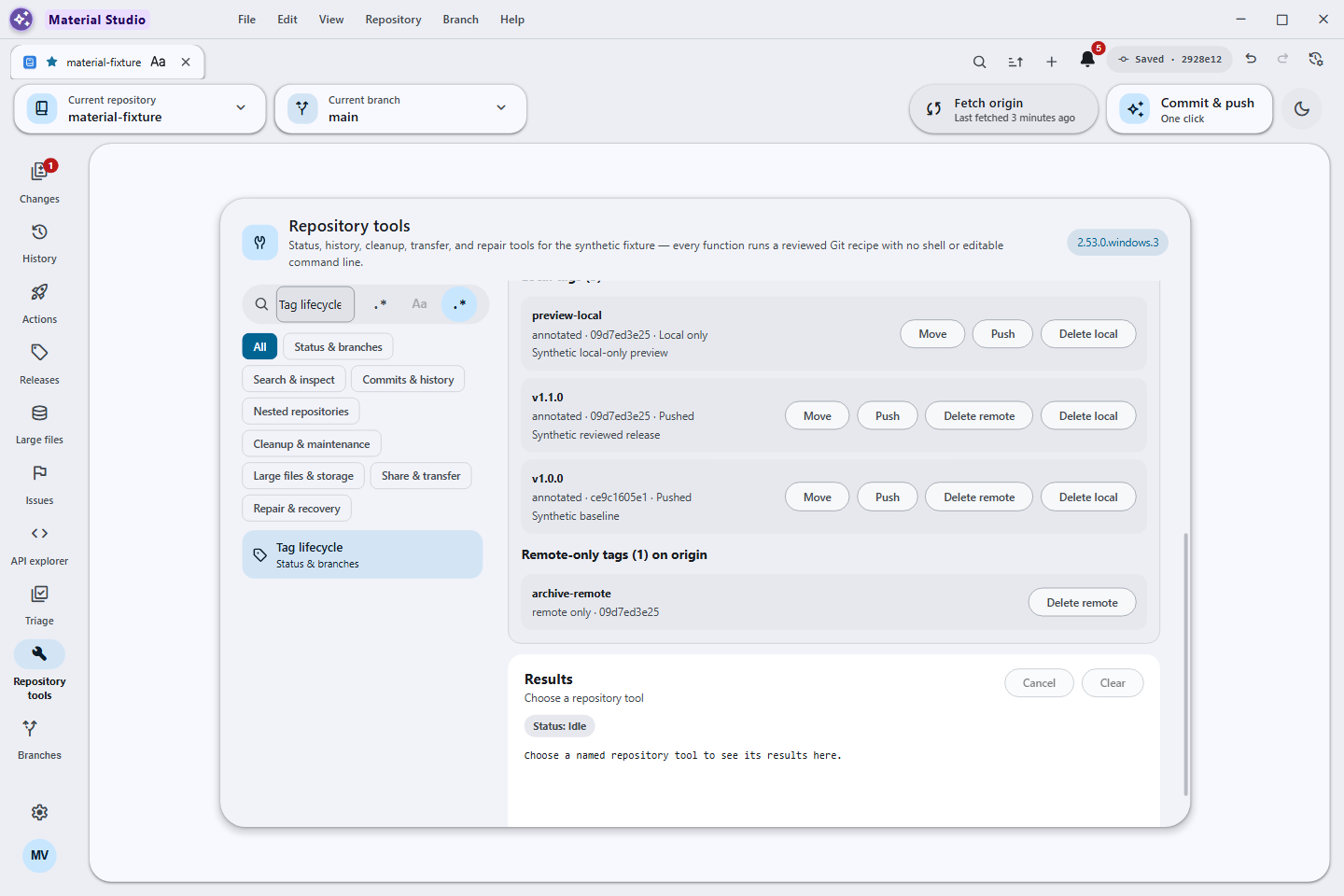 Local and remote inventory · reviewed mutations · responsive workflow surface |
| Local Ollama model lifecycle |
|---|
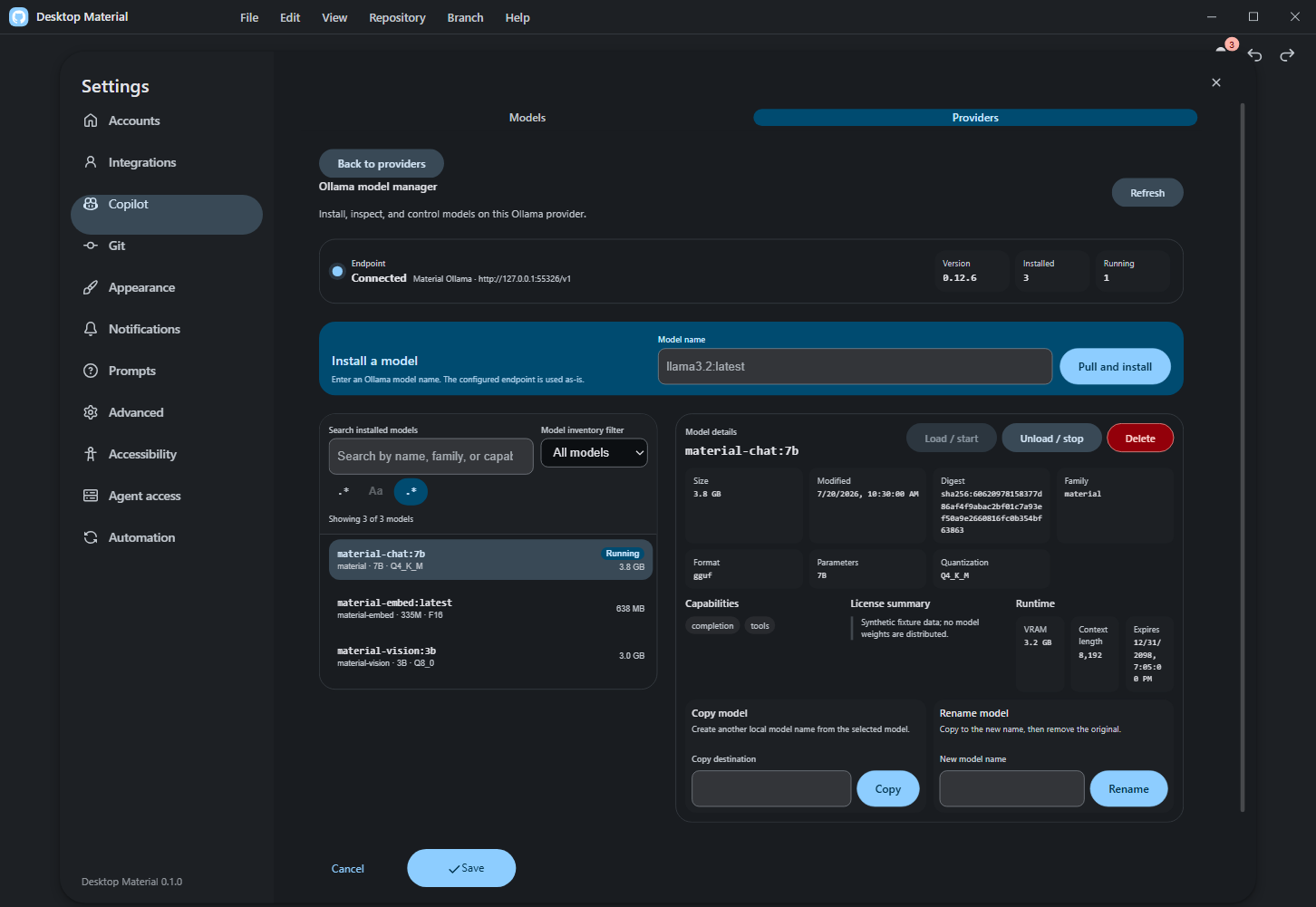 Health · inventory · pull · copy/rename · load/unload · confirmed delete |
Open 31 more verified screenshots
| Clone and checkout | Repository administration | Accounts and automation |
|---|---|---|
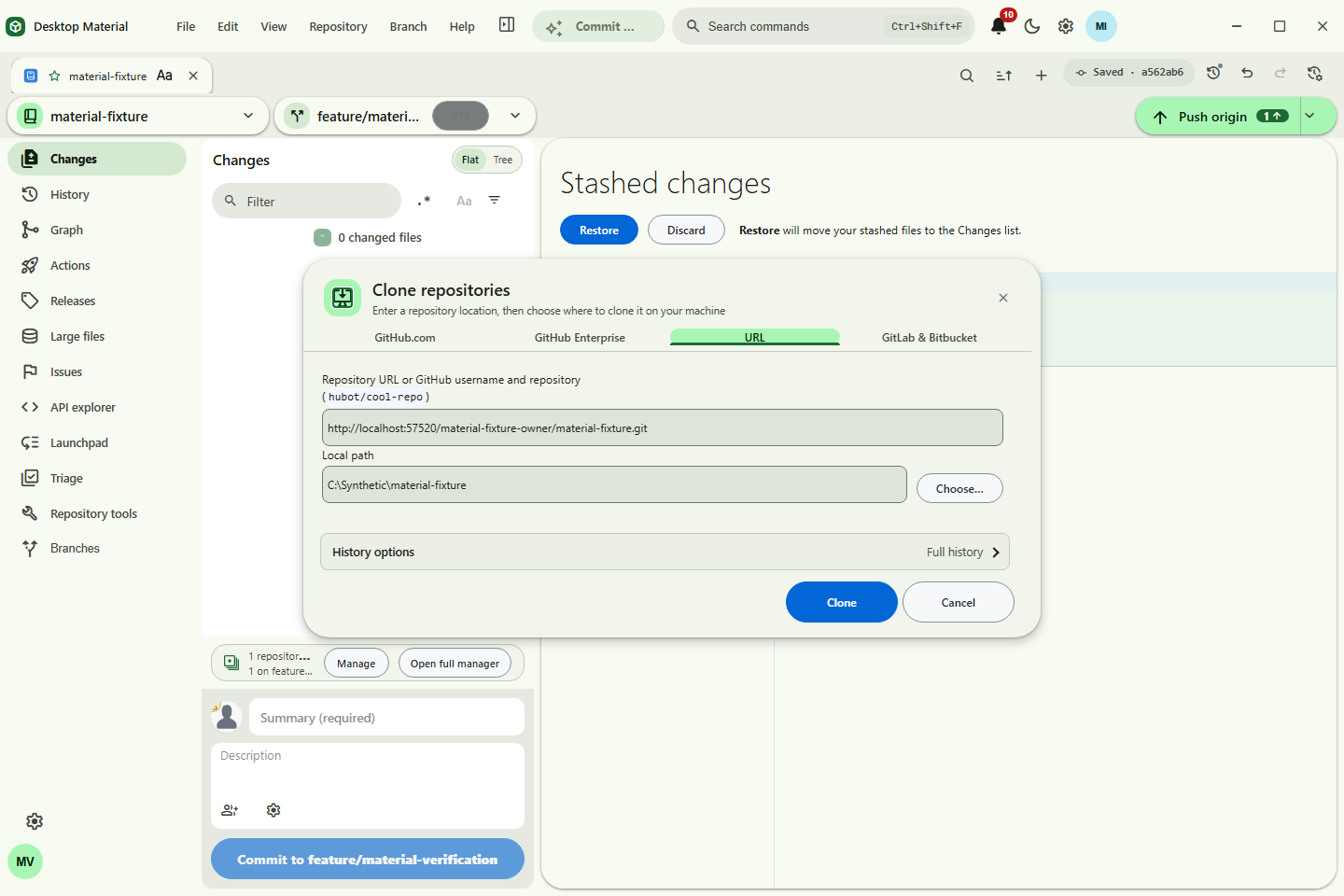 Account-aware clone |
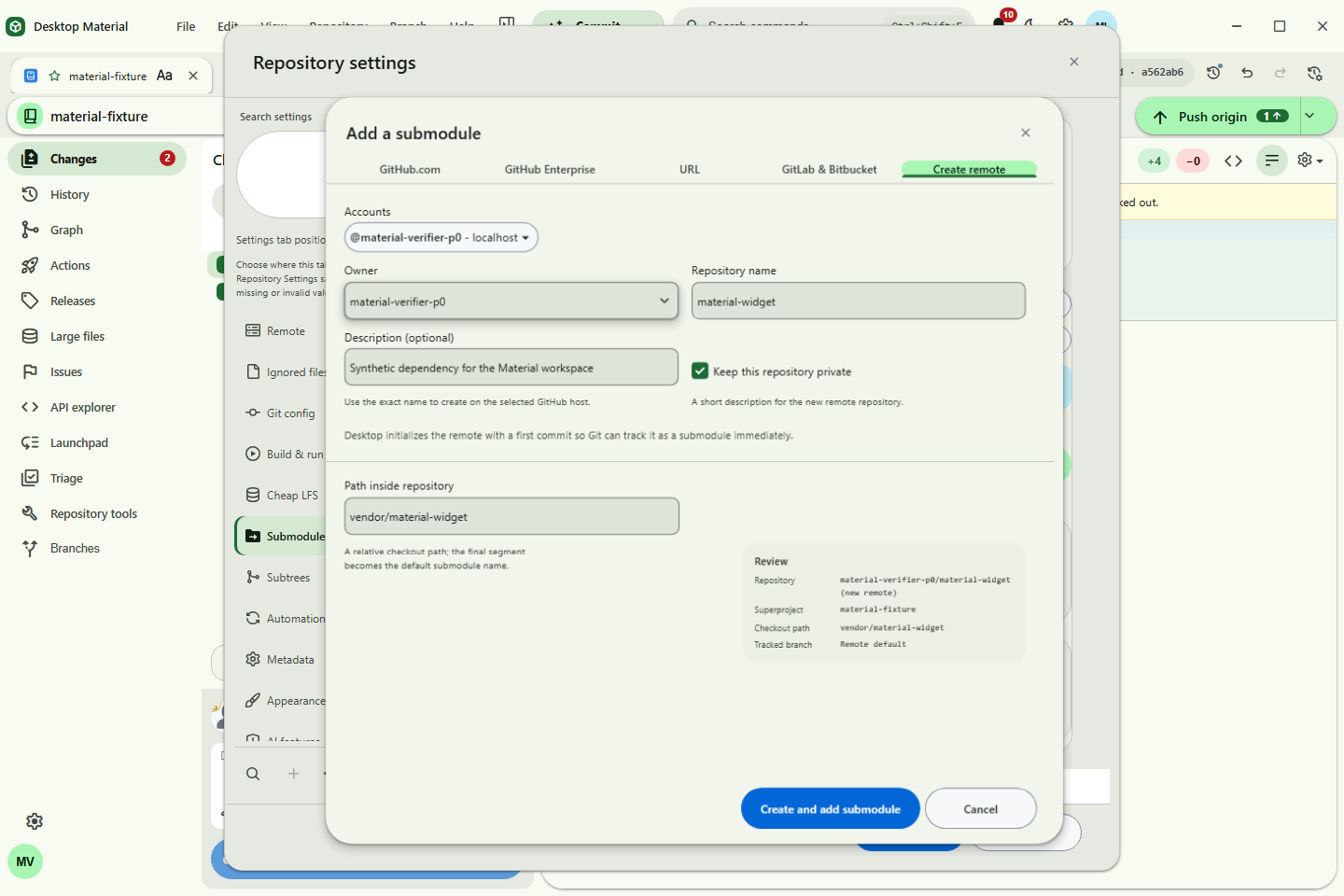 Clone-style submodules |
Remote manager |
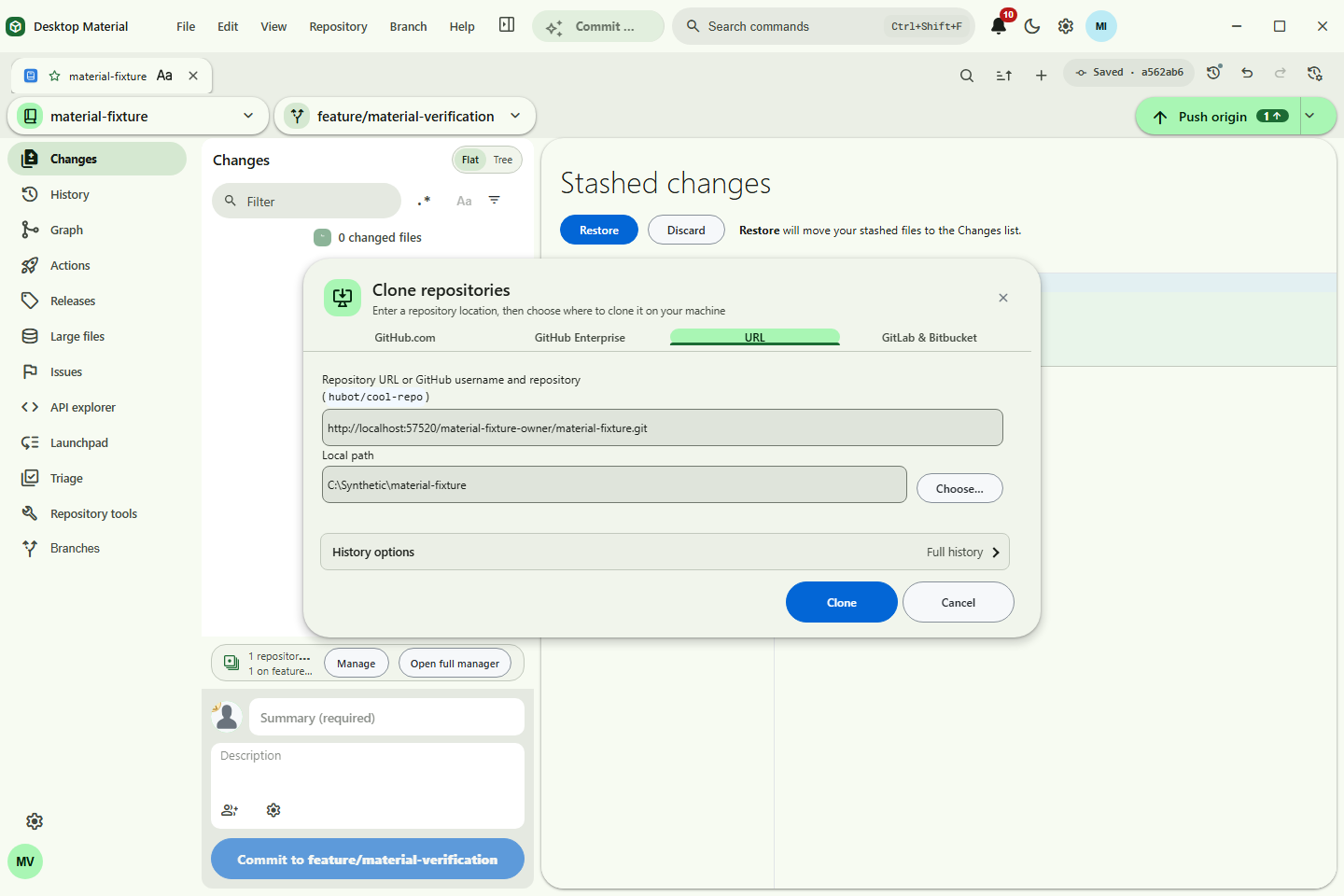 Shallow clone |
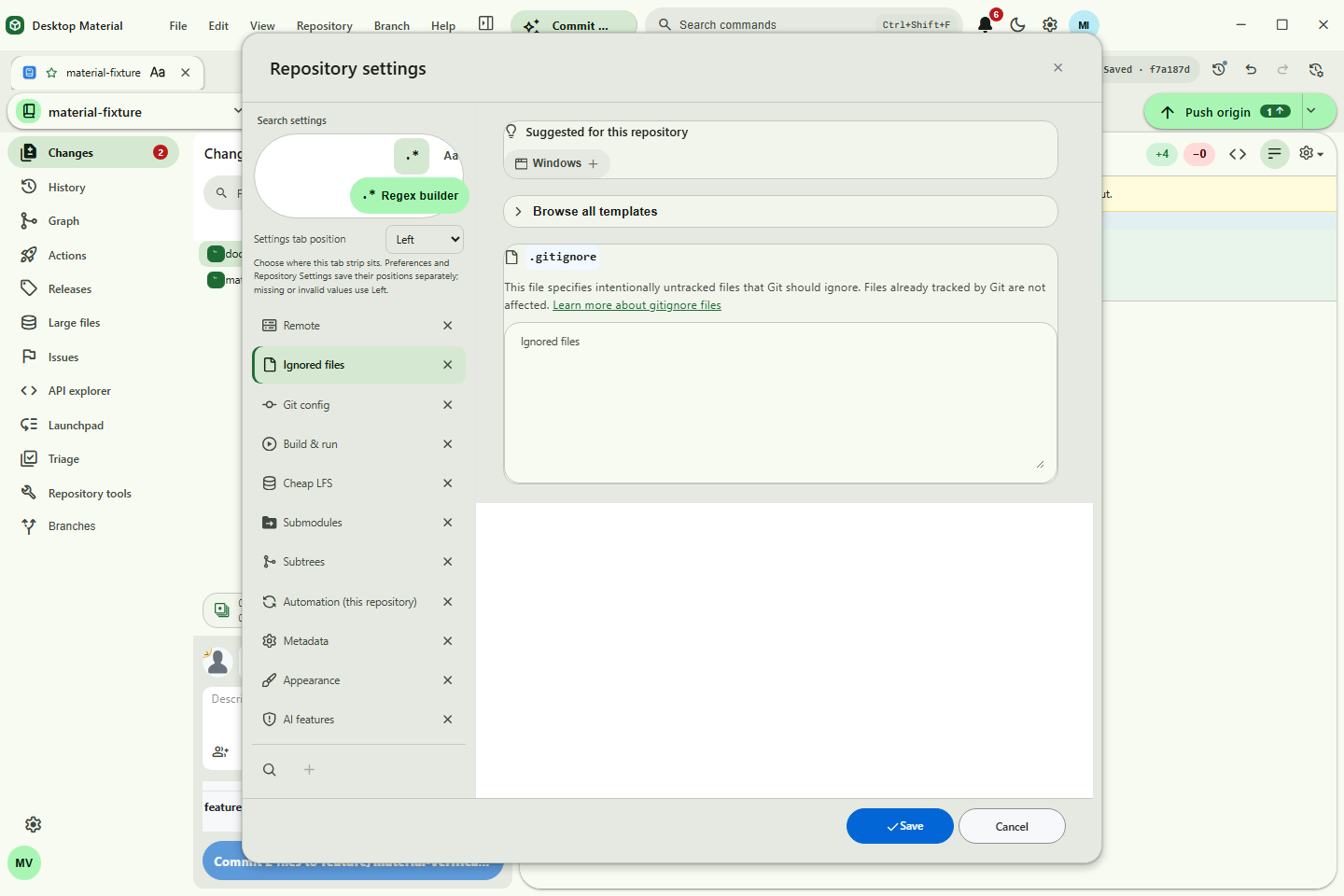 Gitignore manager |
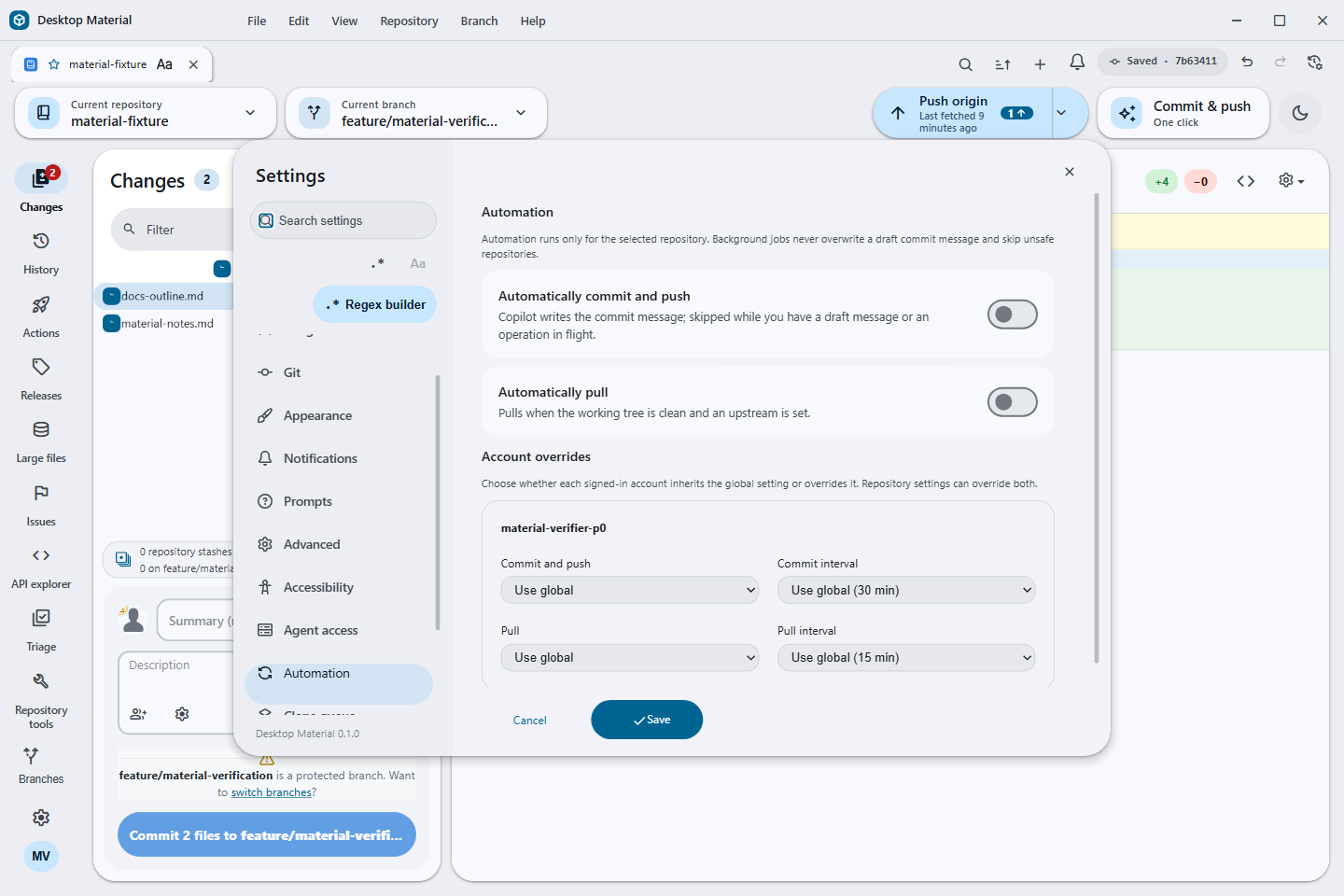 Automation |
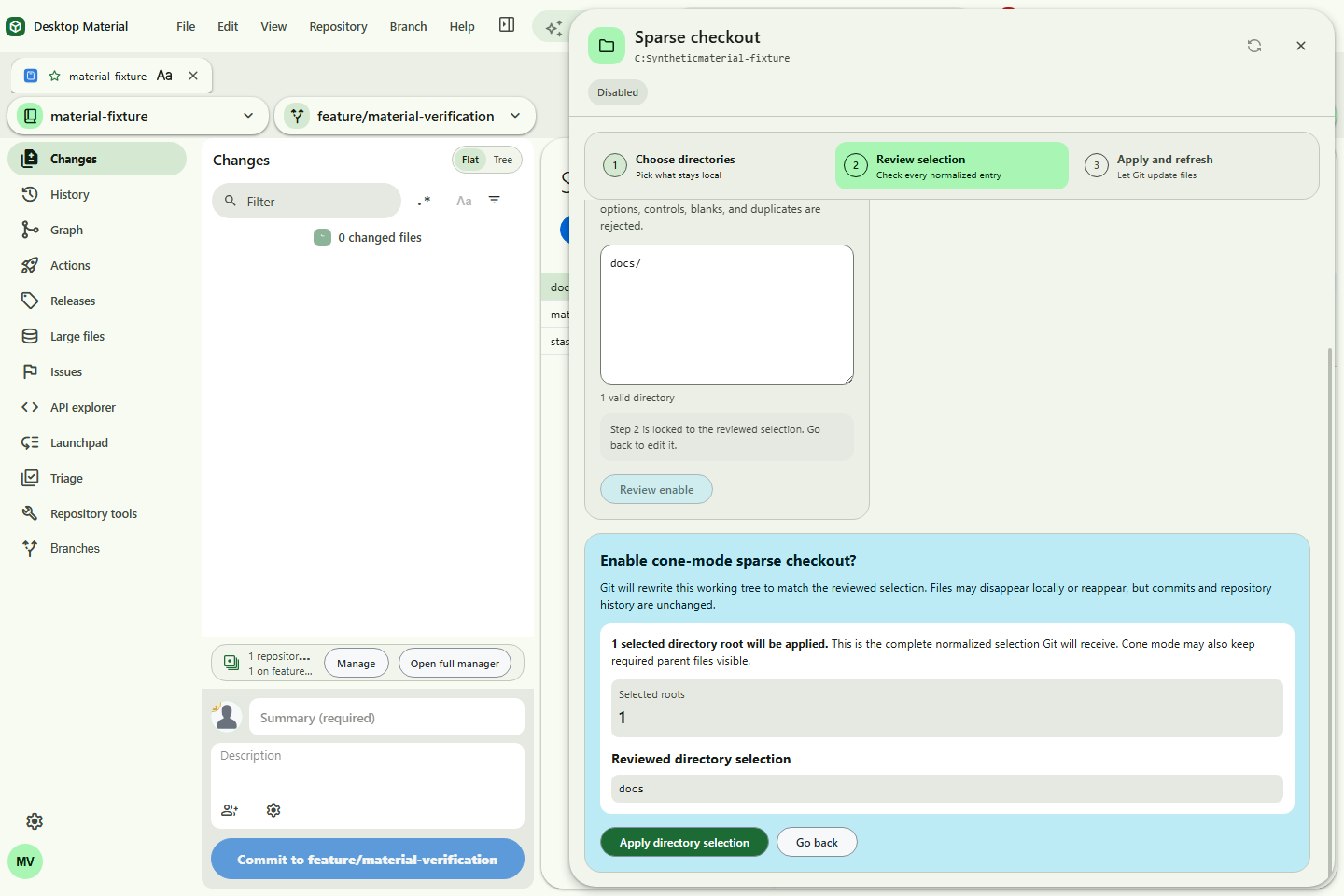 Guided sparse-checkout review |
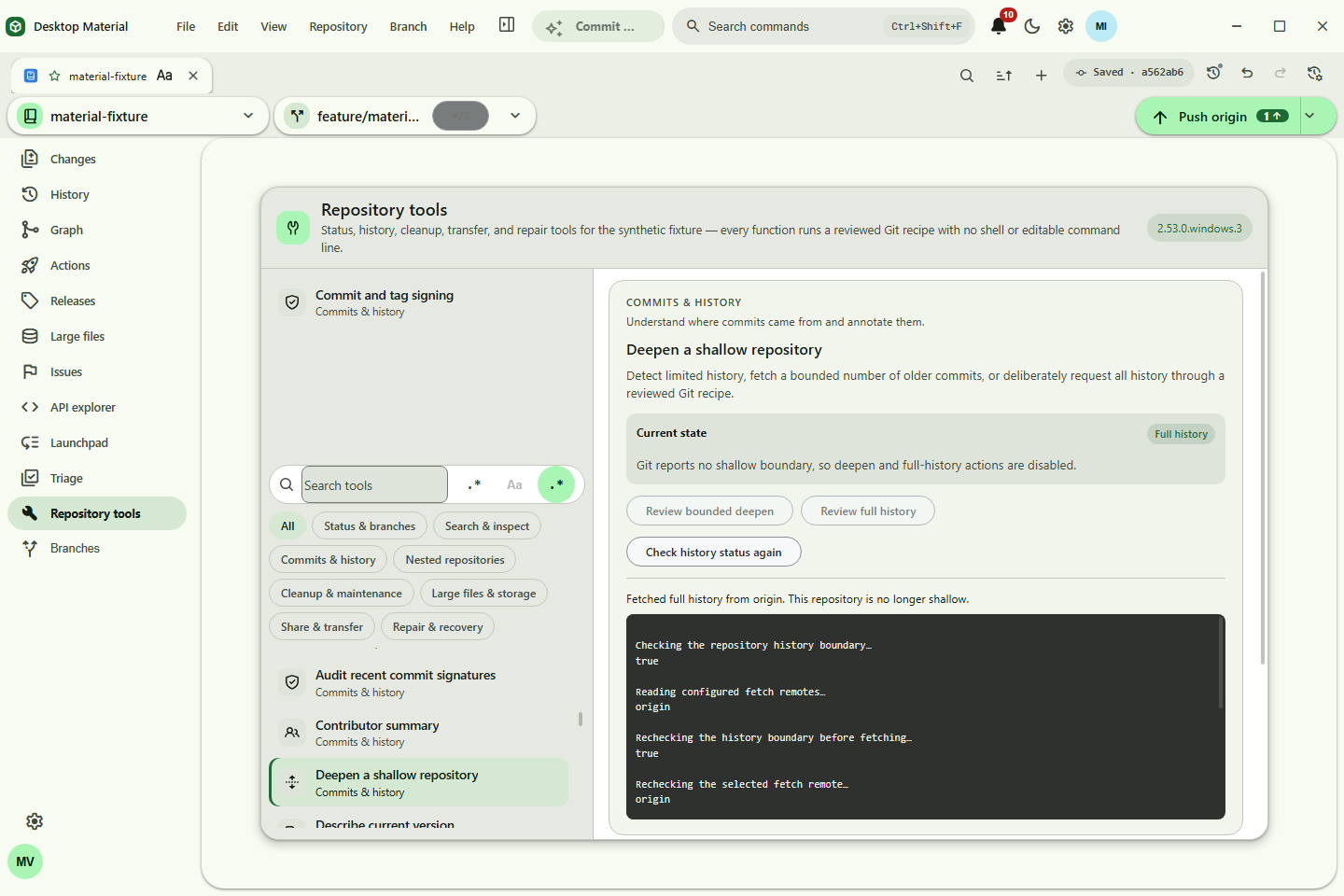 History deepening |
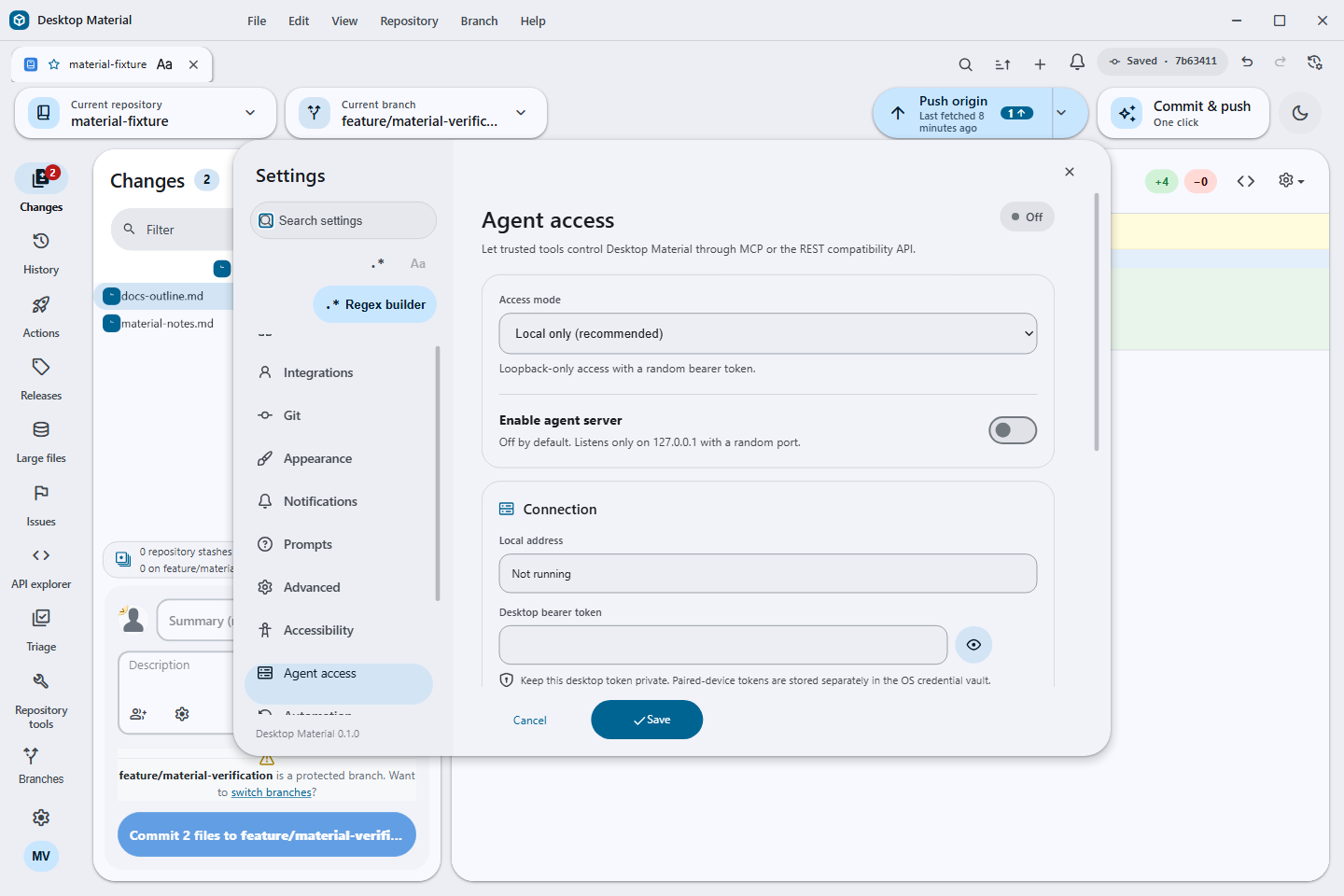 Agent access |
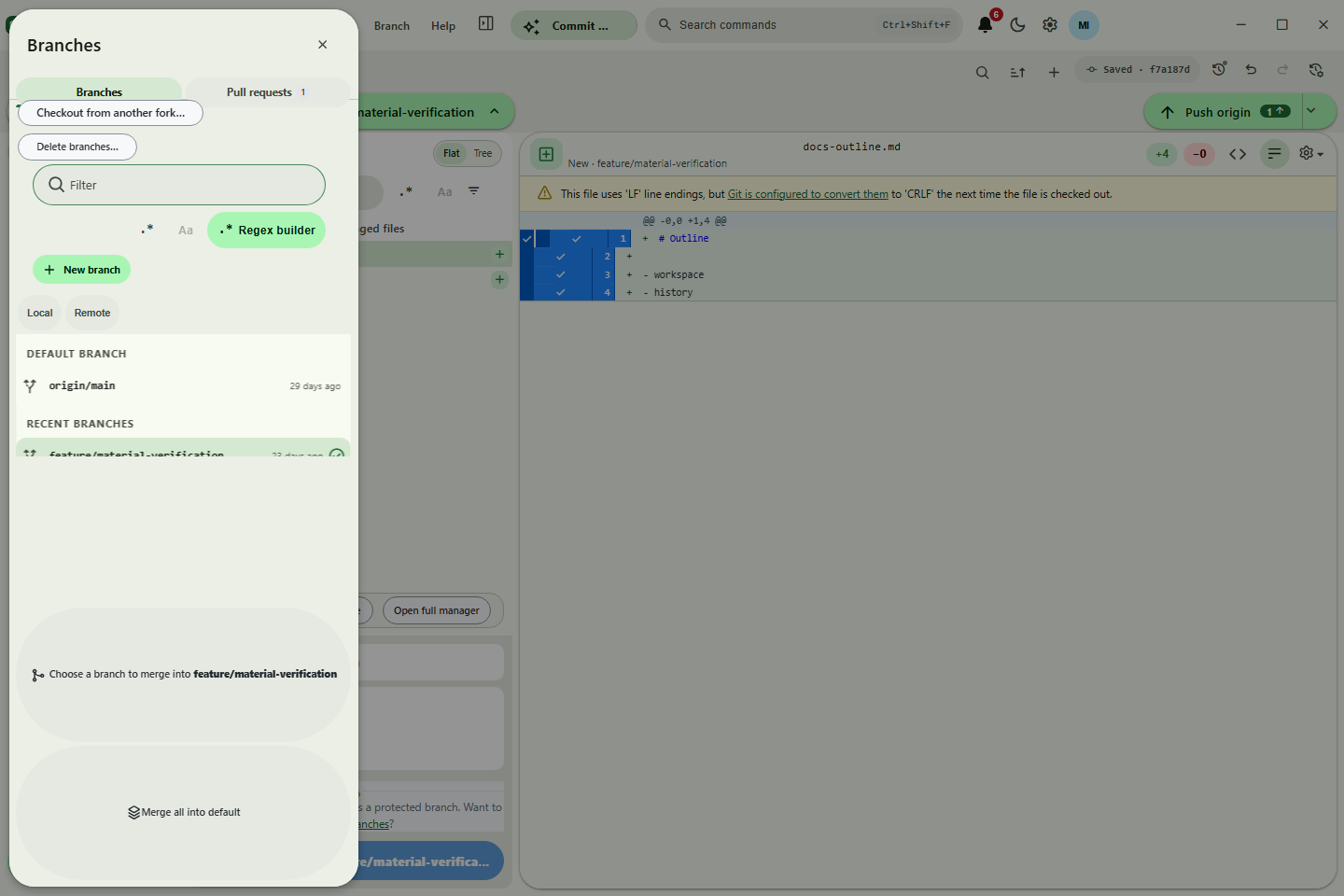 Branches |
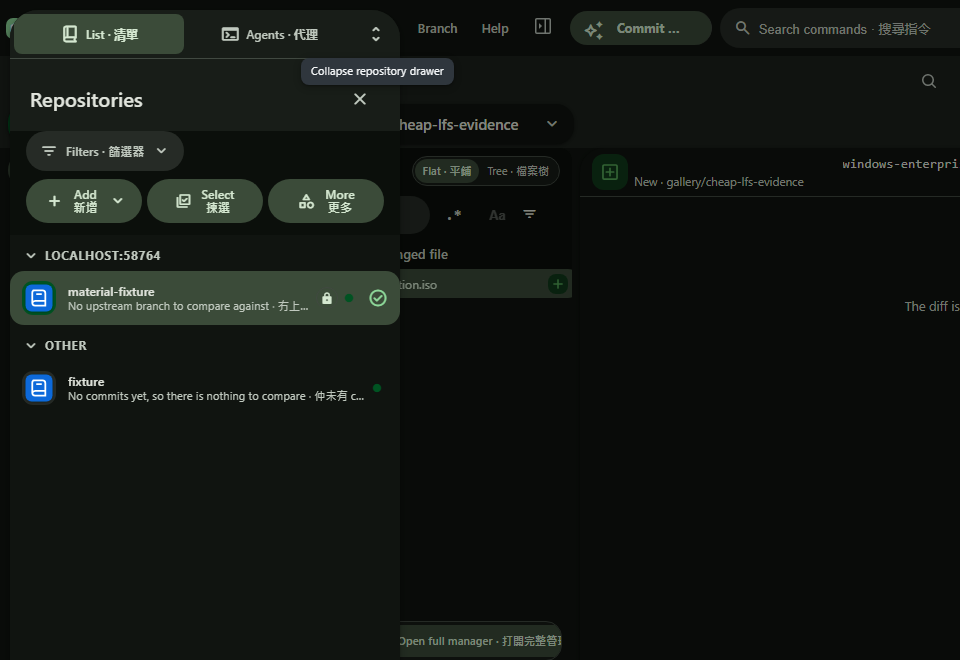 Collapsible repository filters |
Searchable publish owner |
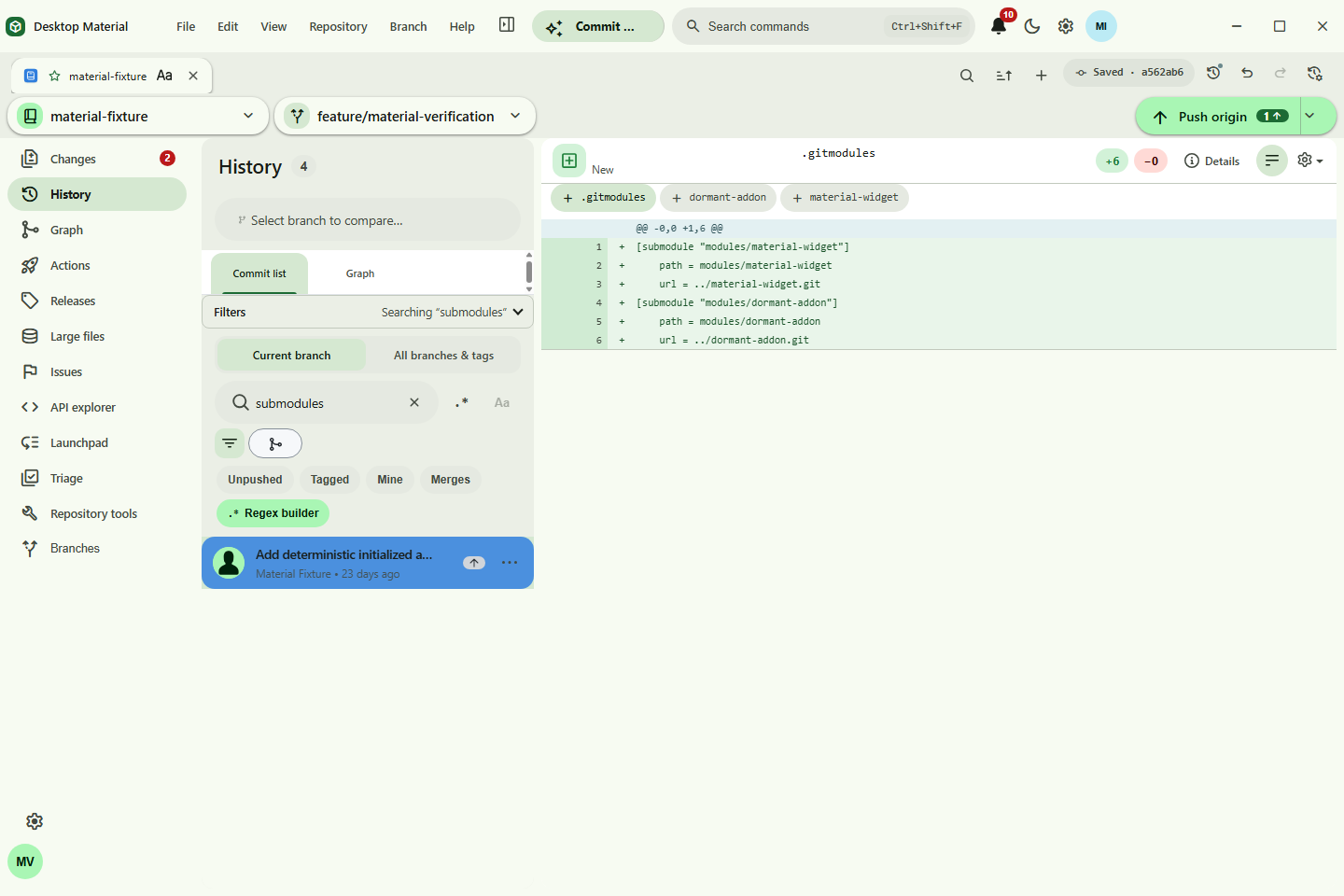 History search |
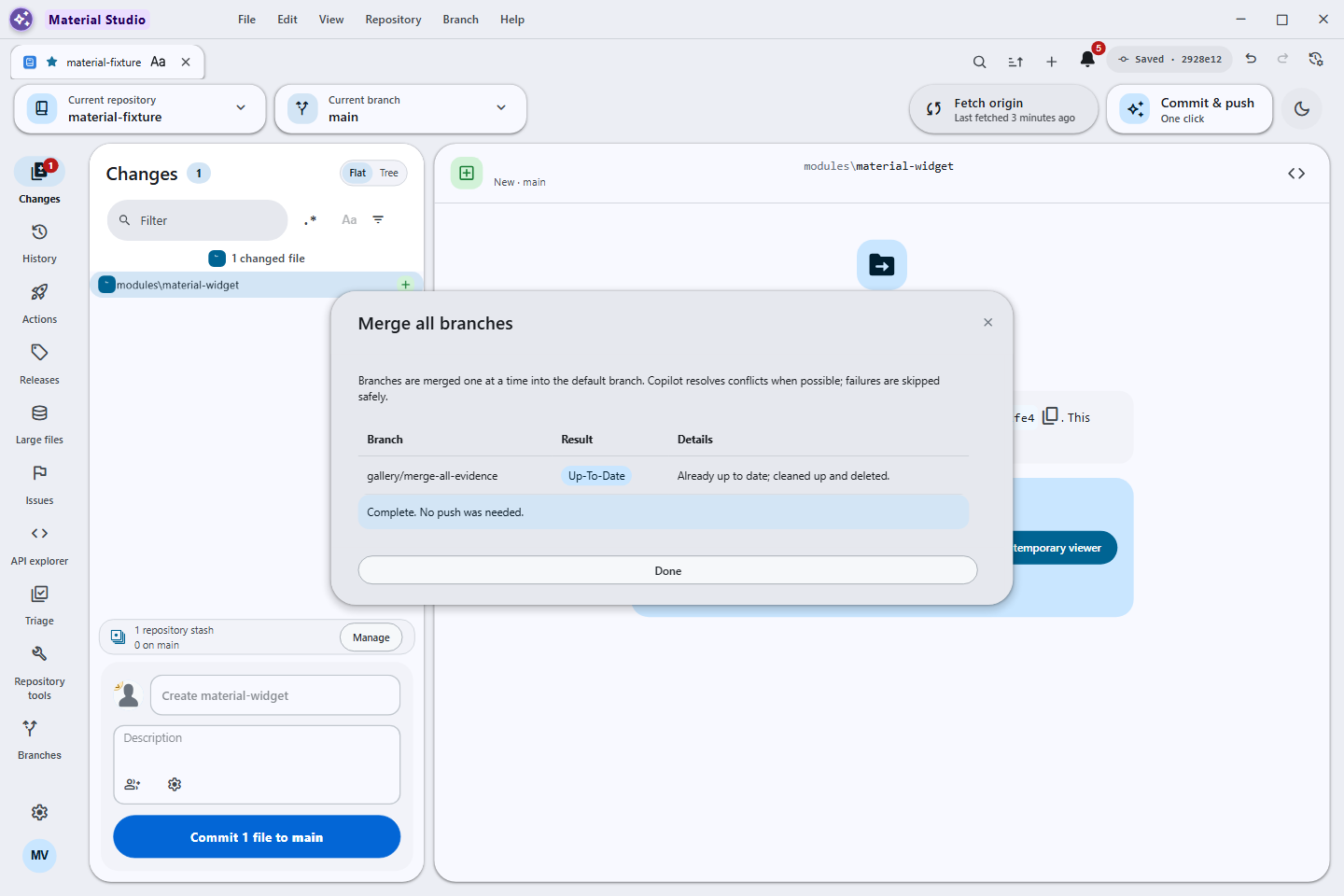 Merge All |
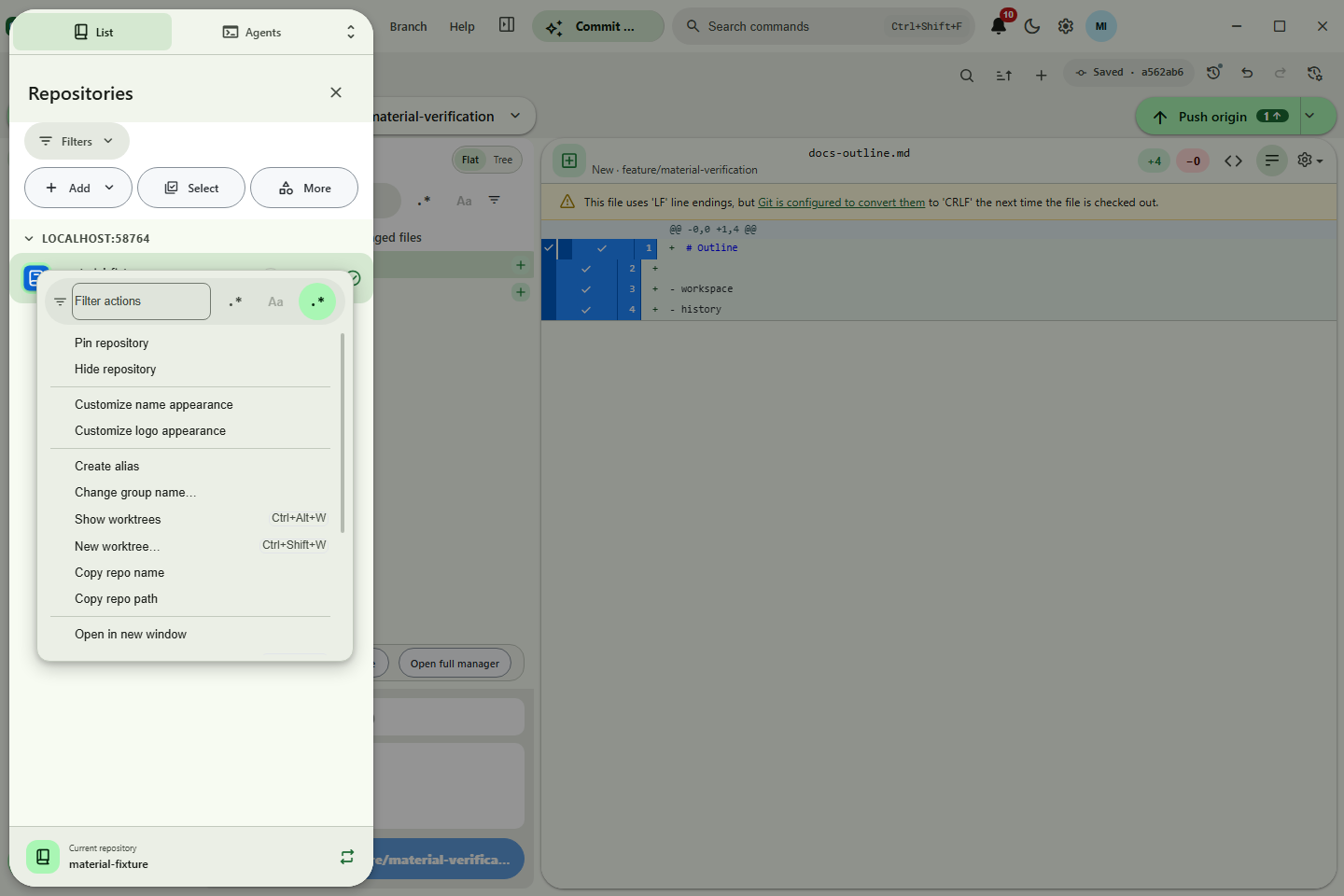 Multi-window |
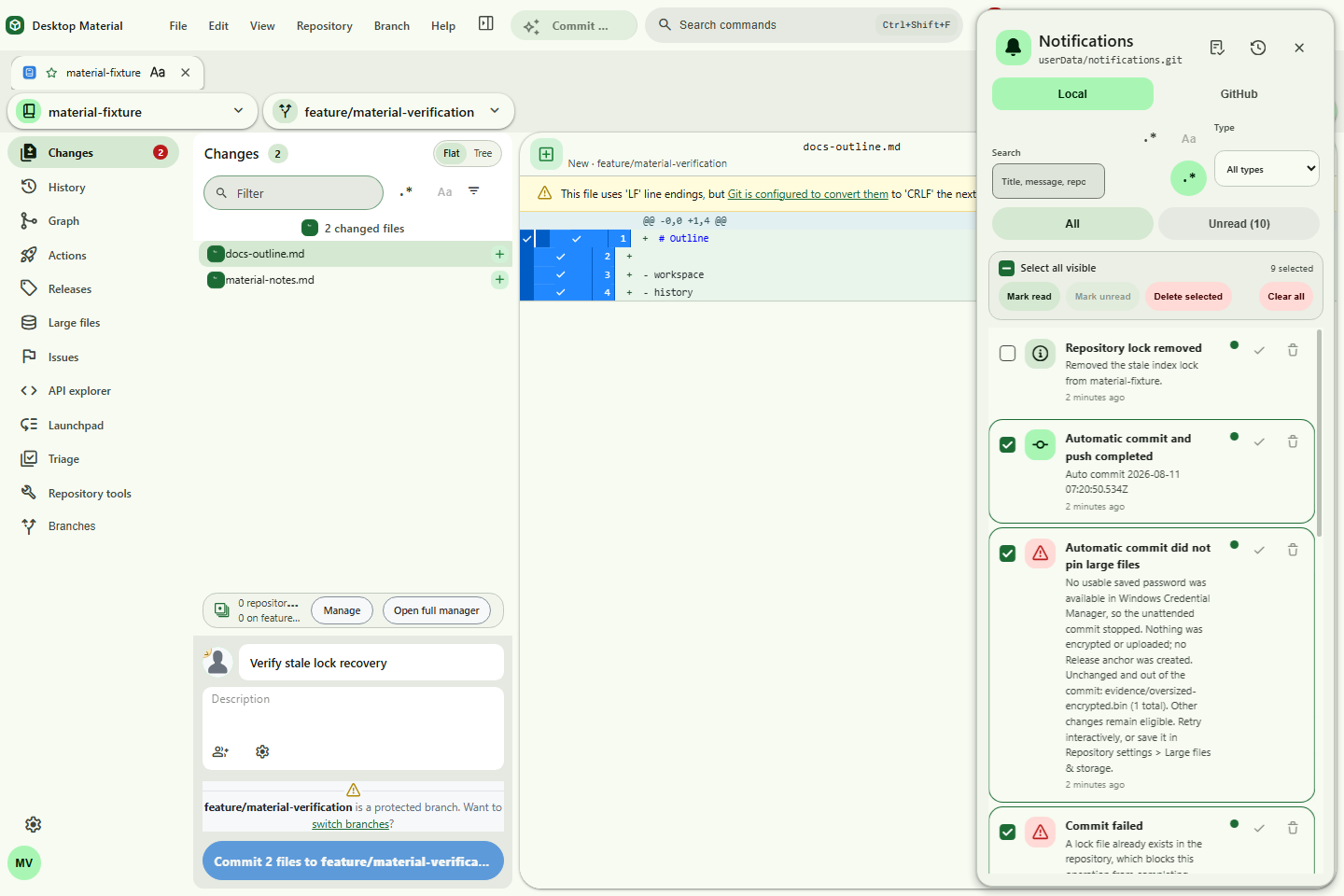 Bulk notification triage |
||
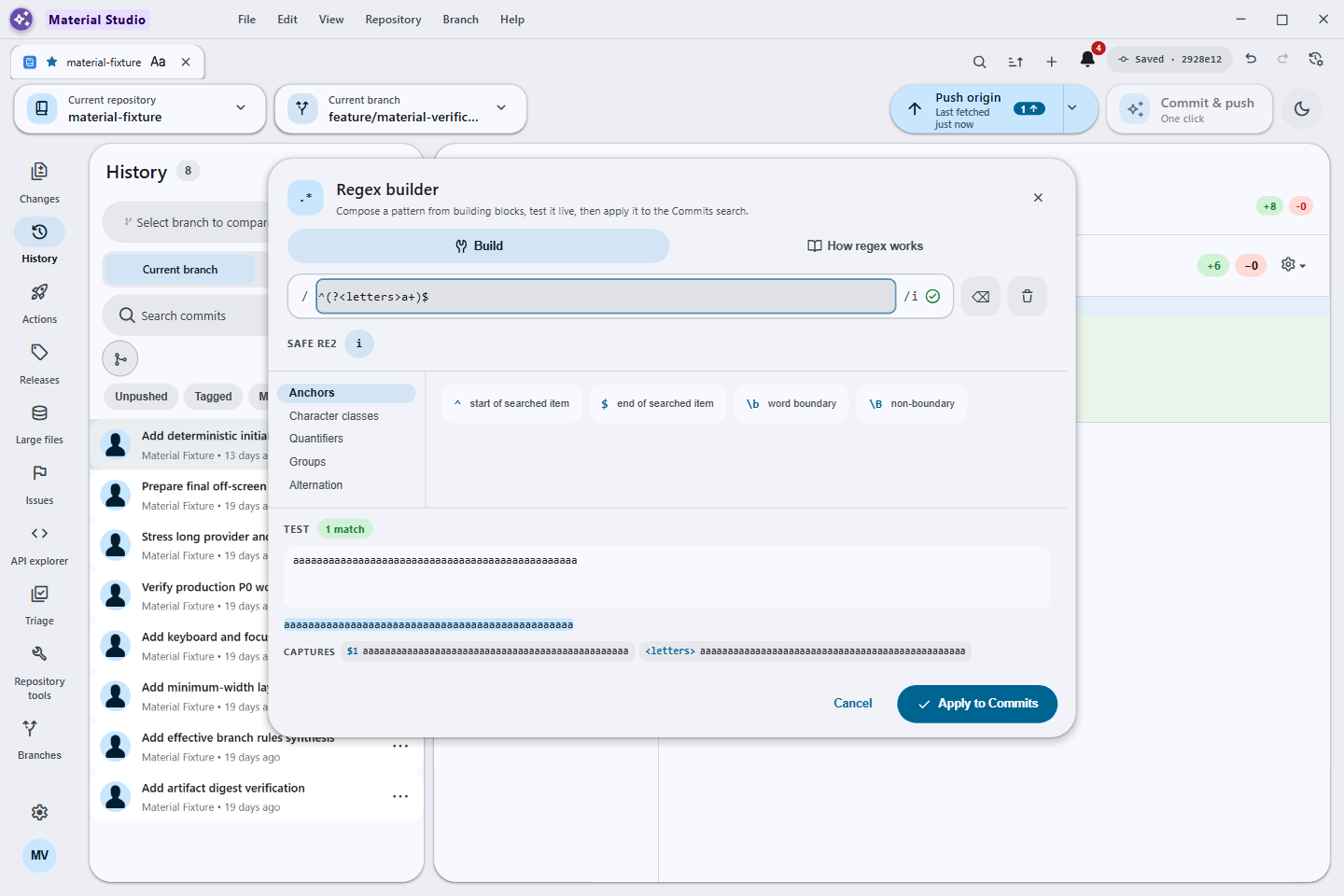 Safe regex builder |
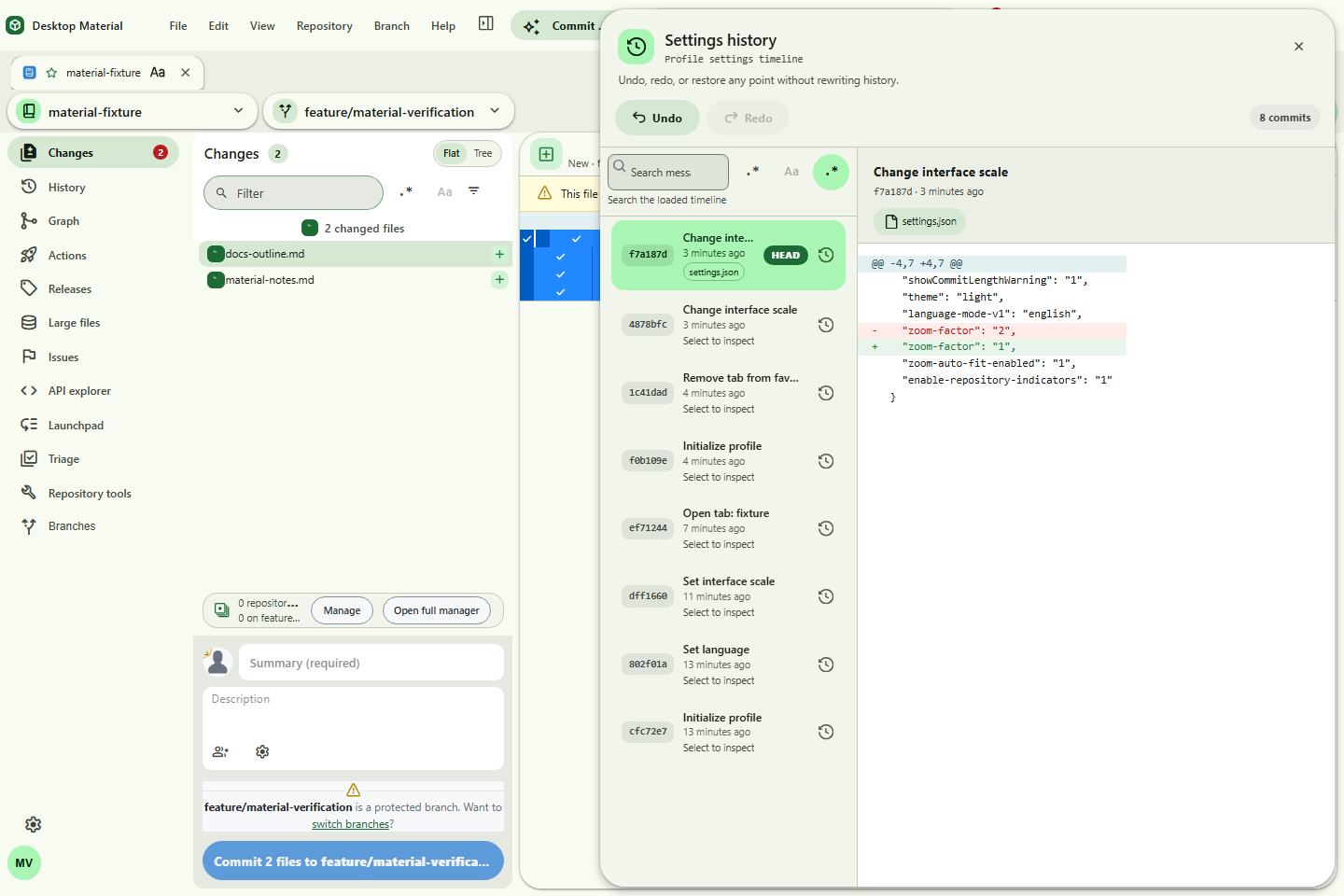 Settings history |
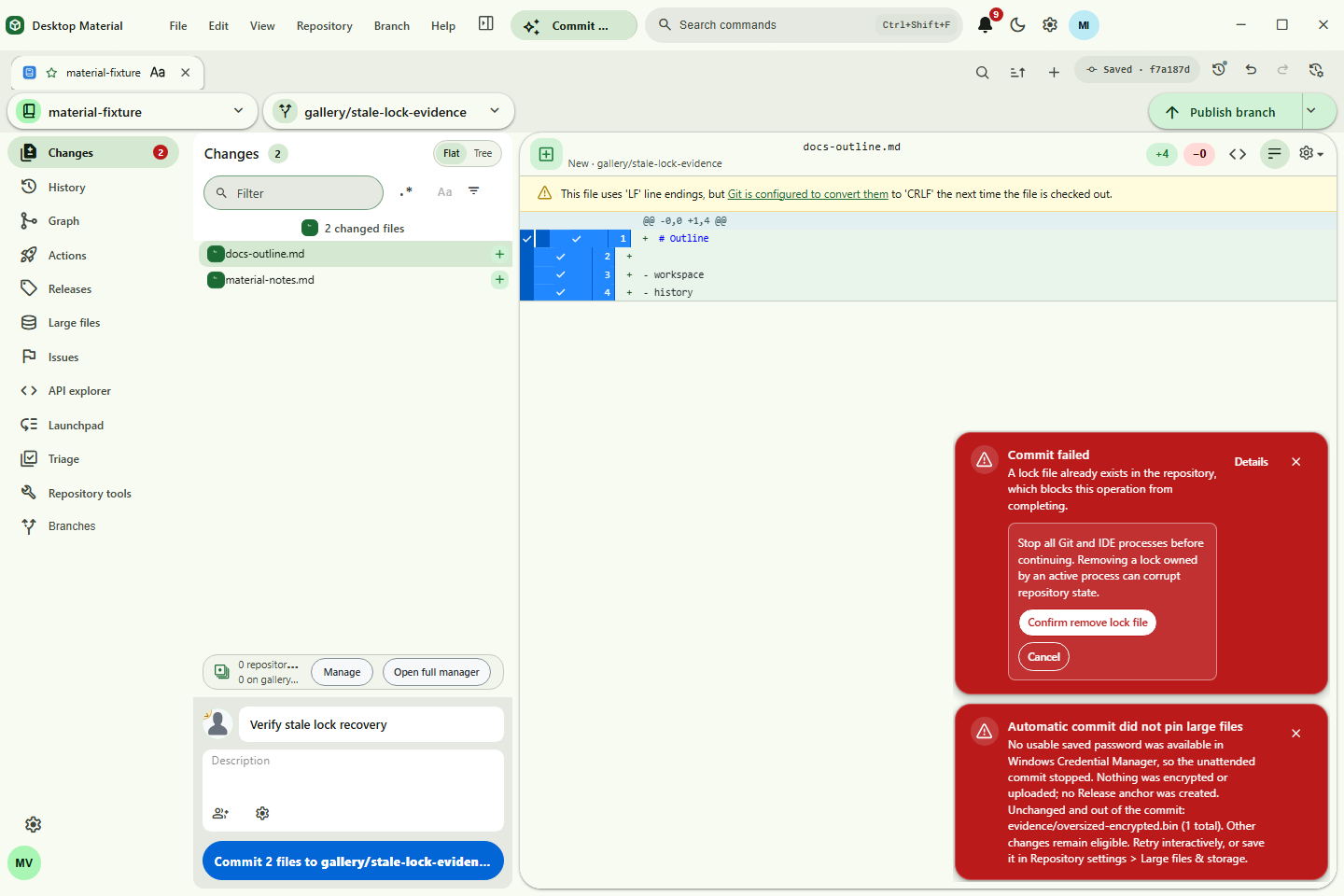 Stale-lock recovery |
| Pull requests and rules | Actions | Releases, issues, and providers |
|---|---|---|
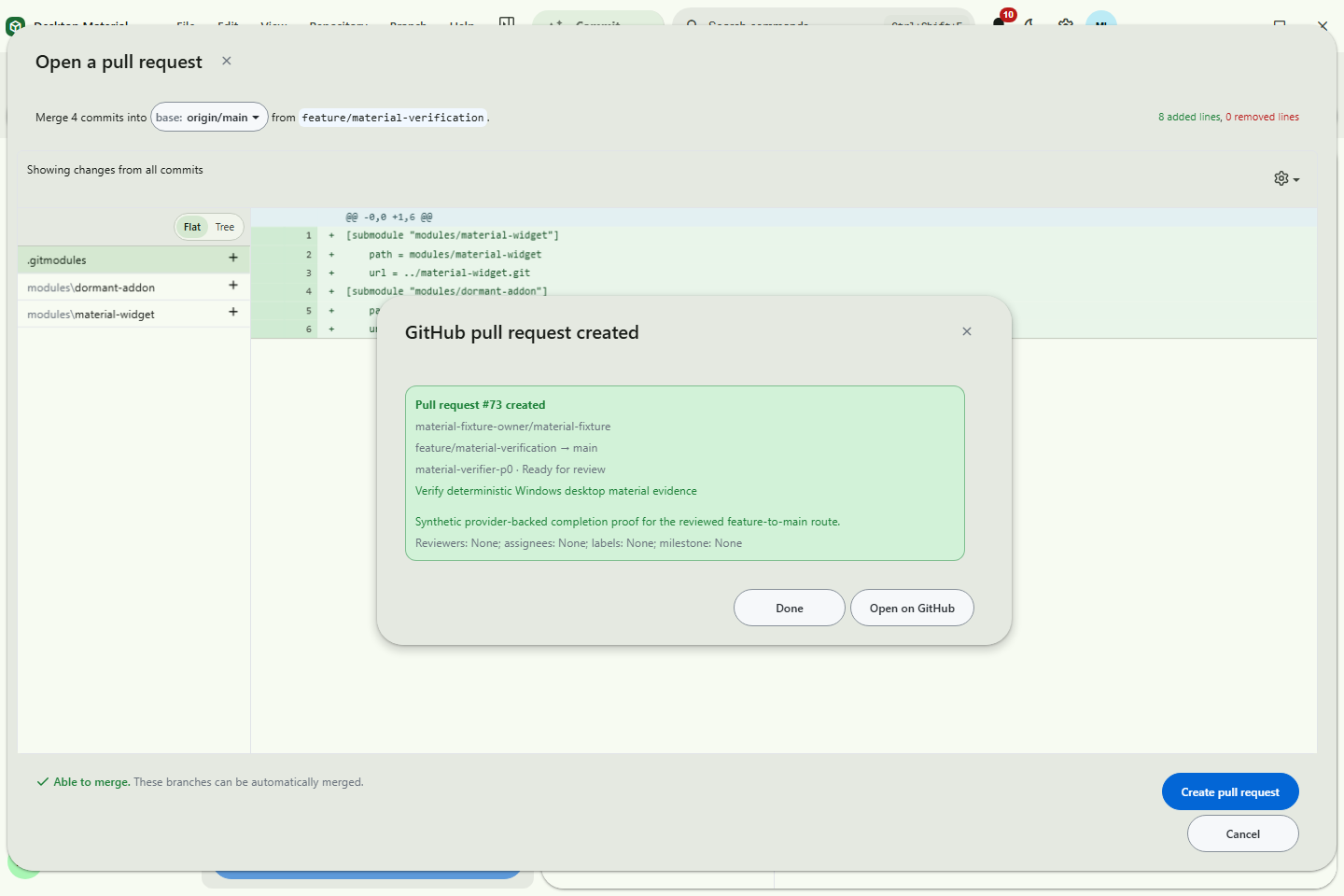 Create pull request |
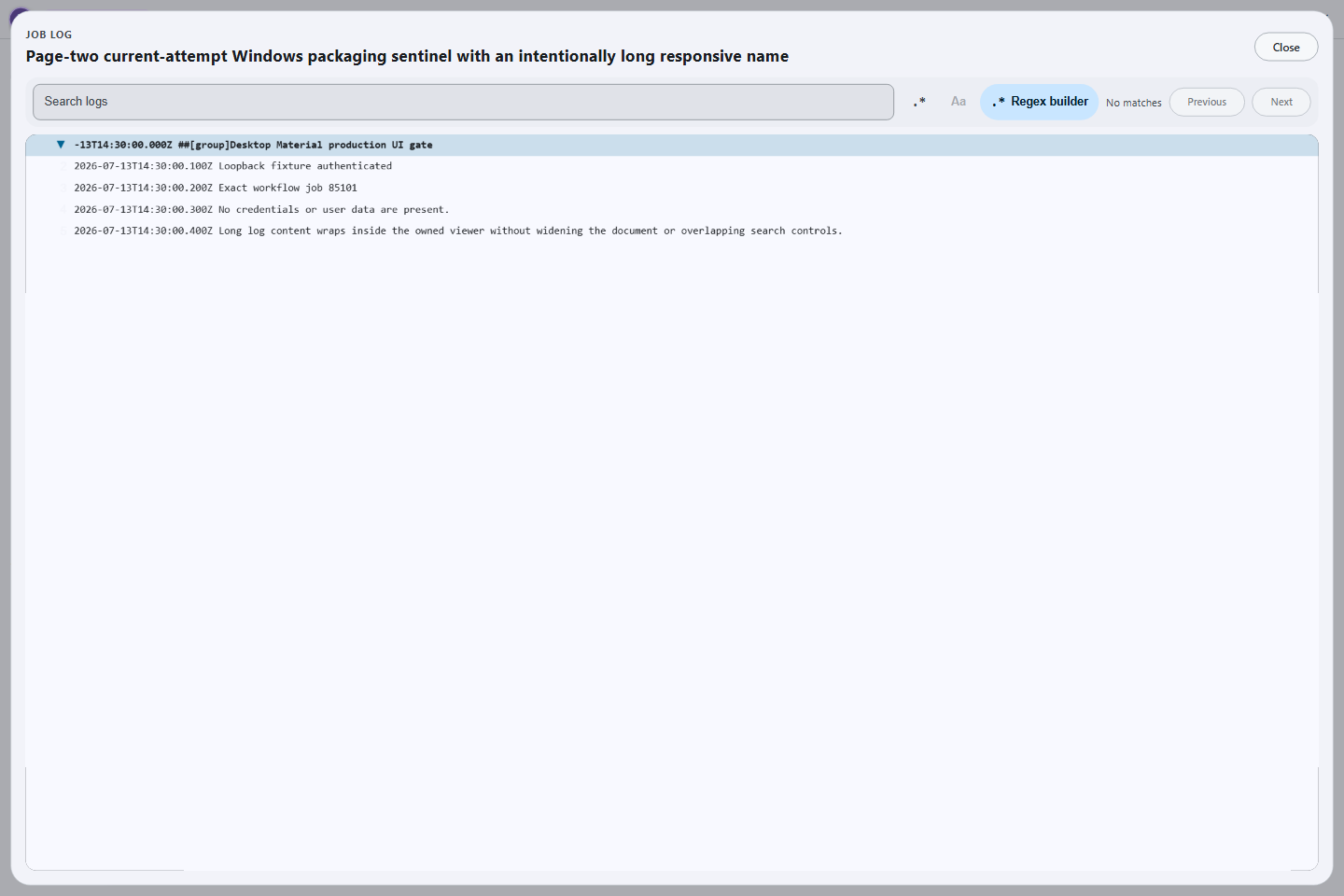 Job log |
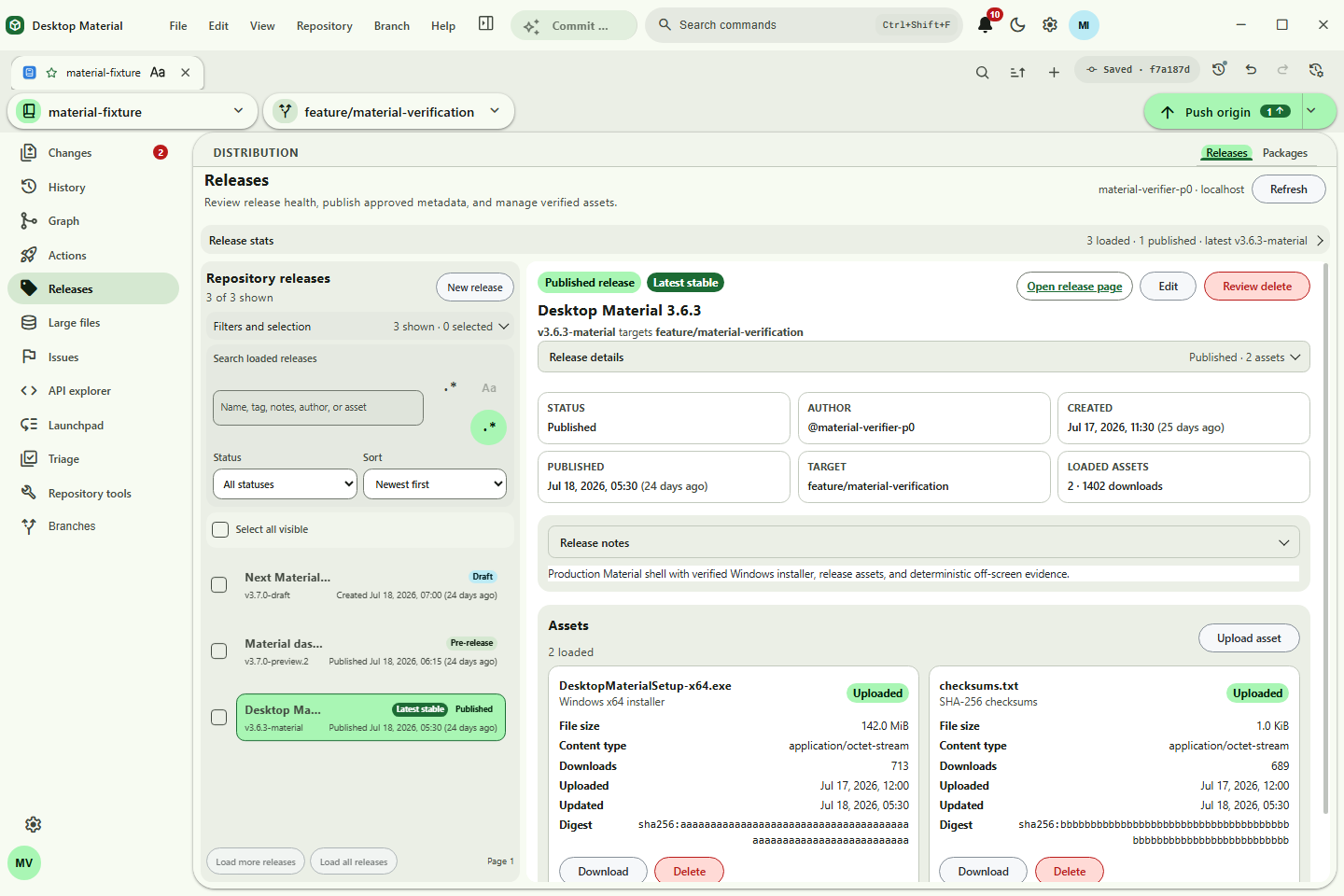 Releases dashboard |
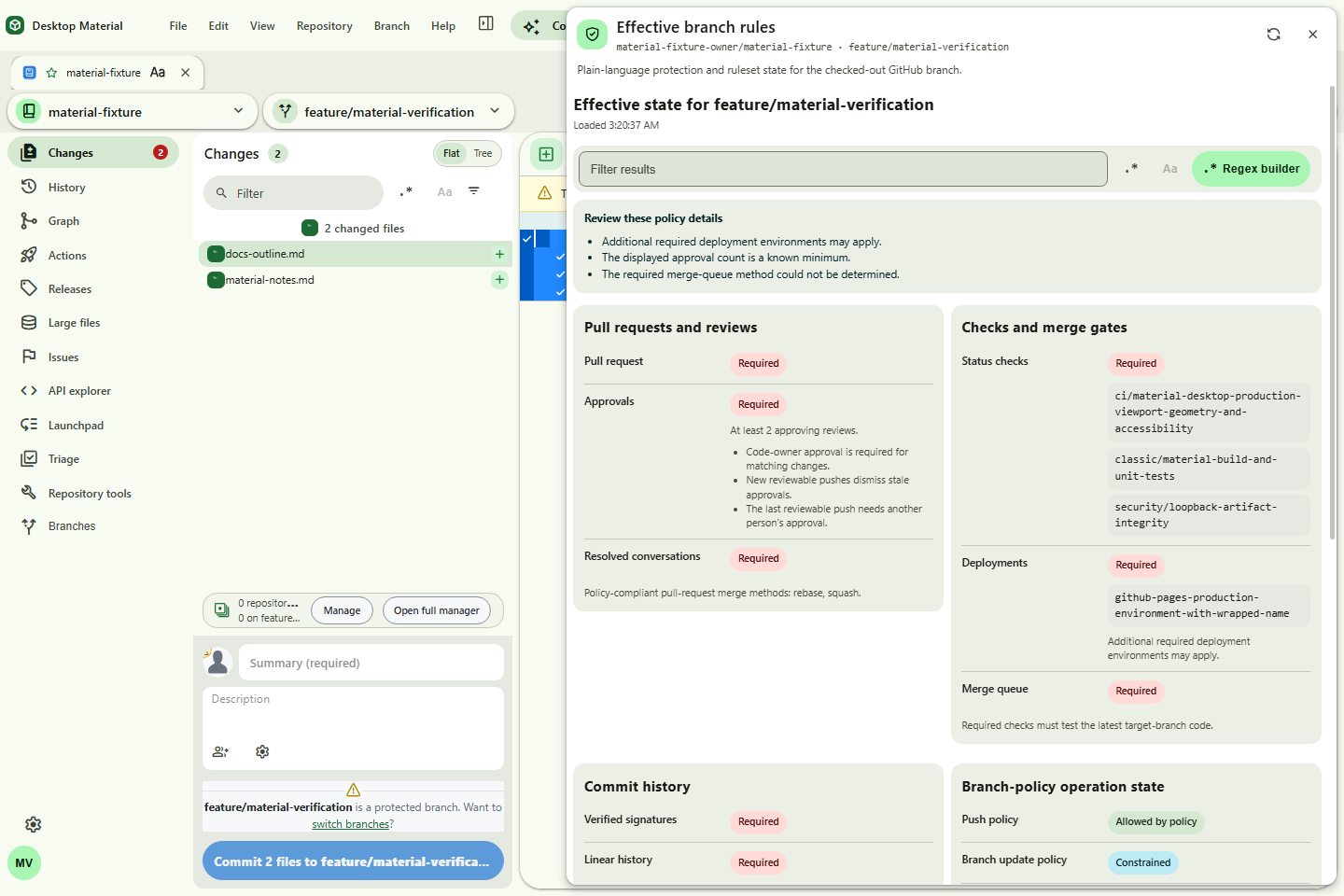 Branch rules |
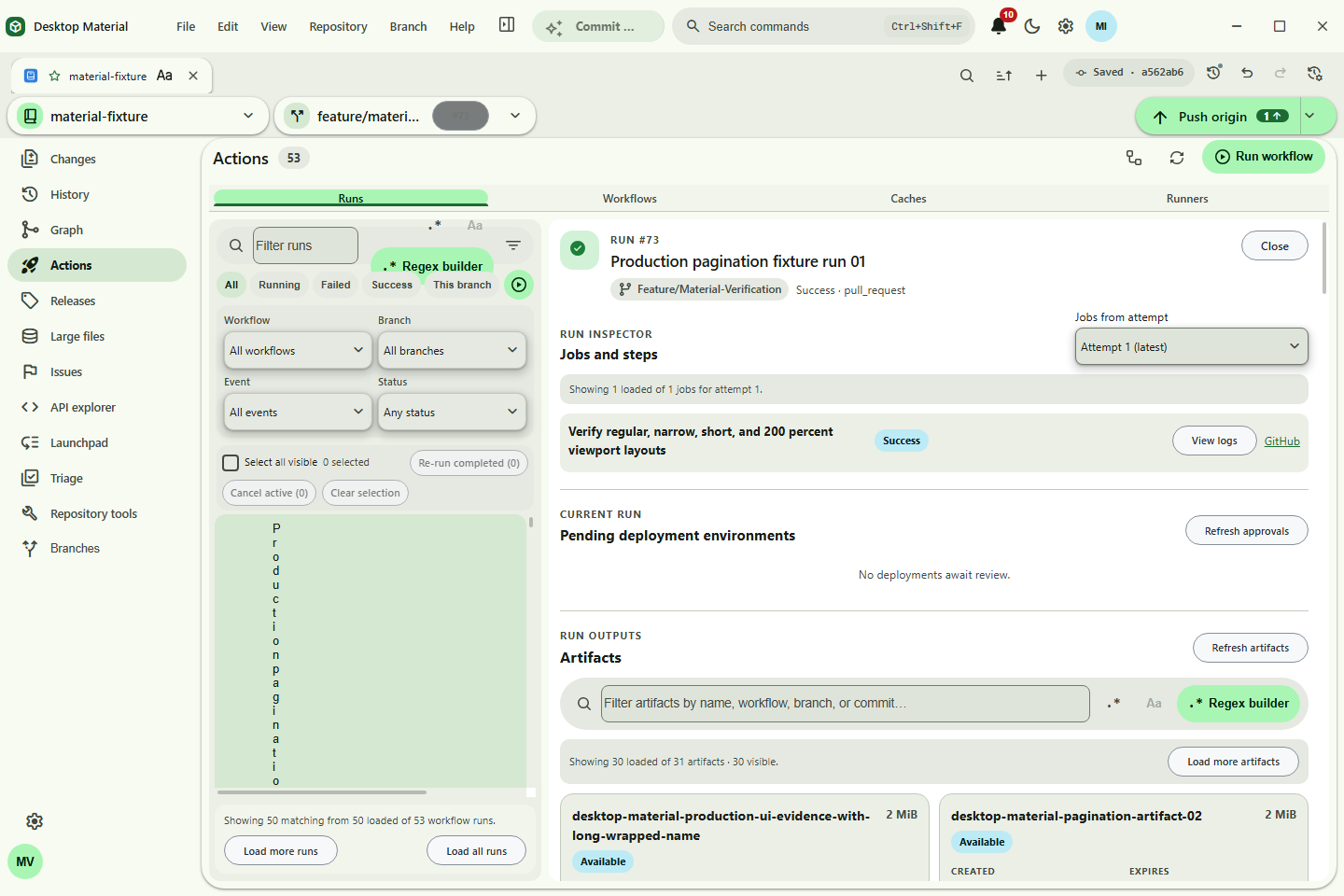 Artifact download |
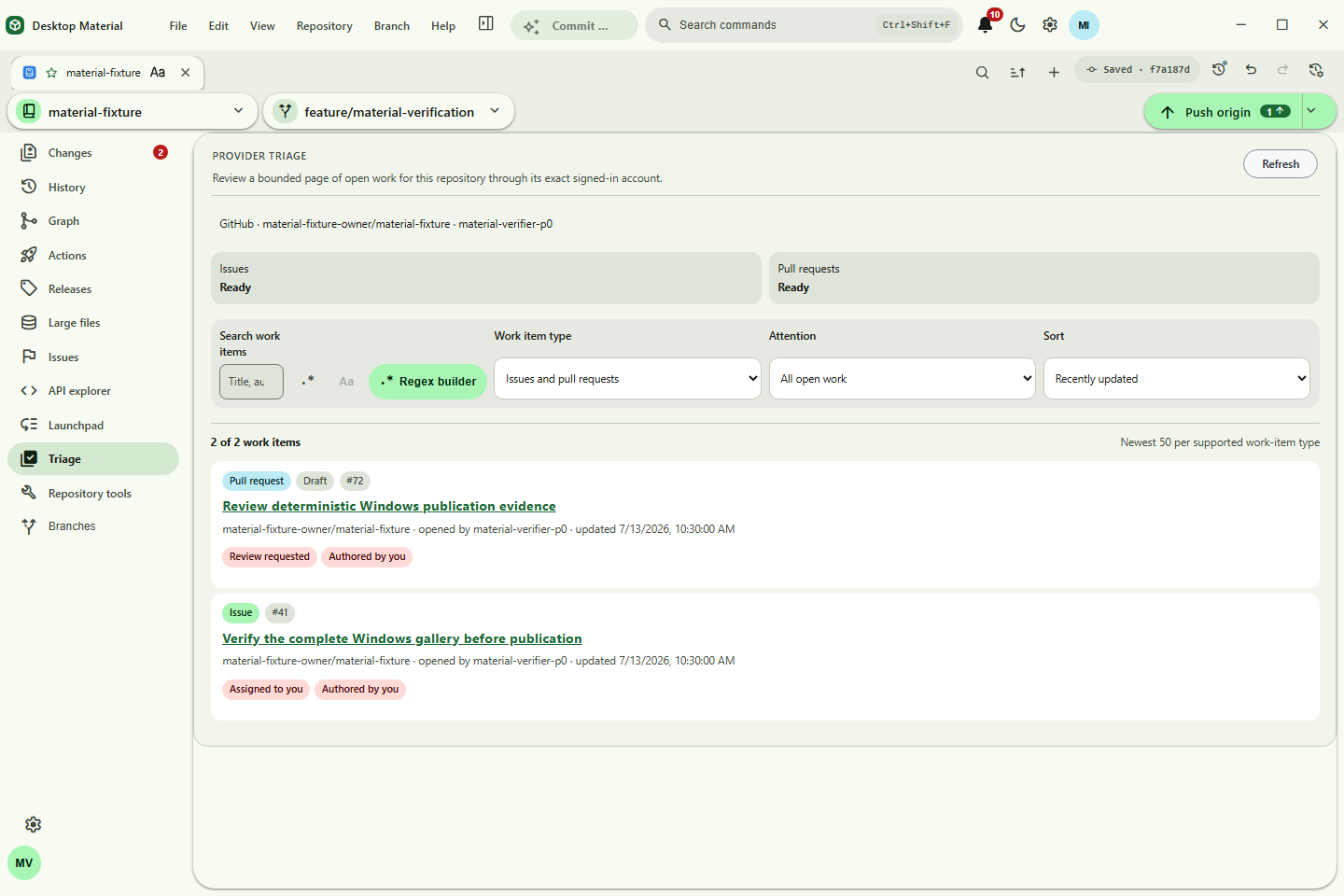 Provider triage |
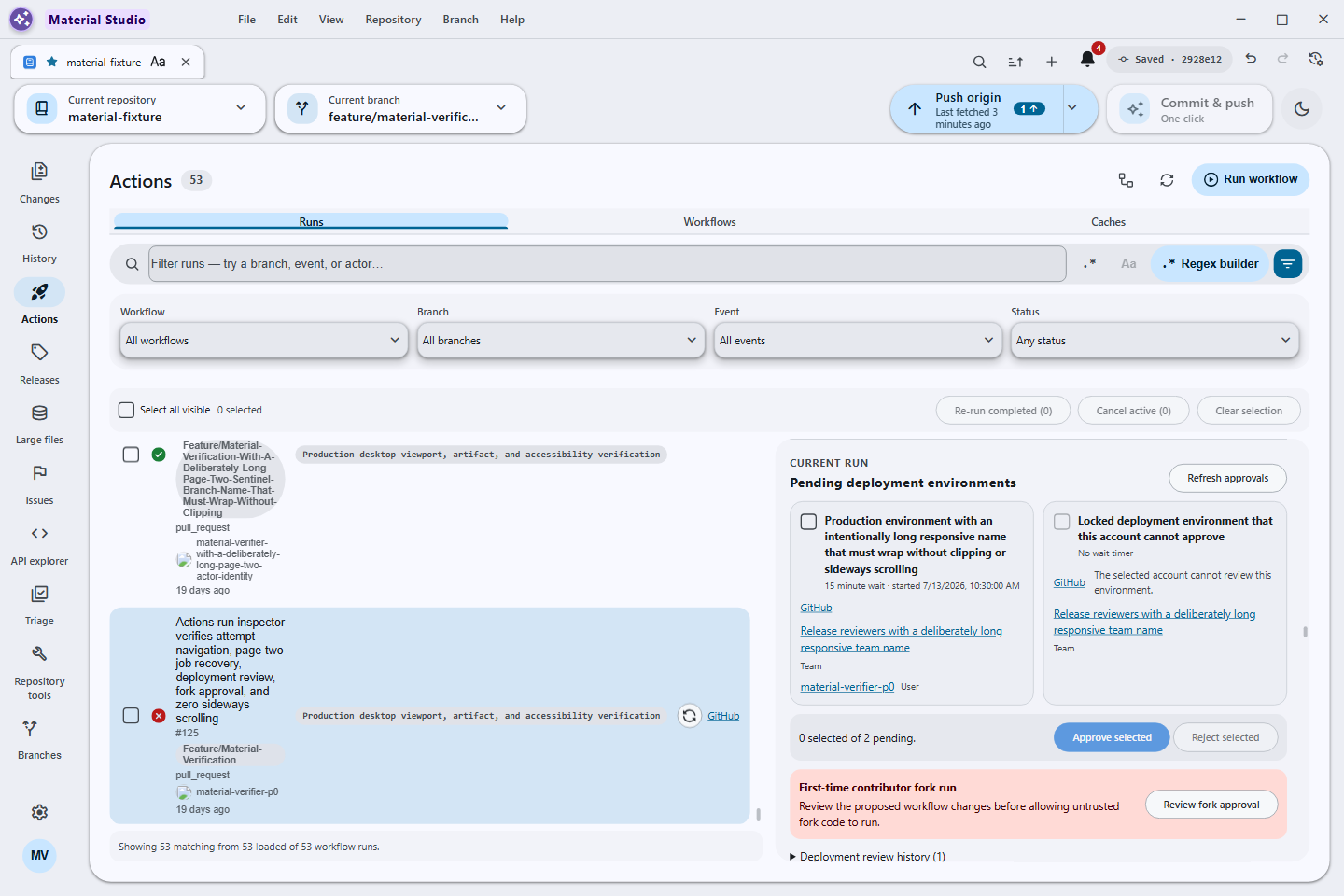 Deployment review |
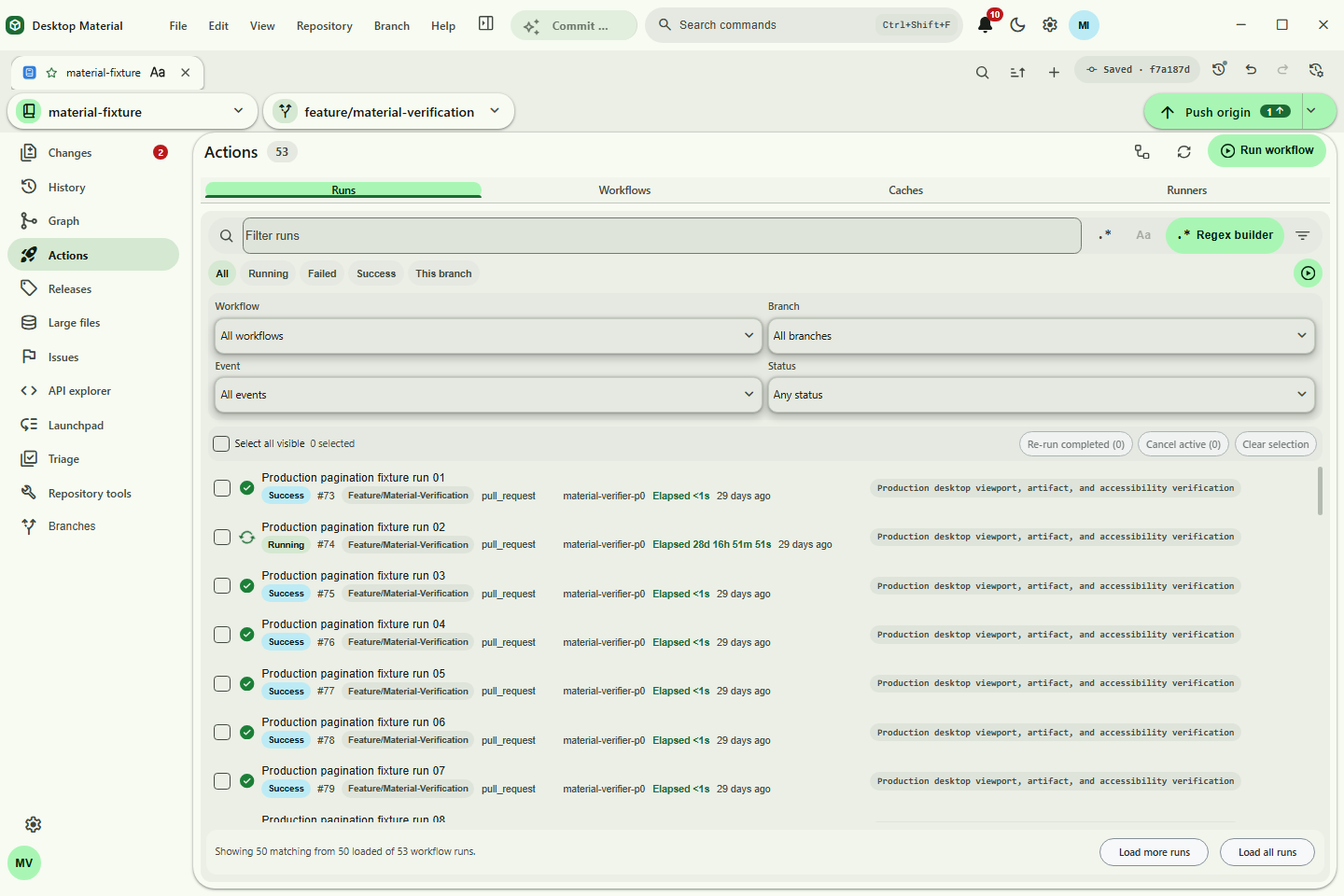 Run pagination |
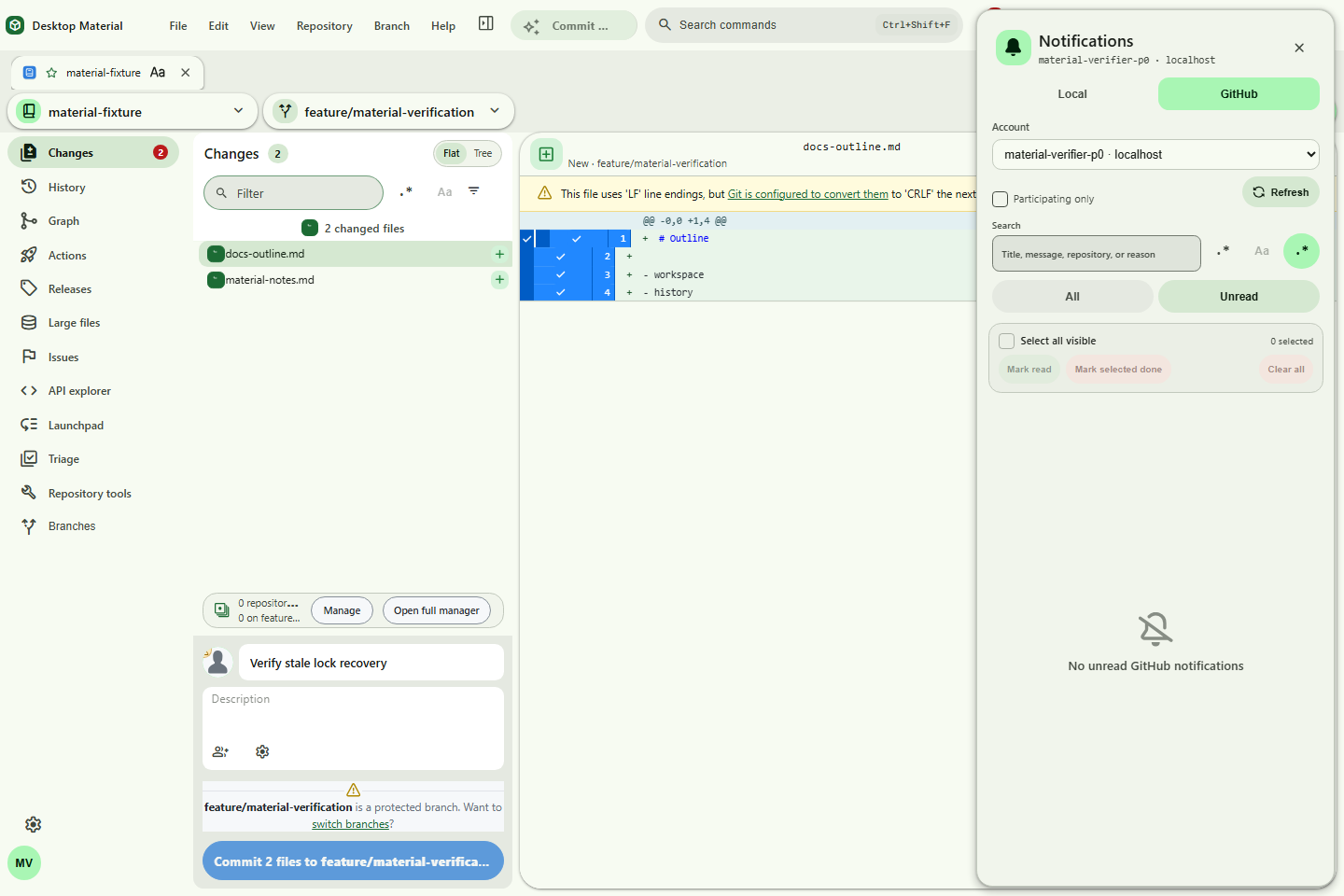 GitHub notifications |
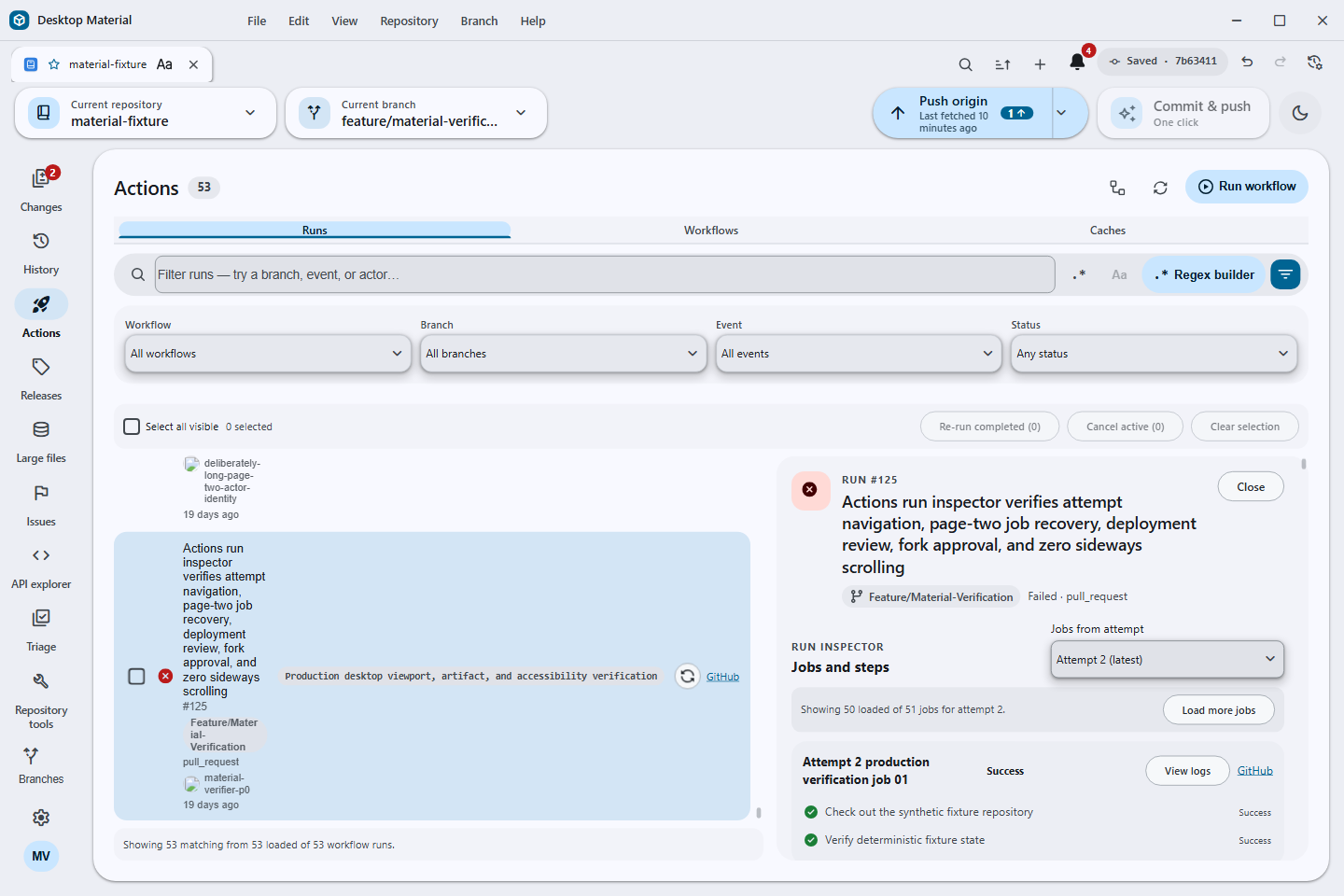 Attempt-aware jobs |
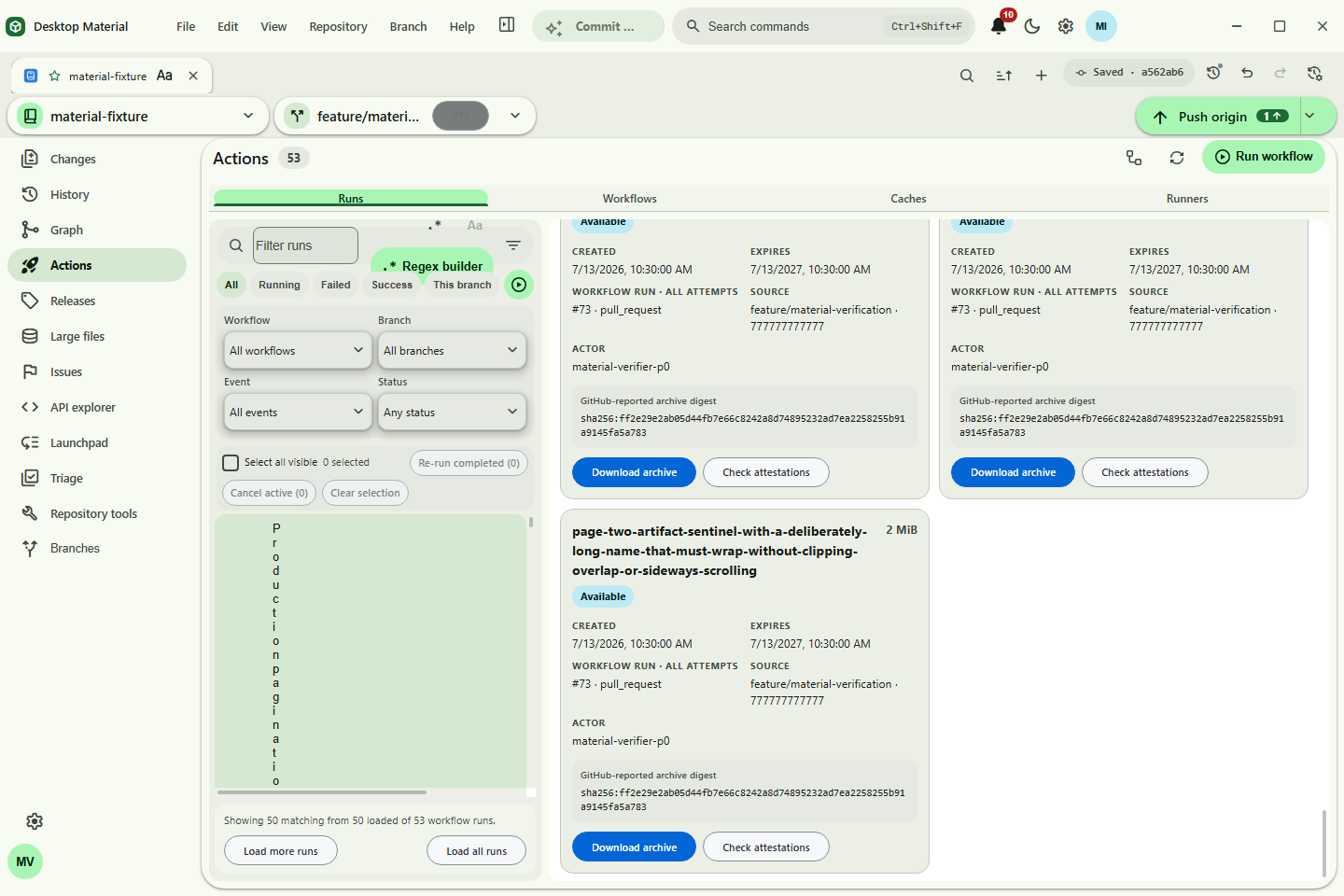 Artifact pagination |
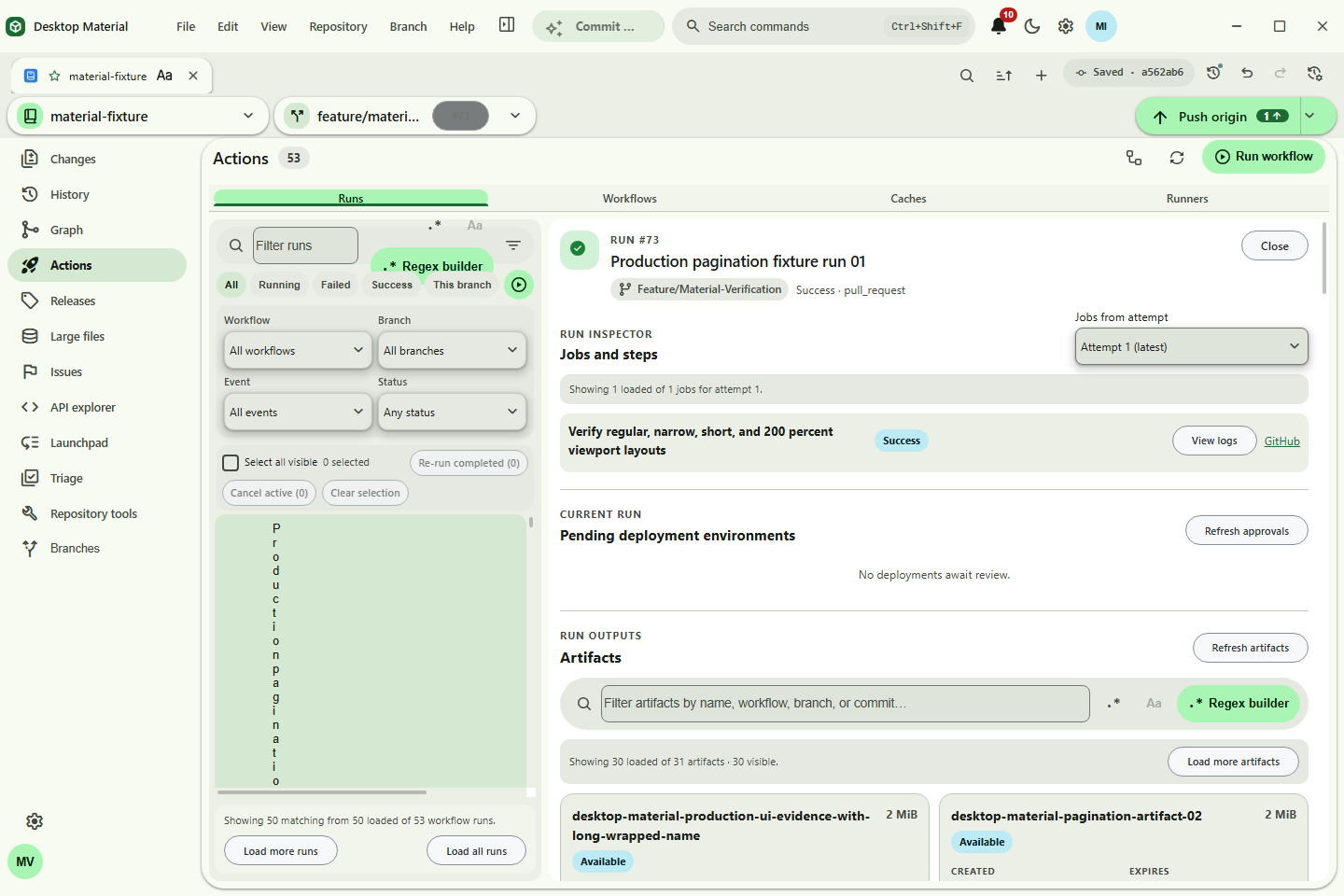 Artifact provenance |