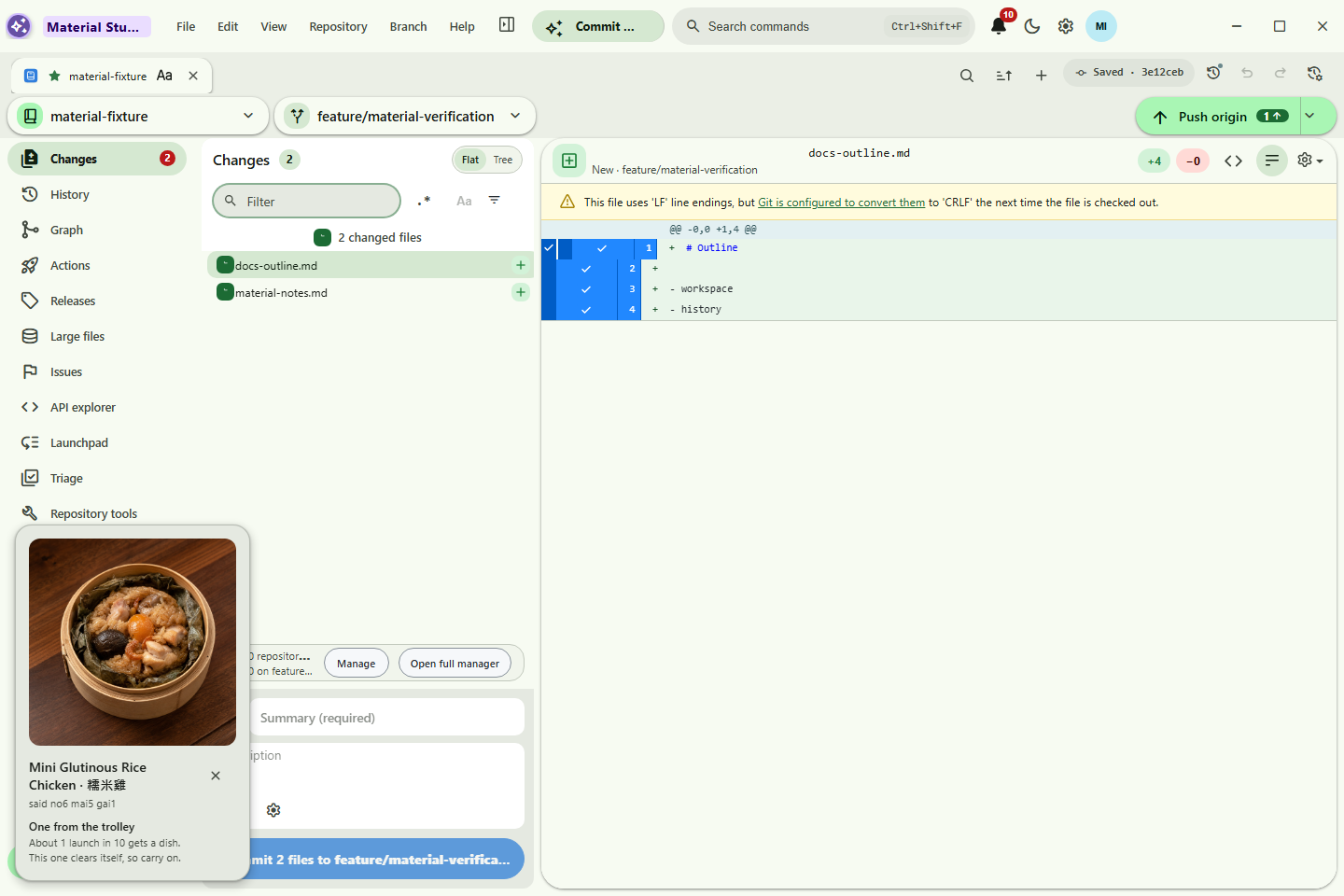
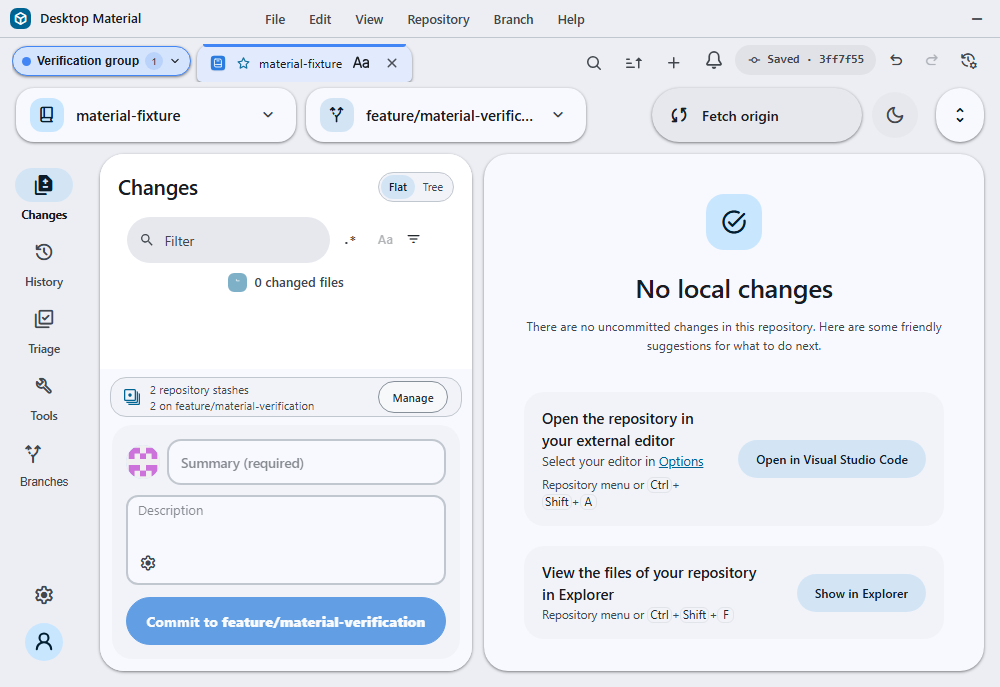
Every page already open is left out of this list. Right-click a tab for close, move, and pin commands.
Material 3 · Windows only · active development
Your Git workspace, made Material.
你嘅 Git 工作枱,變成 Material。
Desktop Material reshapes GitHub Desktop around Material 3: adaptive repository controls, browser-like tabs, local versioned settings, multi-account context, and focused native Git workflows in one calm Windows desktop surface.
Desktop Material 用 Material 3 重寫成個 Git 枱面:控制識得自己讓位、分頁似瀏覽器、設定有本地 Git 版本記錄、多身分各有各 context,全部收埋喺一個安靜嘅 Windows 介面。
A repository-focused shell with profile identity, favorite tabs, adaptive controls, and tonal surfaces.
01Adaptive
Controls respond before they clip.
02Repository-aware
Choices can follow the project.
03Auditable
Settings history stays local and Git-backed.
Automatic Windows install
Get the newest verified release in one line
Open Windows PowerShell 5.1 or PowerShell 7 as your normal user. The tracked installer resolves this repository's latest stable installer release, verifies GitHub's SHA-256 asset digest and any Authenticode signature, installs silently, and cleans up its temporary download.
Current build status, signing, and packaging notes
Current automated builds are unsigned and x64 only. The script reports the unsigned status after digest verification and stops on an unsupported architecture or unverified download. Windows packaging also produces a portable GitHub Desktop-x64.zip beside the installer assets; extract it before running the packaged executable. Review remote code before running it. While Actions builds or packages a newer exact commit, About shows a transient localized “New update coming soon” status. Published automated Release notes list bounded, sanitized commit subjects through that exact release SHA. CI, installer, and Pages runs use unique groups so newer work never cancels or replaces an older running or pending invocation.
The three download buttons resolve through GitHub’s releases/latest/download/ route, so each one always serves the newest published release’s asset — no version is pinned into this page and nothing goes stale between builds.
Material foundation and shipped roadmap
A Material Design 3 shell with verified native workflows
The numbered roadmap extends through M27. Cards marked Verified on main refer to their recorded production UI gates. Exact build, headless, source-publication, installer, Pages, wiki, and corrected serialization receipts remain centralized in HANDOFF.md.
build
AI-assisted Build & Run Focused checks passed
Choose Codex CLI or OpenCode per repository for a failed build or bounded free-form request. Prompts travel through stdin, install and authentication stay explicit, auto-approve remains separately gated, output and cancellation are bounded, and a real Build & Run rerun—not the agent exit code—decides whether the repair worked. Stop terminates the owned agent and suppresses that rerun.
palette
M3 Expressive shell
Animated light/dark theming, soft elevation, an app bar with an inline pill menu, and floating radius-24 workspace cards.
auto_awesome
Material first run Verified on main
A focused Material welcome keeps GitHub.com, Enterprise, and local-only setup inside one responsive task card, with a tonal workspace preview that steps away cleanly on compact windows.
tune
Scope-aware appearance Verified on main
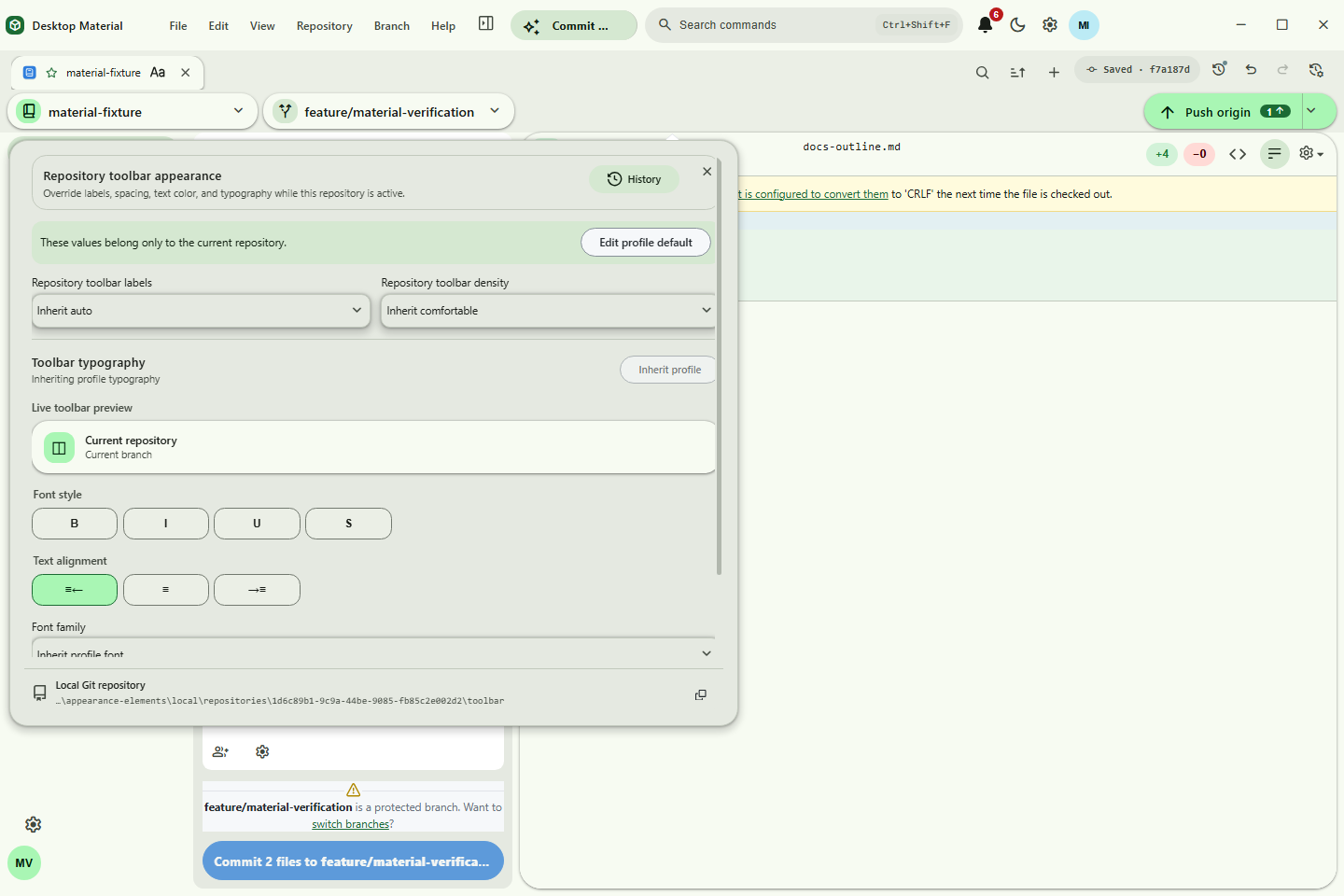
Right-click the actual identity, workspace, toolbar, list, tab strip, code surface, repository name or logo, tab title, feature entry point, or Back control. Its editor opens beside that owner with a dedicated setting, local Git path, and mutable history. Profile and repository values can inherit without sharing a timeline. Ordinary language, theme, and scale stay in Settings; no monolithic repository Appearance tab is required.
more_horiz
Adaptive toolbar Verified on main
When the app bar tightens, Build & Run moves into More first, followed by Commit & Push. Widening the window restores each action automatically before labels can clip.
explore
Icon navigation rail
A left rail for Changes (with a badge), History, Branches, Settings, and your account avatar — plus a floating pill toolbar with repo and branch chips and a sync pill.
tab
Browser-like repo and settings tabs Verified on main
Repository tabs stay bound per-account with inline rename and a Word-style appearance editor — bold, italic, underline, size, font, alignment, plus separate text and background palettes or custom colours. Global Settings, Repository Settings, and Stash Manager now use the same horizontal browser tabs: open, close, overflow, keyboard movement, linked panels, localized labels, and session-safe persistence that does not lose pages when a search temporarily narrows the view.
tab_close
Guarded tab control Verified on main
Keep the regex close action or review a safe literal close-everything-except query with counts and preview. Pin tabs, drag or move them by keyboard, and apply persistent one-shot label, opened-date, or repository-status ordering. A named group may contain pinned or unpinned tabs, never both, so grouping cannot break the protected pin boundary.
group
Real multi-account
Multiple identities per host, each with its own tabs, repos, and settings. Switching the active account switches the whole workspace context.
drive_file_move
Repository transfer · Repo 轉移
Choose another signed-in GitHub account or organization, keep or rename the repository, then publish every branch and tag with full history or one clean root snapshot. origin changes only after destination verification.
Every settings and tab change auto-commits to a local git repo, with a non-modal history side sheet for diffs, undo, redo, and restore. Each action appends an audit commit instead of rewriting history.
web_asset
Non-modal dialogs
Dialogs float without blocking the app, drag by their headers, cascade, and come to front on focus. Preferences is an MD3 940×660 dialog; wheel and trackpad gestures work anywhere over its content while nested controls keep their own scroll range. Pickers use side sheets. Acknowledgement-only errors default to dismissible red bottom-right notices, while decisions and recovery actions remain dialogs.
translate
Language modes & playfulness Shipped
Every surface renders in English, playful Hong Kong-style Cantonese, or a compact bilingual view, chosen in Settings › Appearance and persisted across restarts. Two independent 1–5 playfulness sliders — one per language — style the voice of every message, errors and warnings included. The level never changes the facts: what happened, which file, and what your options are stay stated in unambiguous words at every level. Scheduled settings add local date/time windows, validated API values, and Home Assistant boolean gating for language, theme, and appearance customization.
search
Search everywhere Shipped
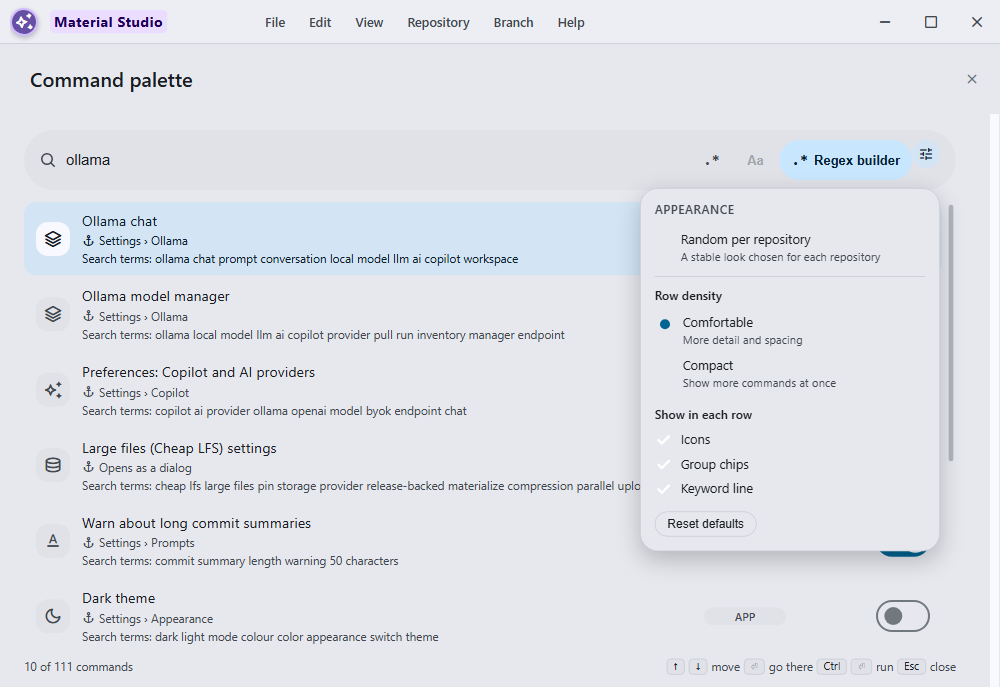
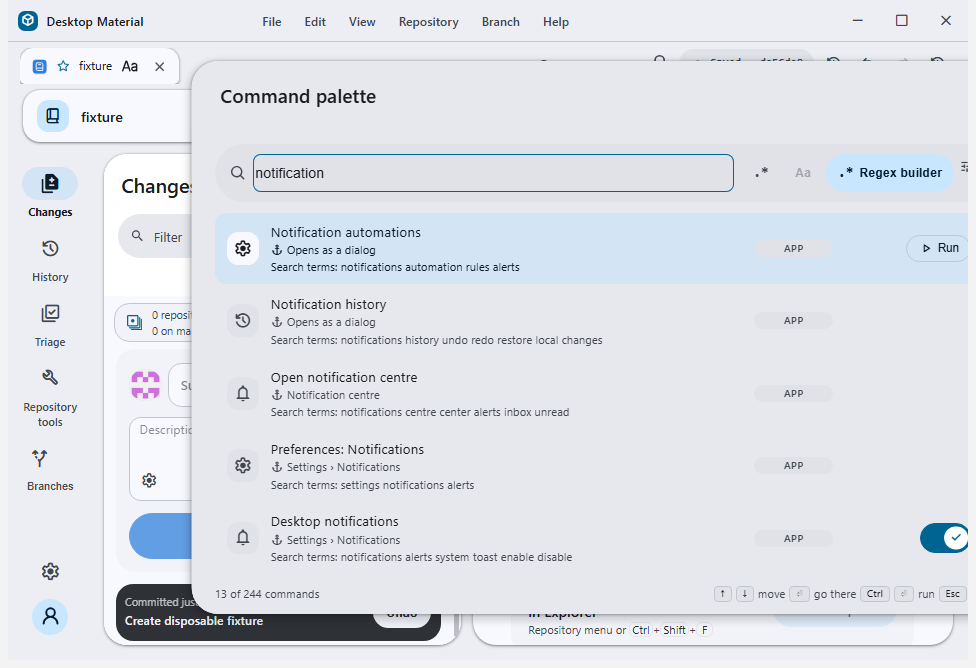
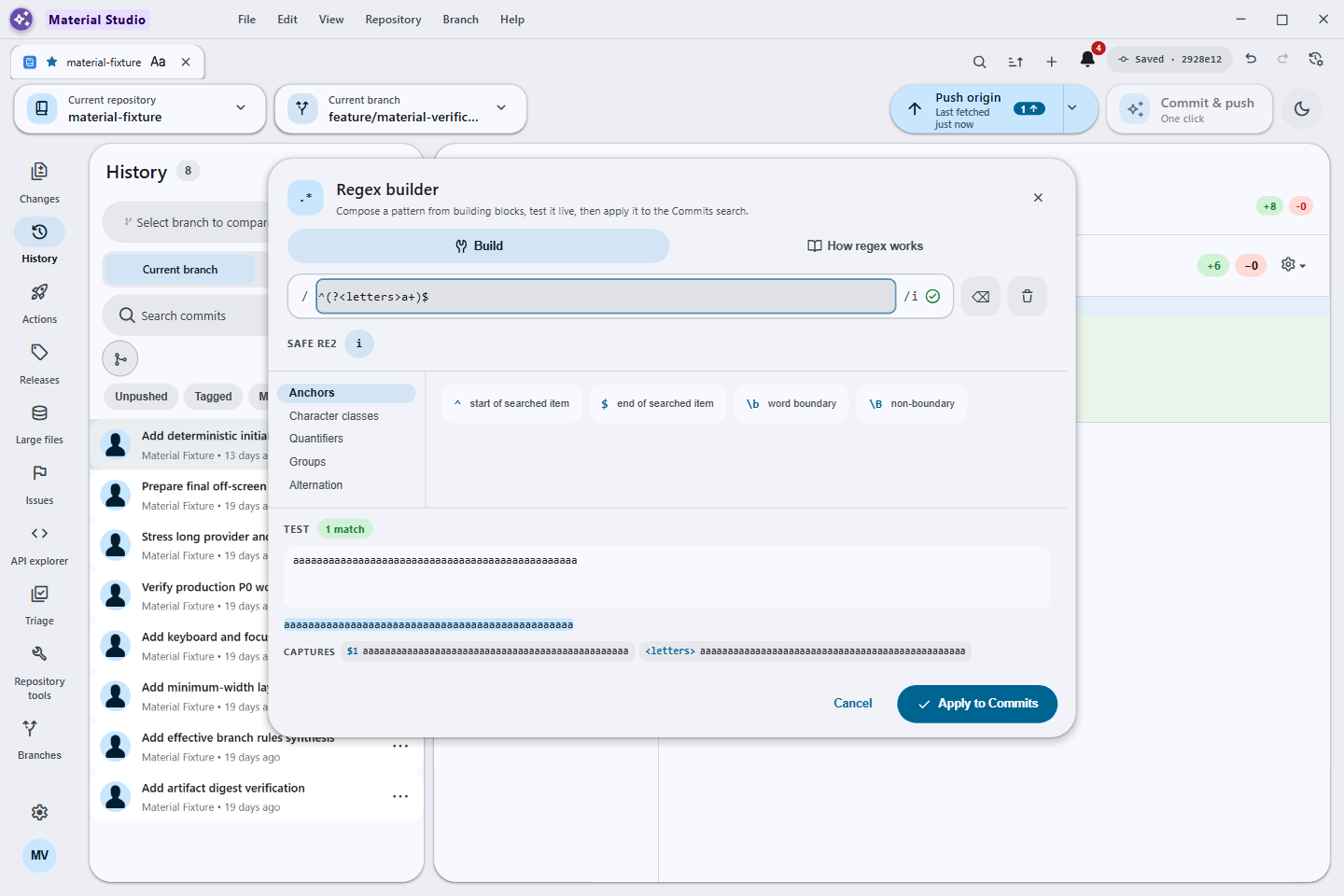
Filter chips, substring/regex modes, and a full regex builder, plus History search by title, message, tag, or hash and an optional commit ancestry graph. The builder reflows and scrolls vertically at compact or zoomed sizes while its tester and footer remain reachable.
cloud_download
Release- and registry-backed large files 72-way comparison atlas
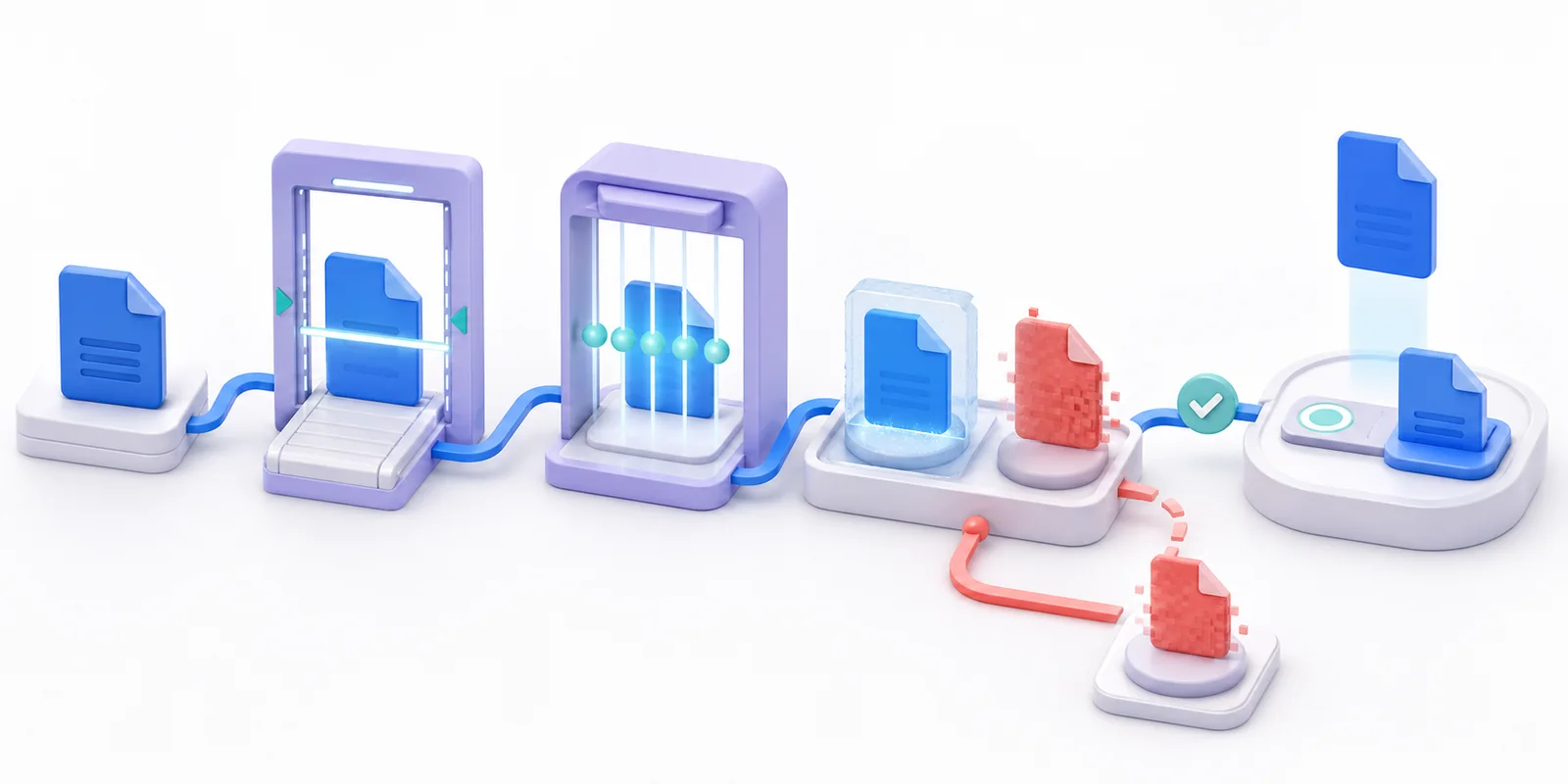
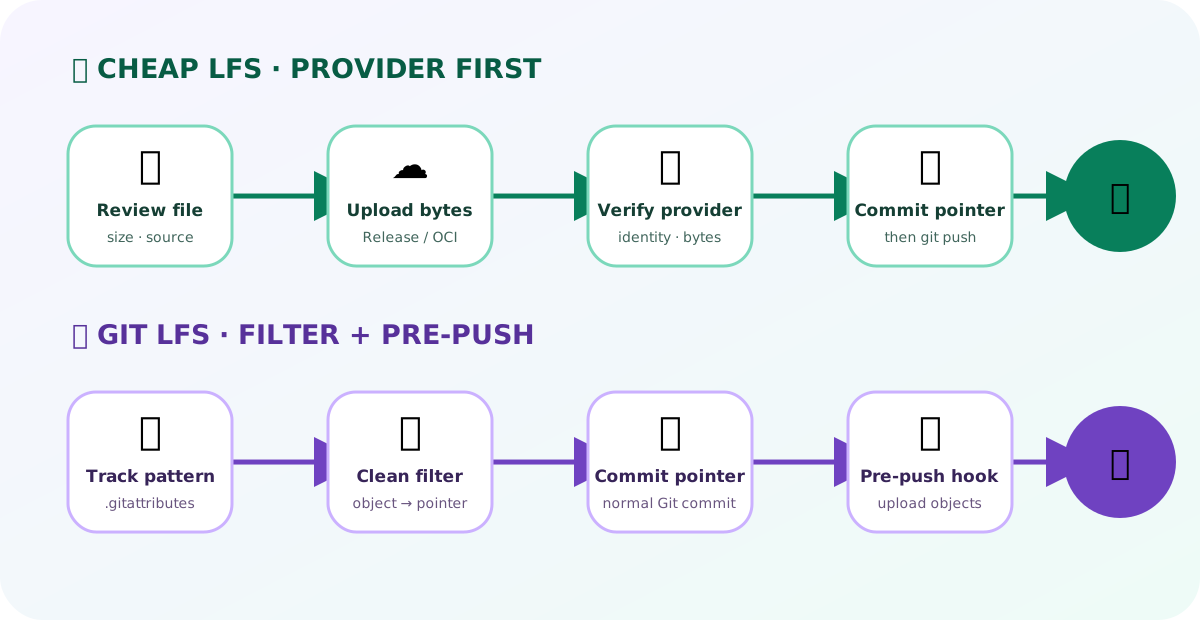
The dedicated Cheap LFS product guide traces the provider-first pointer-commit handoff, including the first-branch Release anchor exception. A separate comparison atlas maps Cheap LFS against Git LFS across 72 sourced decisions in 12 categories, with row-level receipts, provider-first and pre-push graphics, composable filters, an interactive fit finder, and an exact remote-SHA proof.
GitHub API functions — Hideable · verified on main
Guarded run cancellation — Verified on main
Reviewed current-branch rebase — Verified on main
Reviewed ordinary pull — Exact OID
Clone-style submodules — Verified on main
Temporary submodule workspaces — No import
Native pull requests — Verified on main
Effective branch rules — Verified on main
Agent access & CLI — Shipped
Provider accounts — Shipped
Local Ollama models — M23
Provider-neutral triage — Verified on main
Compact task surfaces — Verified on main
Desktop-plus parity — Shipped
Multi-window workflows — Shipped
Advanced workflows — Verified on main
Take a look
Screenshots
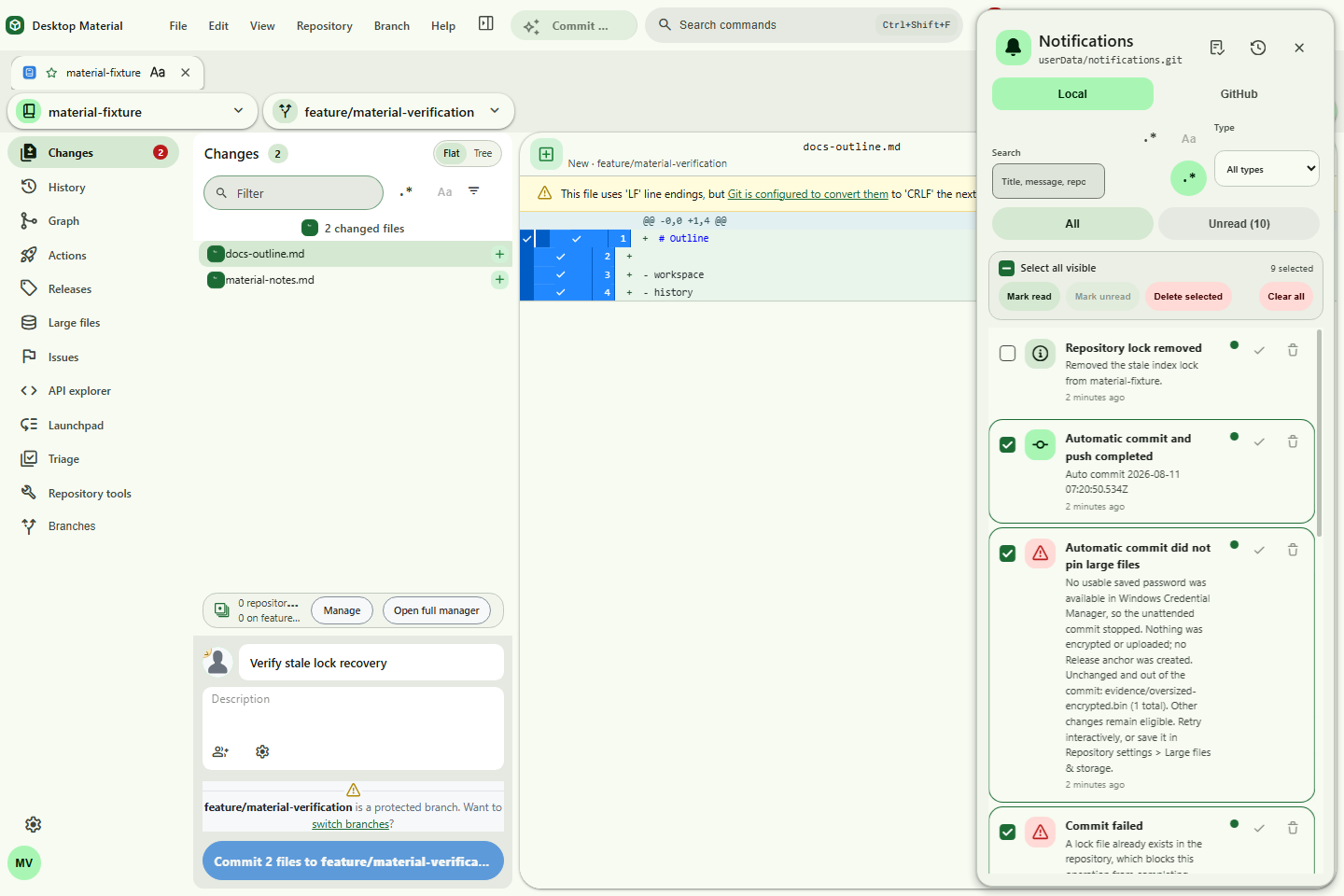
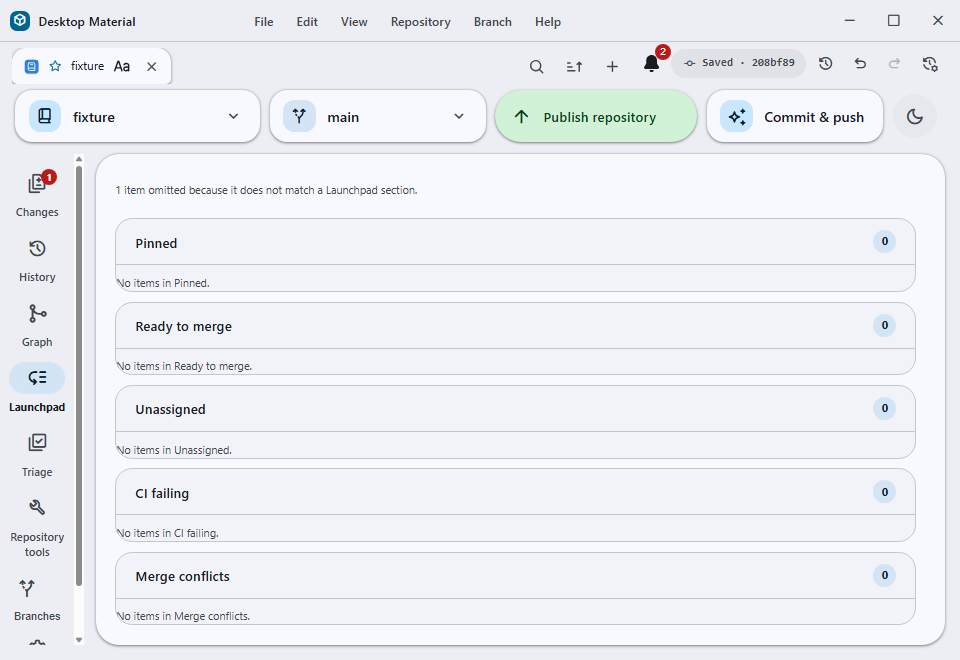
Guided task forms wrap text and stack controls as space narrows, avoiding page-level sideways scrolling; spatial code, diff, and log content is the exception. The current refresh contract targets 98 Windows scenes. The current Launchpad repair and seven representative scenes are below; open one for the full-size capture.
Every feature has its own file. Every category has an index.
Documentation is split into categorized Markdown files with a README index per category, so a feature can be read on its own without loading the whole manual.
Each rule below renders on this documentation surface, not only inside the application. Open any of them from here.
Docs › Quality and reliability
Every-project regex builder
Every project and every search bar opens a documented, tested full regex builder using its real dialect, while plain-text search stays the default.
The contract
The search bar and the builder synchronize their pattern and flags: what you compose in the builder becomes the active query, and what you type in the bar arrives in the builder. Plain text remains the default mode so an ordinary search never requires regex knowledge.
The dialect must be named
The reference builder uses the JavaScript RegExp dialect and says so on its own surface. Downstream projects must use and identify their own production engine rather than copying that dialect blindly.
Bounded evaluation
Guided constructs, raw editing, flags, sample text, live highlighting and captures, and copy, with worker isolation, fixed input and result bounds, and a 300 ms timeout. Patterns and samples stay in the browser and are not persisted.
Verification
node --check runs on the engine, worker, and builder sources. The regex builder and discussion policy suites then exercise the ECMAScript engine, syntax errors, Unicode, multiline and zero-width behaviour, captures, bounds, truncation, and the worker timeout contract.
Cheap LFS · product guide
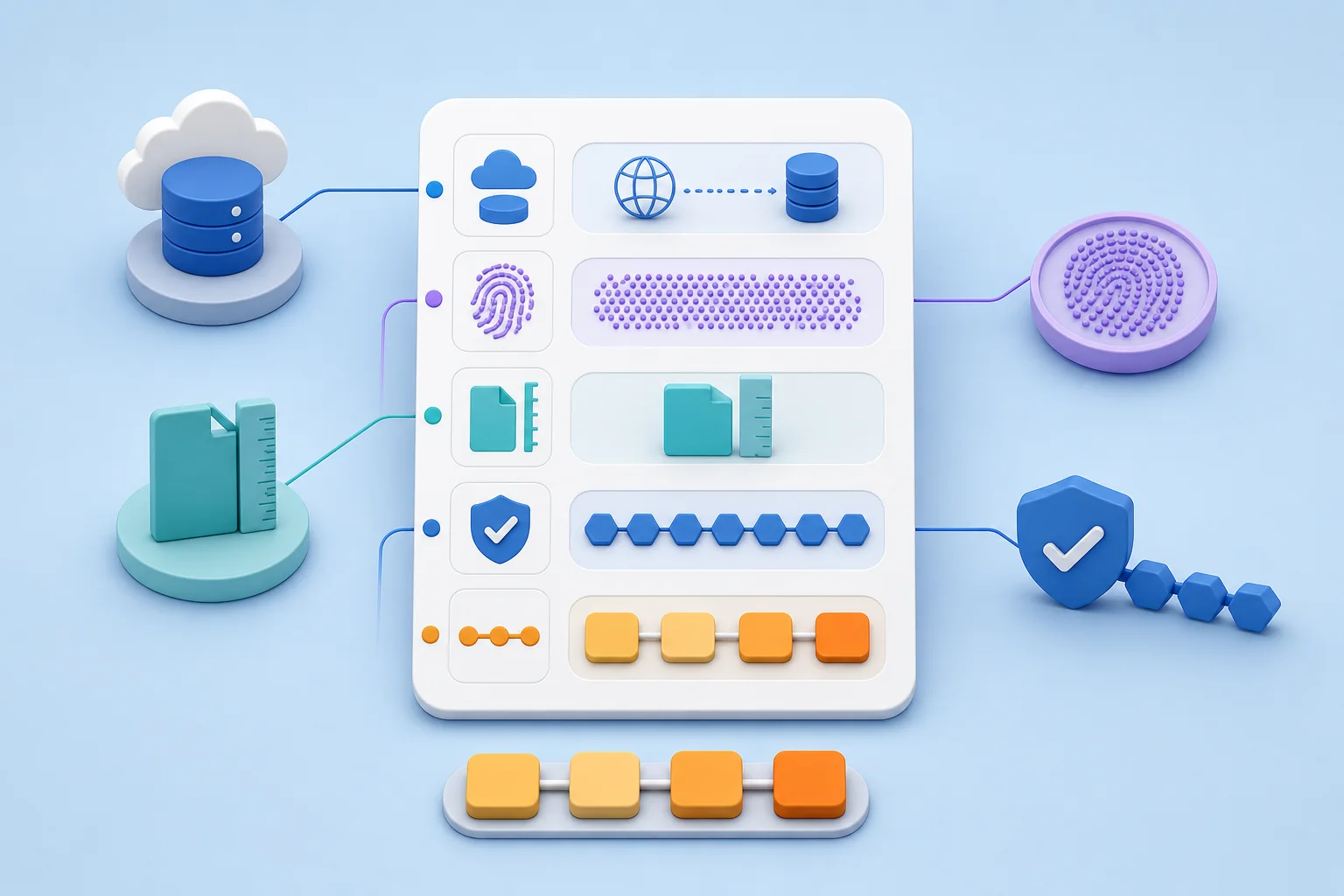
The commit stays small. The original file stays.
Cheap LFS pins the heavy bytes with a provider first, then ordinary Git commits a small pointer. The working-tree file you can open is still the real file.
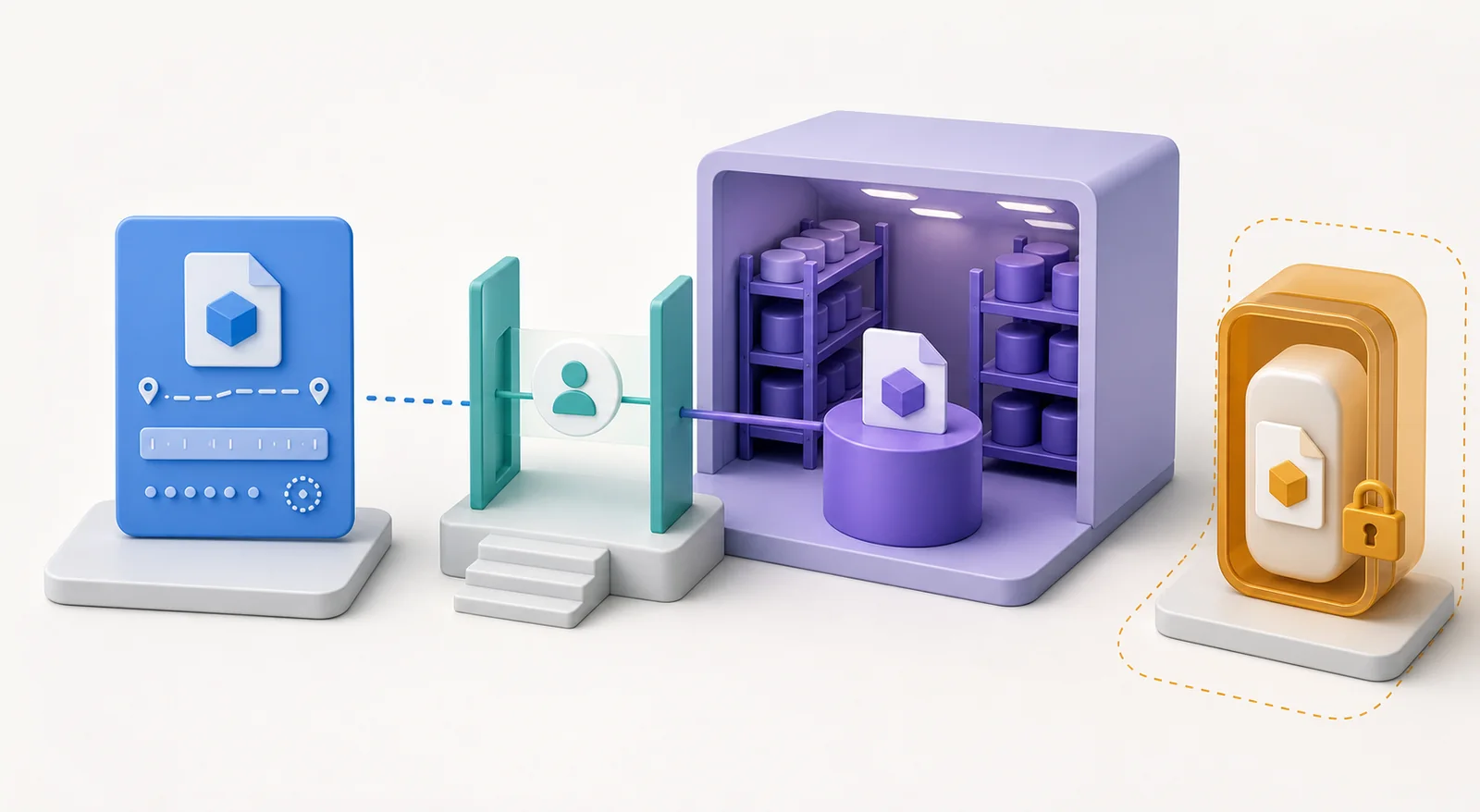
01Pin with the provider
The heavy bytes go to Release storage, GHCR, or Docker Hub before Git sees them.
02Commit the pointer
An ordinary Git commit carries a 370–514 byte pointer, no filter configuration.
03Push as usual
Ordinary git push publishes the pointer. The first branch is the Release anchor exception.
04Keep the real file
Your working tree still holds the original bytes; nothing is swapped out from under you.
A pointer is a recipe, not the meal
A 370–514 byte pointer records the object identity, size, provider route, and verification hash. Git stores the recipe; the provider stores the meal.
Pick the route that matches the repository
Release storage
Published prerelease buckets and verified assets. The first branch's Release anchor is the documented exception to provider-first ordering.
GHCR and Docker Hub
One logical OCI image keeps the complete current object set, reusing unchanged blobs and retaining digest-specific tags so older pointers keep resolving.
Private repositories
Off until explicit persisted opt-in. Objects travel as AES-256-GCM chunks and no workflow is installed in the private repository.
Restore is verification first, replacement second
Clone and open detection and Materialize all verify and replace old pointer-only working-tree files locally. A fresh UI clone restored 10/10 hashes from 370–514-byte Git pointers.
Commit 712ad85 passed verifier 30054805137.
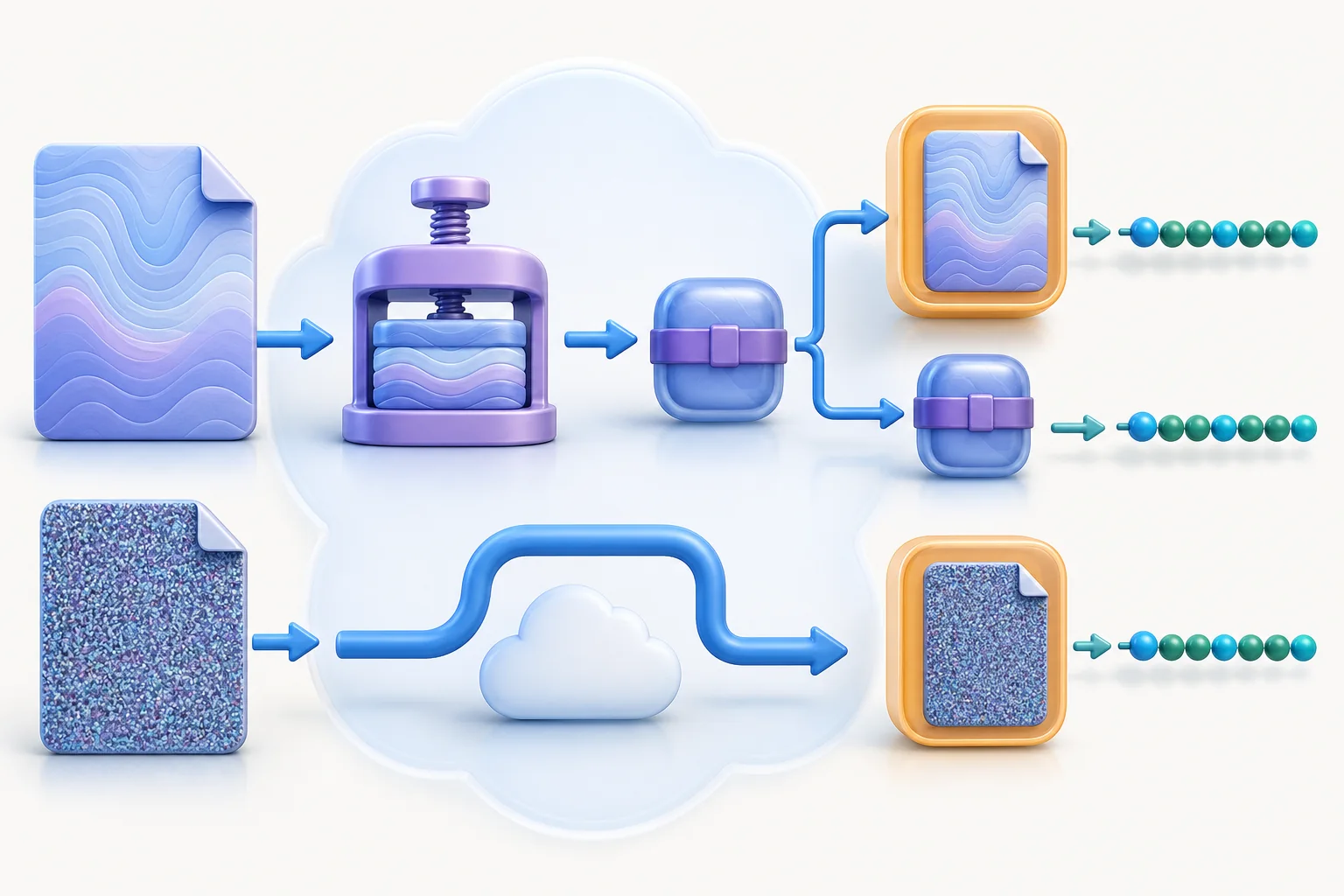
Compression is an optimization, not a trust shortcut
Public repositories prepare the owned compression caller in Changes automatically and run it only after a reviewed commit and push. Private repositories stay off until explicit persisted opt-in and install no workflow in the private repository.
Cloud run 30048474438 — 13 compressed, 0 kept raw, 0 failed, all raw originals retained.
The collaboration contract
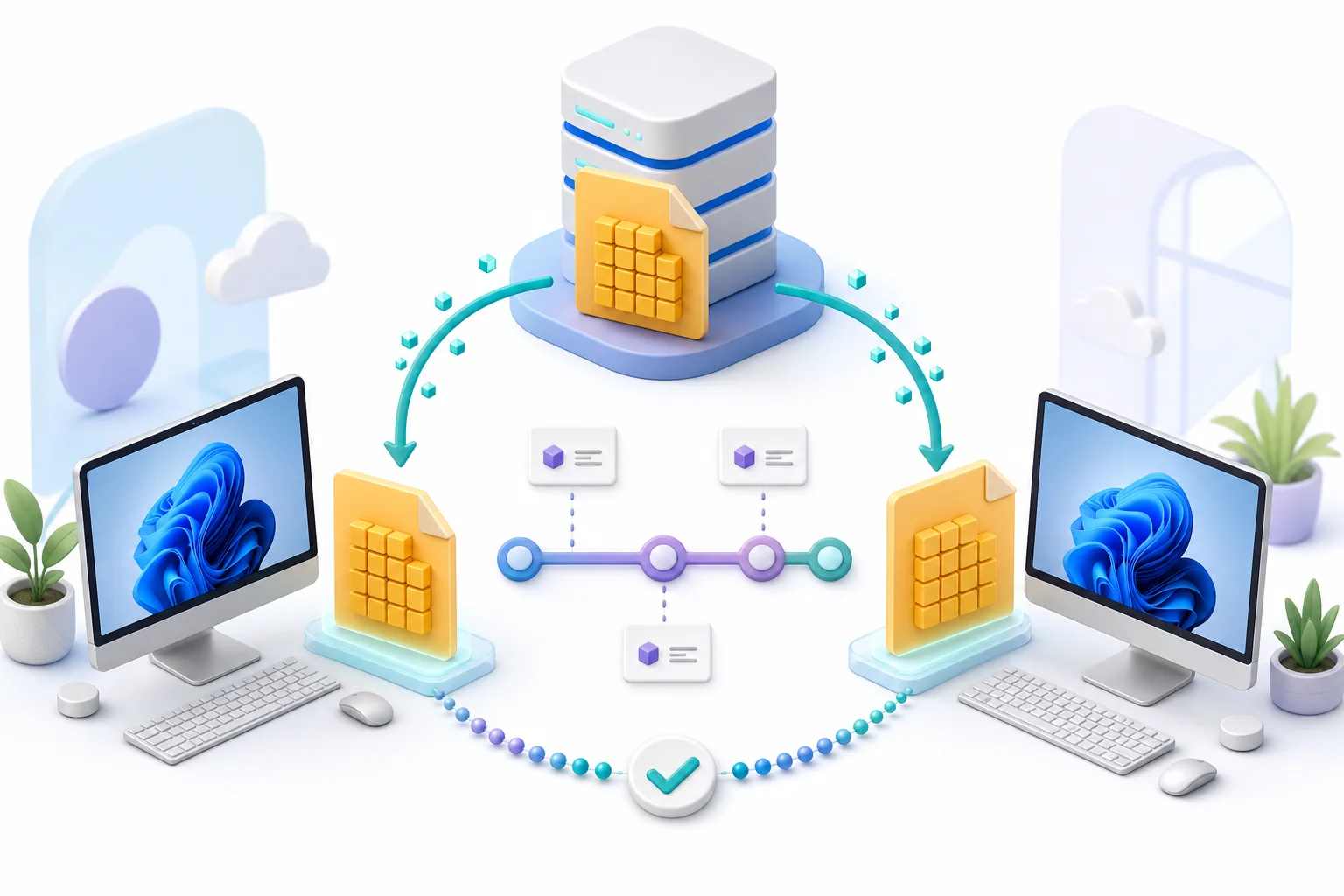
Everyone on the team needs the pointer, which arrives with an ordinary fetch. Teammates who intend to restore the bytes also need access to the storage route the pointer names.
When something gets stuck
A transfer fails mid-way
One failed raw file stays retryable while safe changes and verified pointers may still commit. The first HTTP 408 during the 14.8 GB exercise preserved the exact pending SHA for retry.
A large selection needs publishing
Conservative sub-1.5 GB commit and push batches prove each remote tip before the next commit. The Bambu exercise pinned 8,305 files (14,809,588,162 bytes) in four UI-created batches.
A clone shows pointer text
Detection on clone and open offers to verify and replace those files. Materialize does the same explicitly, on demand.
Good habits
Let the provider finish before you commit, except on the first branch's Release anchor.
Keep batches under 1.5 GB and prove each remote tip before the next commit.
Verify before replacing: hash first, swap second.
Treat compression as an optimization; a failed compression stays raw and cloneable.
Give restorers storage access, not just repository access.
The full reference
These pages are the tour. Every claim above is written out at length in the documentation.
Release-backed Cheap LFS — the complete guide: pointers, batching, the Release anchor, restore and verification.
Cheap LFS vs Git LFS — the comparison atlas in full, with the receipts behind each row.
OCI registry backend — storing payloads in a container registry instead of releases.
Asset versioning — how successive versions of one asset are tracked.
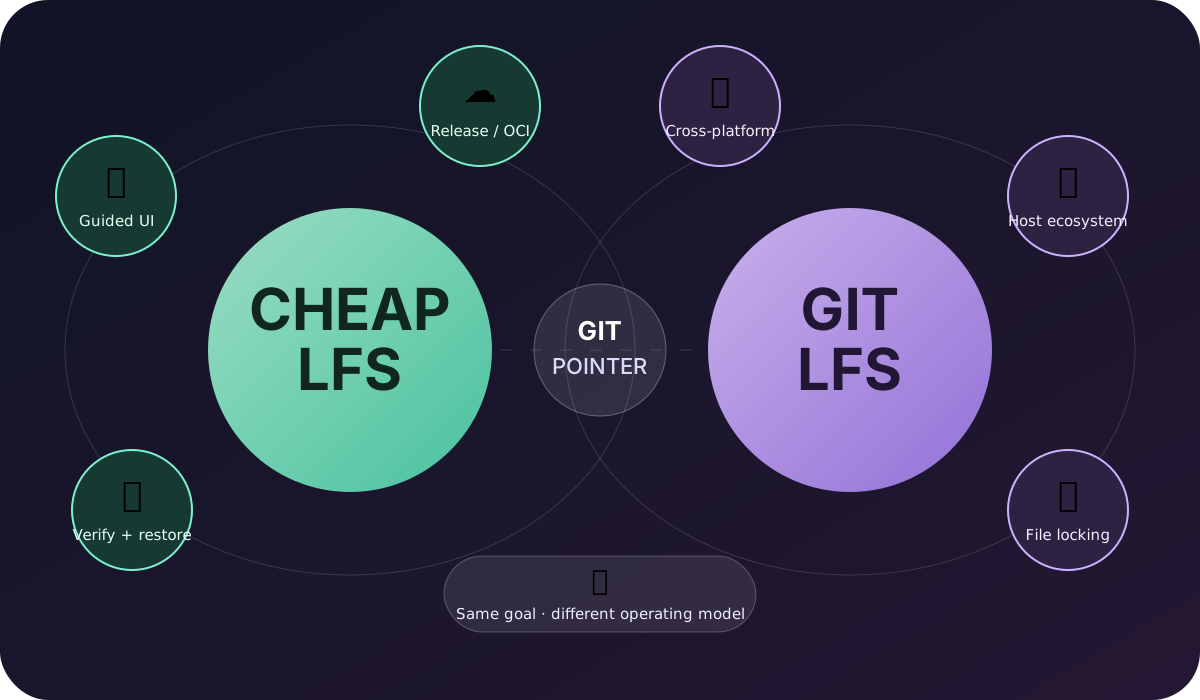
Neither replaces the other. Choose the operating model.
Git LFS is a hook-driven filter installed in the repository. Cheap LFS is a provider-first pointer commit performed by the application.
Filter the differences without losing the receipts
{{ atlasCount }} rows
{{ row.cat }}
{{ row.decision }}
Cheap LFS
{{ row.cheap }}
Git LFS
{{ row.lfs }}
Receipt · {{ row.receipt }}
Cheap LFS pins first. Then ordinary Git publishes the pointer.
On an established branch the heavy bytes go first, then an ordinary git push carries the pointer. The first branch is the Release anchor exception. Git LFS instead runs its filter during the push itself.
Fit finder
{{ fitVerdict }}
Receipts
8,305 files · 14,809,588,162 bytes · four UI-created batches
Each format carries this page's sections with their titles and body text. Files download locally; nothing is uploaded.
Appearance & language
Playfulness
Two independent 1–5 sliders, one per language. The level styles the voice of every message. It never changes the facts: what happened, which file, and what your options are stay stated in unambiguous words at every level.
{{ voice.heroLine }}
Appearance
Theme
Accent colour
Reduce motion
Animations on
Higher contrast outlines
Stronger borders
Show section tabs
Second strip
Per-element appearance
Per-element styling lives beside the element it owns: right-click any surface to open its own editor with its own history. {{ customizedCount }} elements on this site currently carry their own styling.
Regex builder
Dialect: JavaScript RegExp (ECMAScript)
Guided constructs
{{ testerError }}
{{ testerCount }} matches (evaluation is bounded to 200 matches and 20,000 characters)
@{{ m.at }}
{{ m.text }}
{{ m.groups }}
Patterns and samples stay in this browser and are not persisted.
Appearance
Owner: {{ appear.label }}
Every change is stored against this owner only and persists across reloads. Resetting reloads the page to drop the applied styles cleanly.